
CR3 photos become distorted to wrong ratio when viewed on Lightroom Web album synched from LrC
Hello everyone - first time posting and very much crossing my fingers that someone will be able to help ...and that I will be able to give you the proper information to help me!
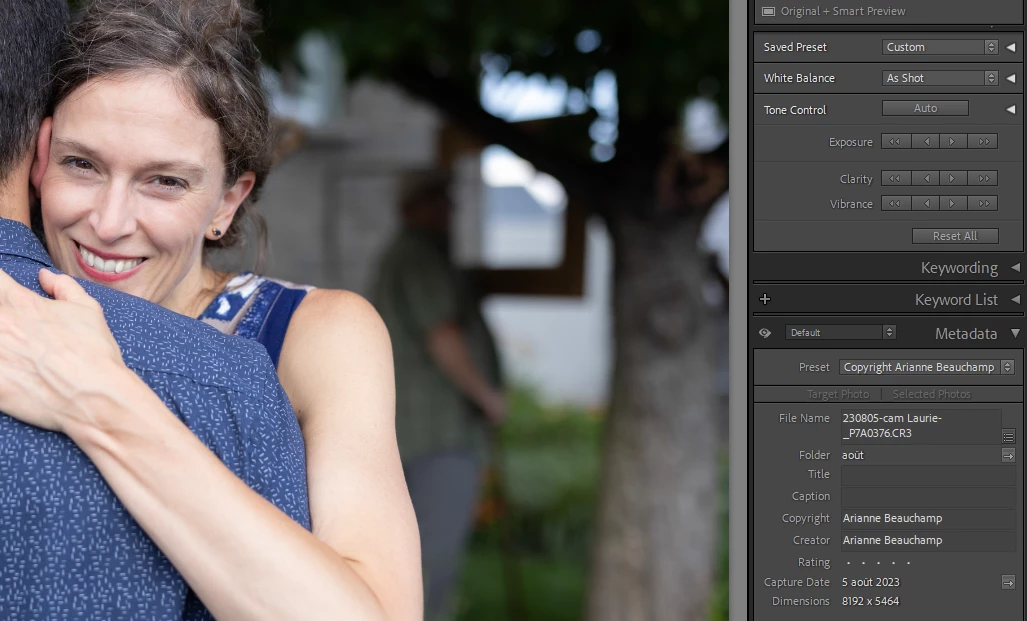
I have received raw CR3 files from a friend's Canon R5 from a wedding (no corresponding .jpgs). I shot images that same day with a Nikon Z50 (all imported in raw+jpg) . I placed my image choices from my Z50 in Collections in Lightroom Classic, that i then synched to the Cloud and shared a public album link to the couple who have happily made comments and likes on their choices - no problems.
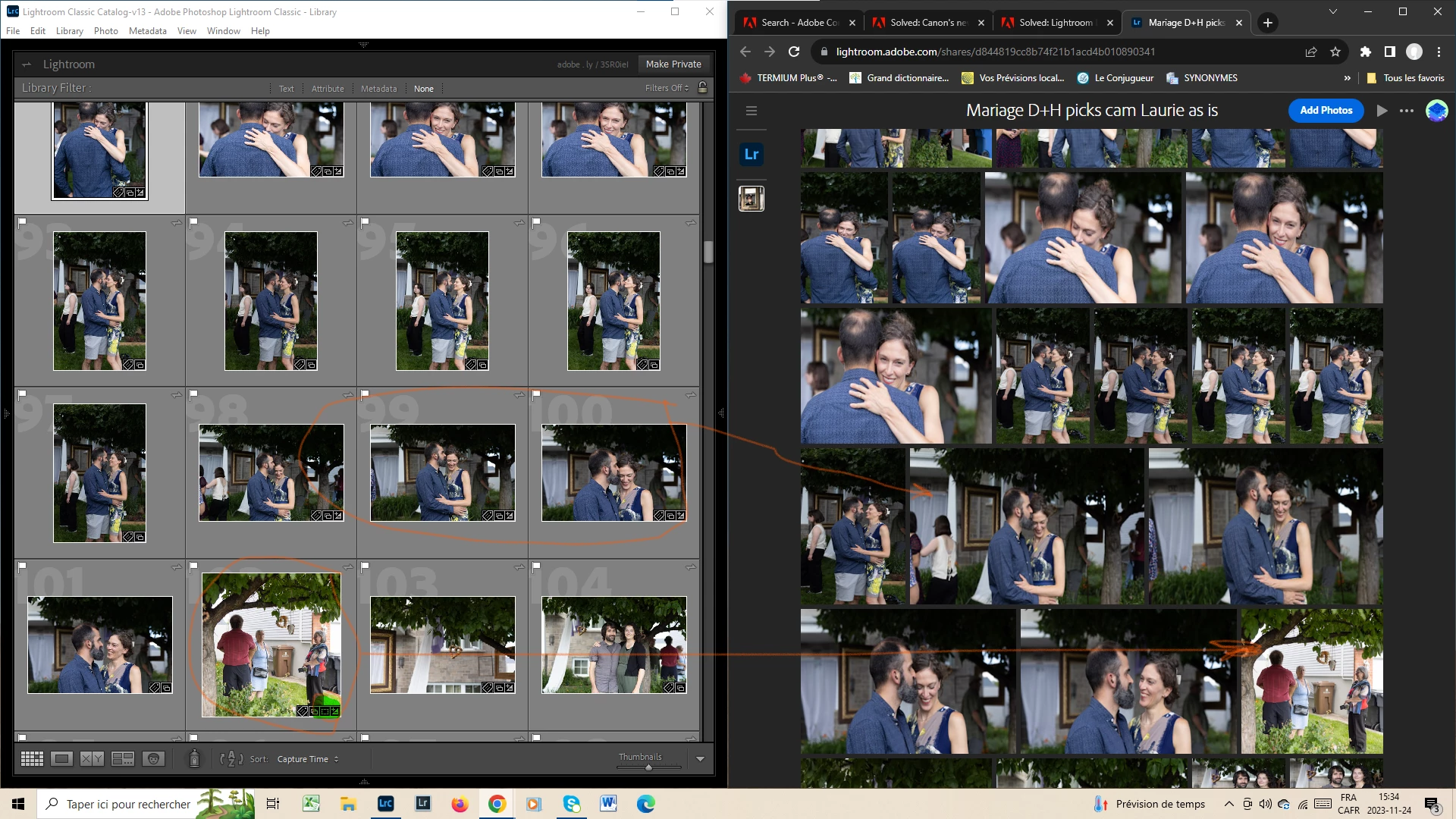
I've now made a collection/synched shared album with my friend's CR3s, and everything looks fine in Lightroom Classic, but when i look at the resulting synched album all the pictures that i did not myself crop or straighten for style are squished like they are placed into the wrong ratio. (see below)
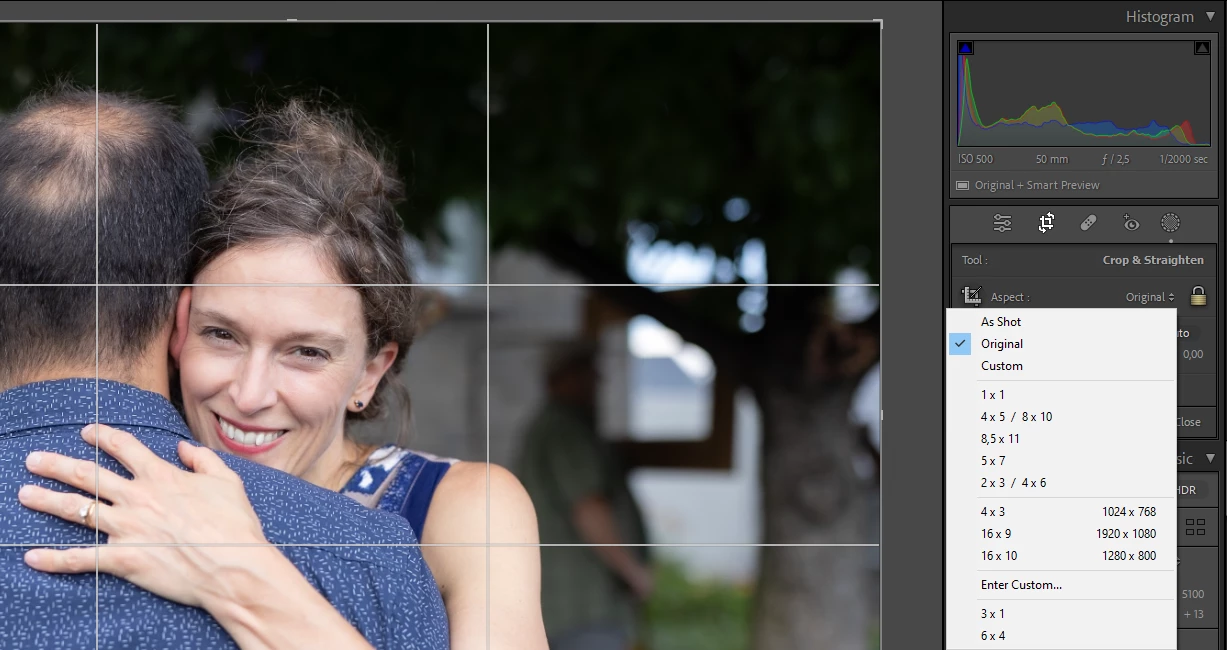
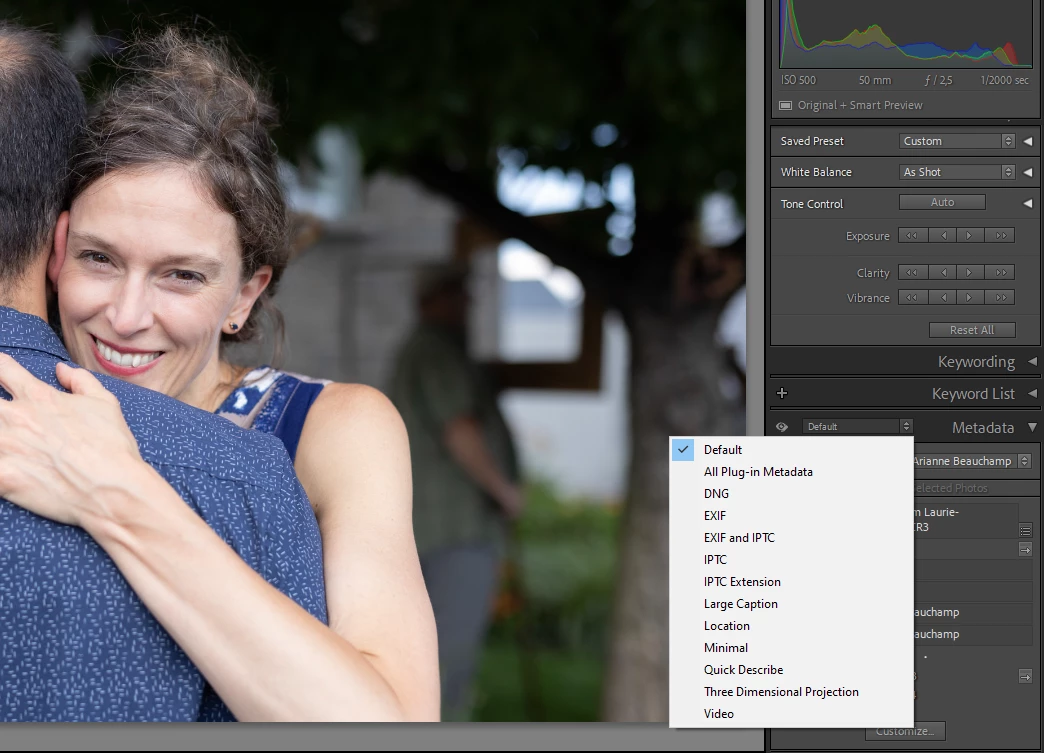
The only thing i know i did with the cropping is at the very start I changed all the images from "as shot" to "Original" bc I wanted to see the whole picture (see below). Is there a checkbox i missed somewhere? My memory is a little fuzy about my exact steps, as I did this about 8 weeks ago and the problem only arose with the shared online album, so apologies in advance if i can't properly answer any follow-up questions you might have..!
It feels like a mix between these two subjects, but neither have helped me fix the problem when i apply them to my situation
https://community.adobe.com/t5/lightroom-ecosystem-cloud-based-discussions/lightroom-lrc-crops-impor...
and
I've tried changing the crop from "original" to "as shot" (using a virtual copy) but it still ends up wonky online.
thank you all in advance
[i've been told i mistakenly posted this in the Classic Discussion board, so i'm re-posting here)
 AdChoices