Participant
October 13, 2023
Answered

Desenfoque de lente Lightroom

  • October 13, 2023
  • 2 replies
  • 878 views

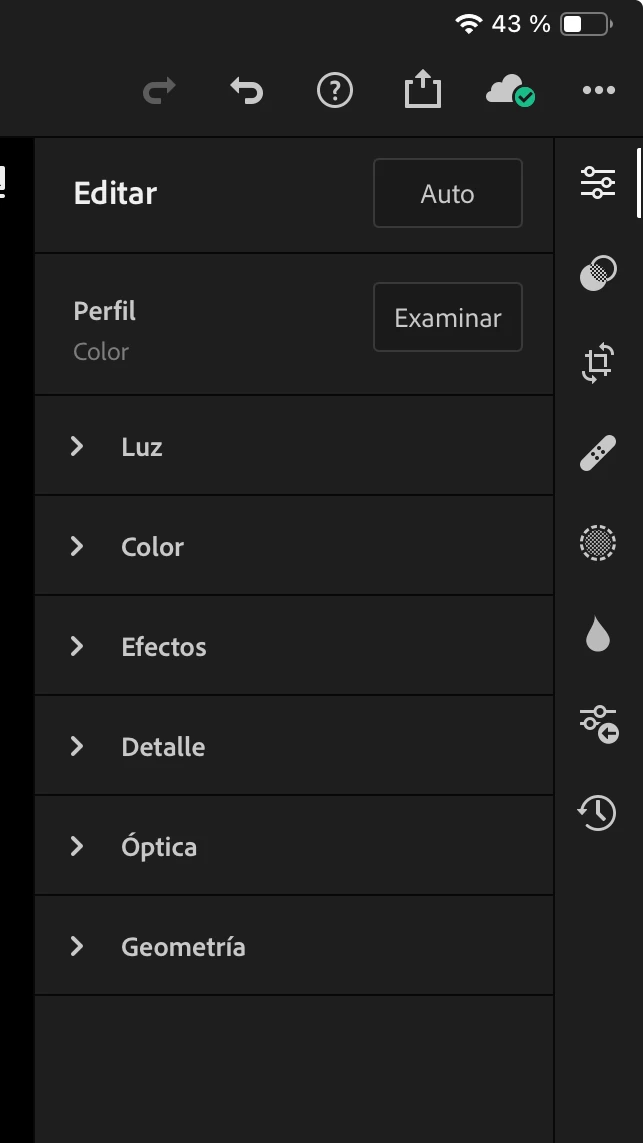
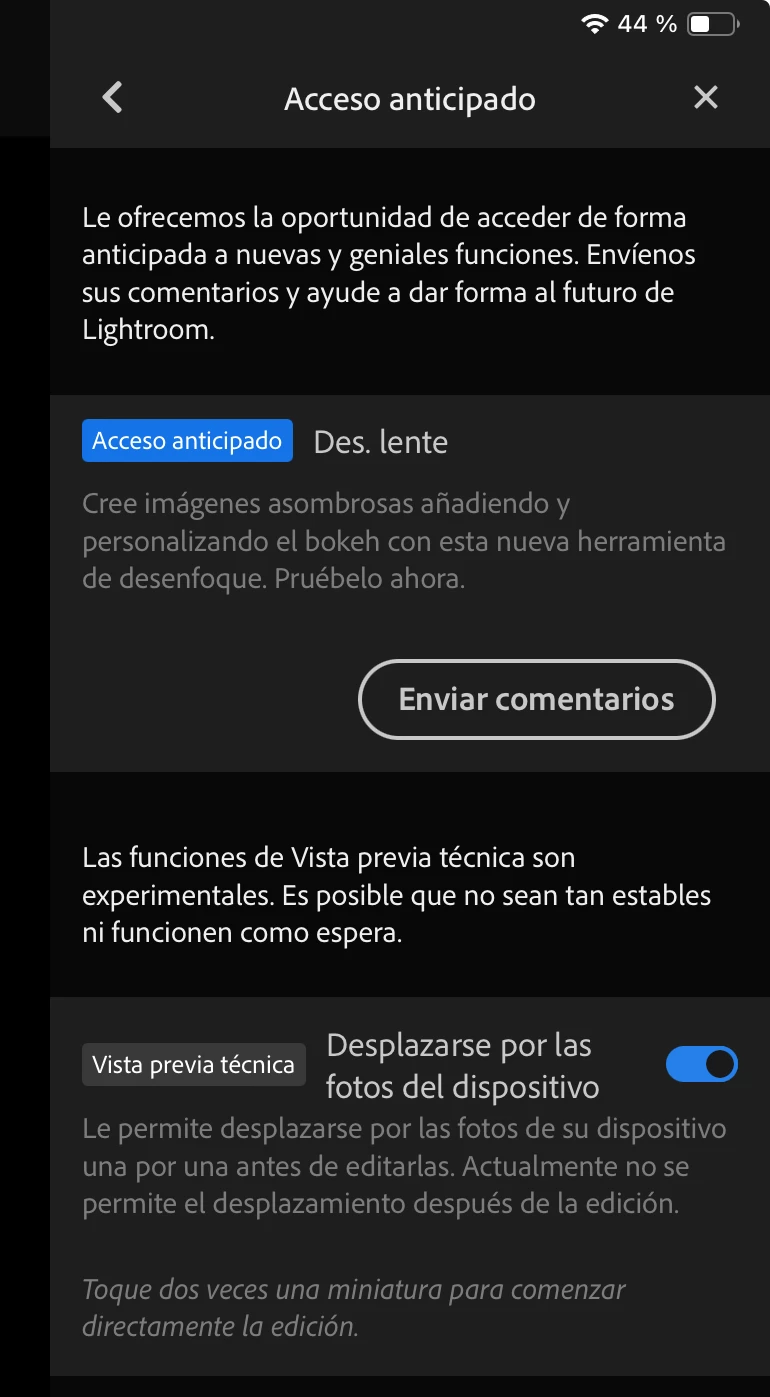
En opciones aparece la posibilidad de usar desenfoque de lente, pero en editar, no.


Correct answer Charlie.D

Adjunto grabación de pantalla iPad Pro 12,9


@Julio31232951gea3 

I can see the Lens Blur button on your screen.  Tapping it does nothing?  

Does it help to delete the Lr app and install the app again?


Here is Lens Blur on my own 12.9inch iPad:


2 replies

Participant
October 16, 2023

hello I would like to know if the new blur option is available on iPad mini (5 generation) since I can't find this option since I can't find it anymore.

Thank you 

Inspiring
October 16, 2023

Hello @Xavi22209277730z 

Please see: https://helpx.adobe.com/lightroom-cc/using/lens-blur.html#lens-blur-mobile-ios 

The iPad Mini 5tg Gen will not show Lens Blur.  This feature requires iOS devices with at least 4GB RAM

Inspiring
October 13, 2023

I see the lens blur button in your screenshot, so you should be able to use it.  Please see this page for help: https://helpx.adobe.com/lightroom-cc/using/lens-blur.html#lens-blur-mobile-ios 

Participant
October 13, 2023
En IPhone si aparece la opción de activar desenfoque de lente (acceso
anticipado), pero no está en editar.
En iPad (iPad pro ) ni aparece la opción activar en la configuración.
En Lightroom escritorio está correcto.
Charlie.DCorrect answer
Inspiring
October 17, 2023

Adjunto grabación de pantalla iPad Pro 12,9


@Julio31232951gea3 

I can see the Lens Blur button on your screen.  Tapping it does nothing?  

Does it help to delete the Lr app and install the app again?


Here is Lens Blur on my own 12.9inch iPad: