
Develop mode blurry image
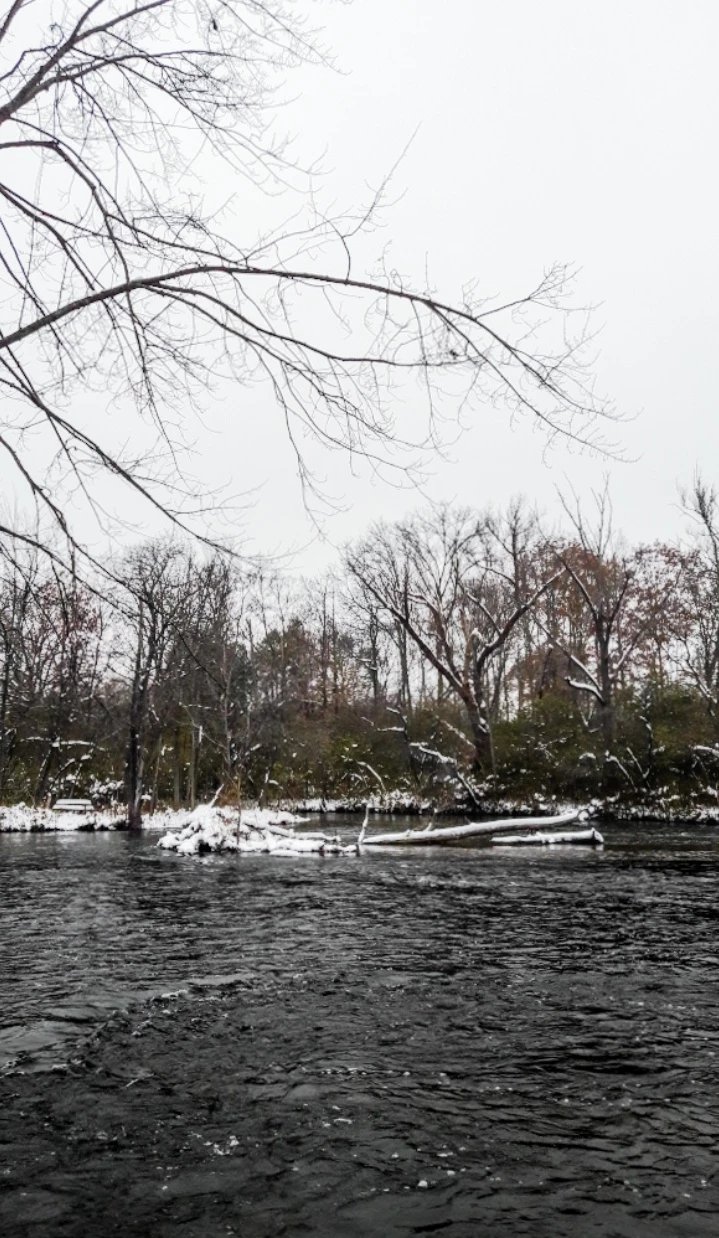
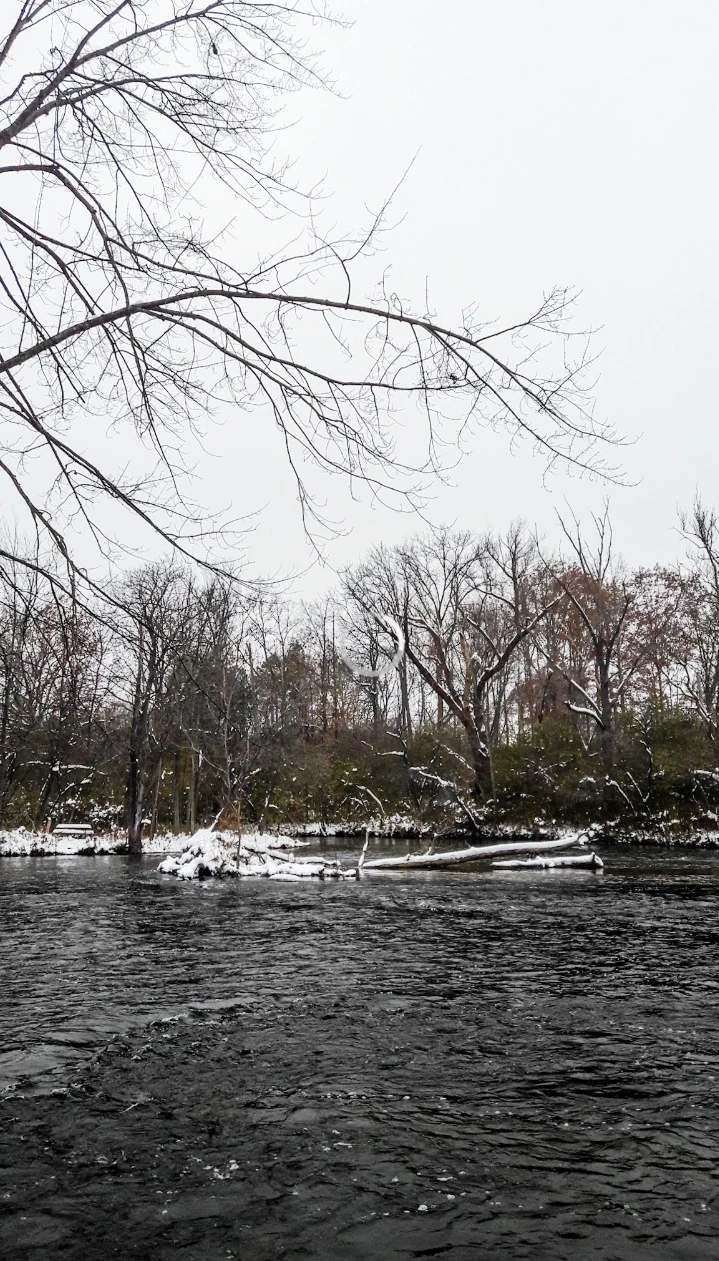
When I open an image from the library it appears clear and sharp. When it finishes loading, it becomes soft and blurry. It is frustrating to say the least. How do I know how to edit the image if I'm not seeing the actual image?
I've tried toggling cloud sync on/off and clearing the cache. I'm using Lightroom Android v5.2.
Can this issue be resolved? Please help. Screenshots attached.
The first image is the develop mode, second image is when it is loading from library. (you can see the loading circle in the middle of the photo).
The second image is clearly of far greater quality than the first one I'm forced to edit. Of course when I export the photo it looks like the preloaded image. That doesn't help me in develop mode.
{Moved from Lightroom Cloud to Lightroom Mobile & Apple TV Forum by Moderator}
 AdChoices