carloss22072637
Known Participant
November 16, 2025
Question

Exporting error when using AI object masks

  • November 16, 2025
  • 1 reply
  • 174 views

In the latest update (Lightroom 9.0), when exporting any image (old or new) that uses an "object" mask , it shows the following error: "Some images were exported using obsolete AI adjustments". 
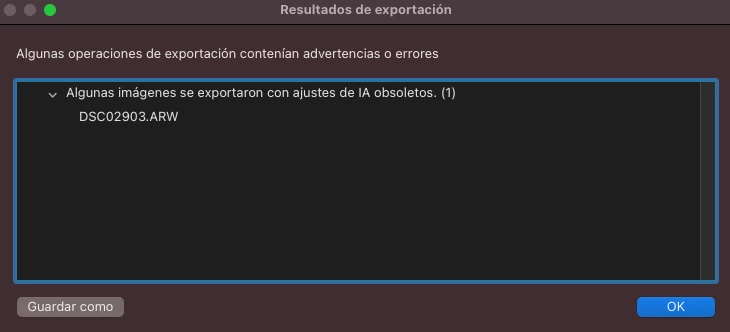


But the thing is that according to the AI section/tool, nothing needs to be updated. 
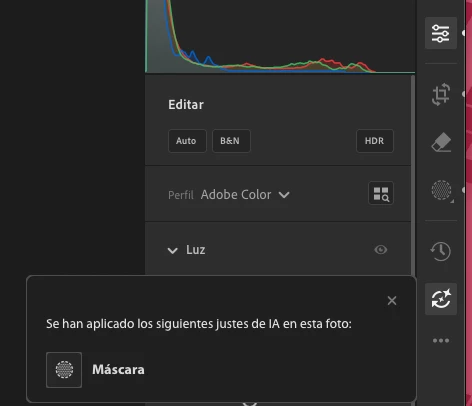


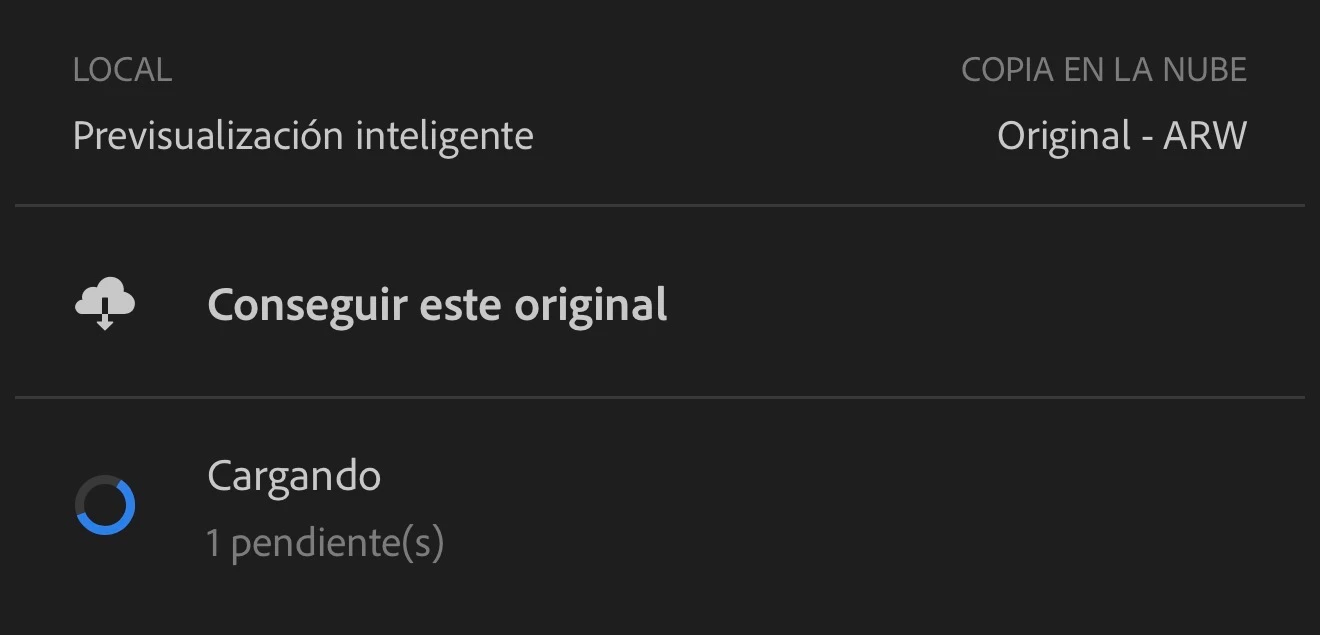
If I open the same image in my phone, it shows a message that AI needs to be updated, but I do it, the photos nevers syncs to the cloud. The loading icon stays there permanently never synching the adjustments. 



If I delete the object mask, the error dissappears and the synching works fine too. So It is clearly an error with AI masks. 


This happens macOS, Windows and the iOS version.

1 reply

Rikk Flohr_Photography
Community Manager
Community Manager
November 17, 2025

I have not seen this.
Can you supply the original file + settings for us to review?


Rikk Flohr: Adobe Photography Org
carloss22072637
Known Participant
November 17, 2025

Hi again! I sent one file to you over DM. I hope it helps! 

Rikk Flohr_Photography
Community Manager
Community Manager
November 18, 2025

Hello.


Thank you. I did all the steps but still having the same issue. 

I even uninstalled and reinstalled Lightroom but it didn't work either. 


Any other advise would be highly appreciated. 


I also sent you a video of the process via DM. Let me know your thoughts. 


As a test, if you take the Original + Settings you sent to me and open it in Local Mode:


  1.  Does it look correct?
  2.  Will it export from Local? 
  3.  If the answer to both of those is Yes, then Export as DNG
  4.  Import the DNG file into your Cloud catalog and check if it can be exported. 
Rikk Flohr: Adobe Photography Org