
How to apply presets to multiple photos in the mobile app
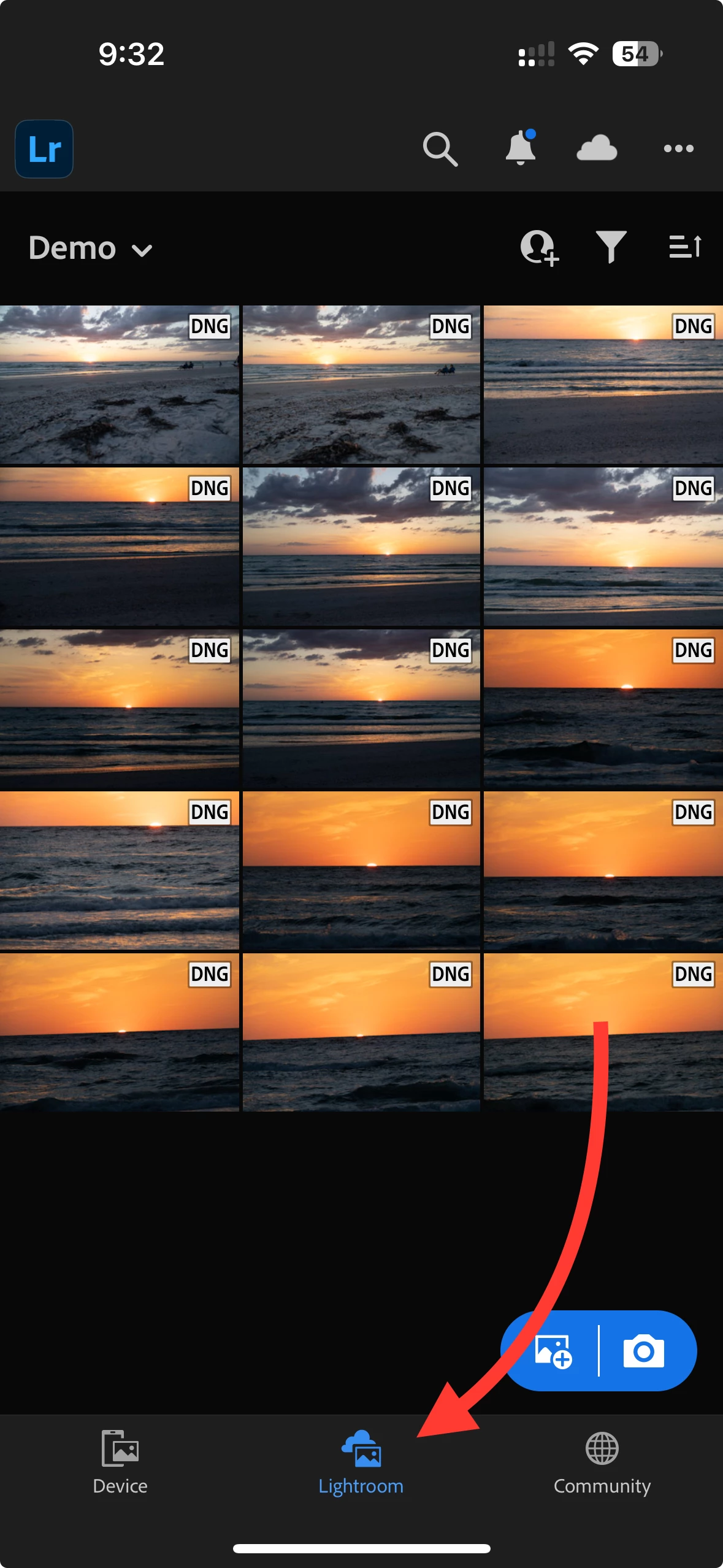
Hi everyone, how can I apply a preset to multiple photos and videos at once when I am on the mobile app? I watched a video that said to copy the settings from a photo that had the preset applied already (got that step figured out), and then to select multiple photos/videos in the gallery view and then hit the menu in the top right corner of the screen and select "past settings".
The issue I'm running into is that as I am selecting multiple photos the menu in the top right corner of the screen becomes blocked by a little blue bar that carries the "done" option for multiple select and I cannot select the menu icon behind it. So I can select multiple photos but then I can't actually do anything to them. Please help! I'm so tired of applying presets one by one!
 AdChoices