
Participant
March 14, 2025
Answered

How to permanently delete photos from Lightroom?

  • March 14, 2025
  • 1 reply
  • 420 views

Hey all, I've seen similar posts here, but nothing has helped. When I finish editing photos, I want to delete all the ones that weren't edited. I do that by clicking on the photo -> Delete 1 Photo -> then I have this notification: 
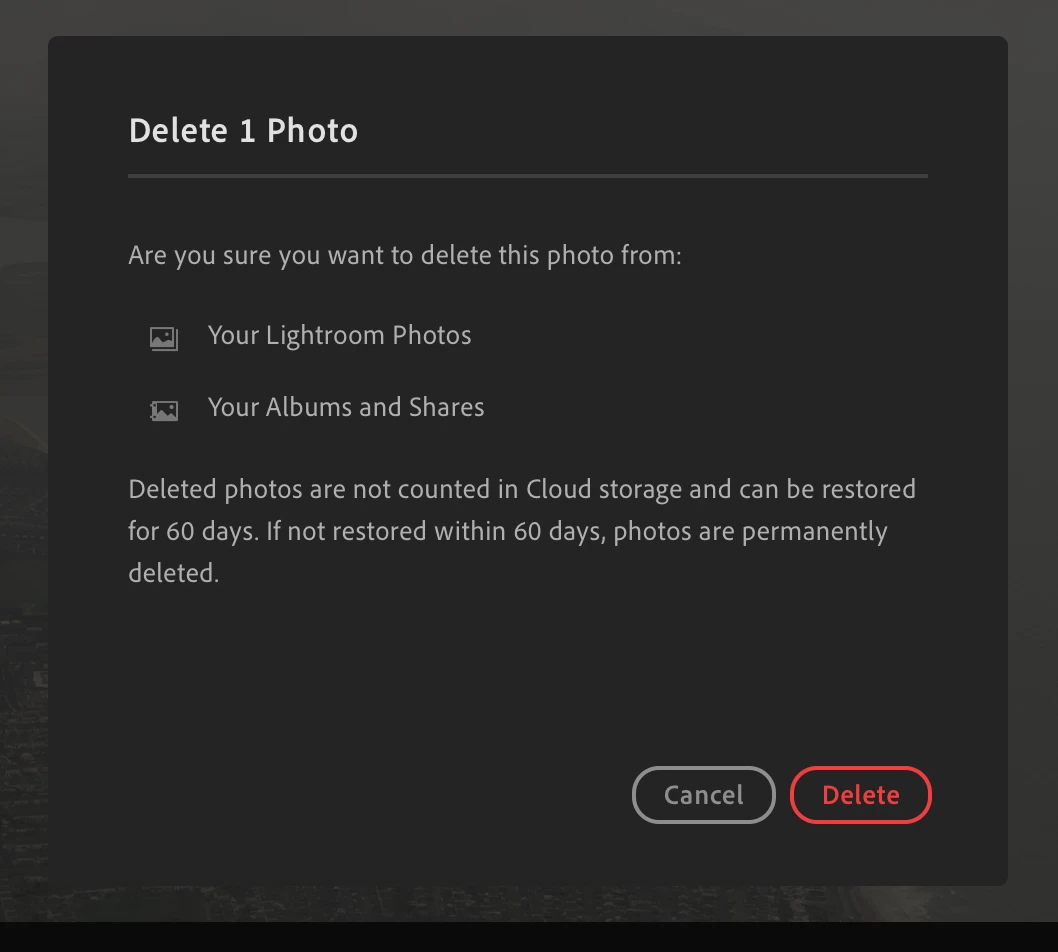


What should I do then if I want the photos to be deleted permanently without waiting these 60 days? Does anyone has any specific steps I should follow here? I just want to make sure I won't deleted photos that I actually want to keep (that weren't deleted, but are still in Lightroom). 

Correct answer Aleke

Hi @domi.piskorz! Welcome to the community!

In the All Photos drop-down menu, you'll find a folder named Deleted. Head over to that subfolder, and you'll see all the photos you've deleted in the last 60 days. If you want to permanently delete them right away, just right-click on them and select Permanently Delete.

Hope this helps! 😊

Alek


1 reply

AlekeCommunity ManagerCorrect answer
Community Manager
March 14, 2025

Hi @domi.piskorz! Welcome to the community!

In the All Photos drop-down menu, you'll find a folder named Deleted. Head over to that subfolder, and you'll see all the photos you've deleted in the last 60 days. If you want to permanently delete them right away, just right-click on them and select Permanently Delete.

Hope this helps! 😊

Alek


*(If you mention me with an @, like @Aleke, I’ll get a notification and can respond faster.)*
Participant
March 14, 2025

Thank you sooooo much, I totally missed this!