Participant
May 28, 2022
Question

Huge quality loss and noise after exporting from RAW to JPEG (Lightroom Mobile)

  • May 28, 2022
  • 2 replies
  • 1022 views
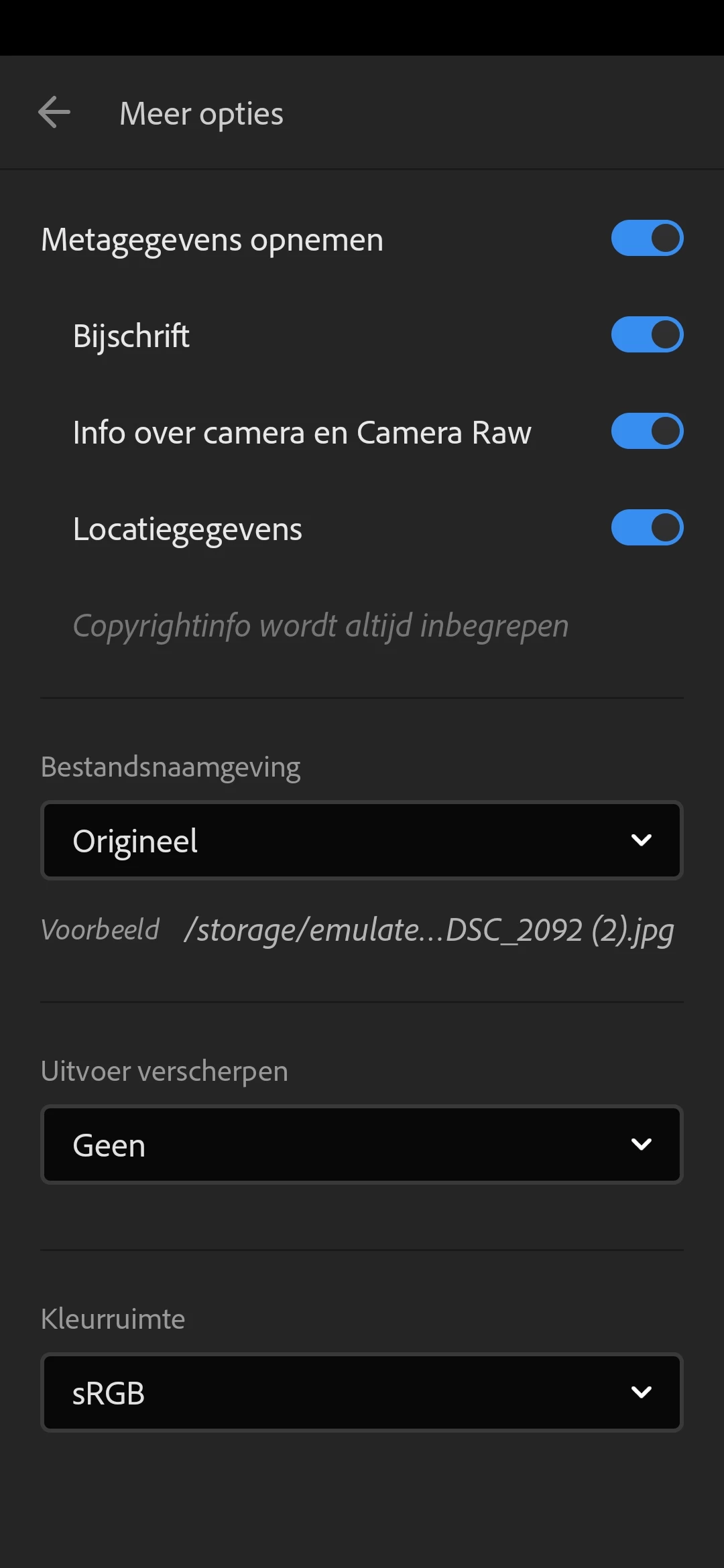
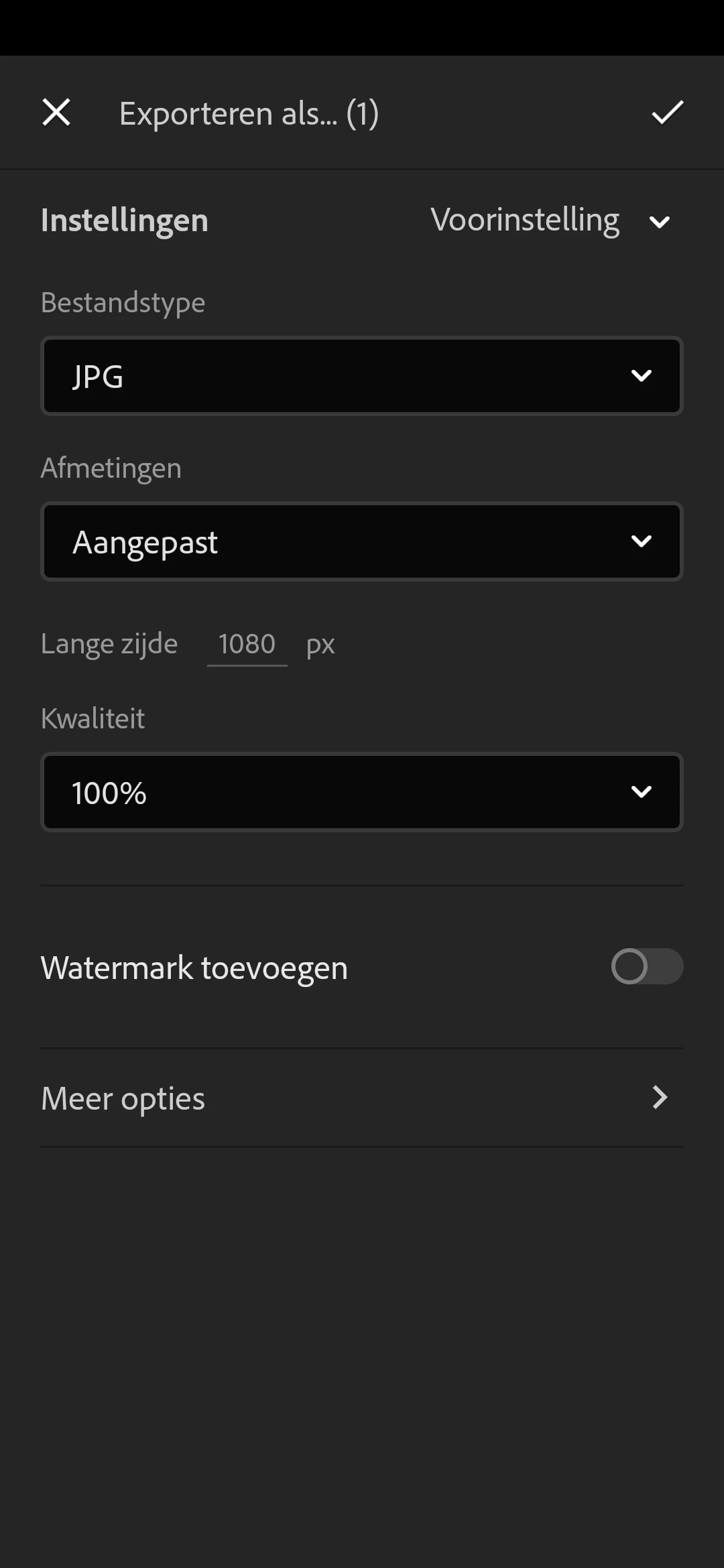
  • Hi, I recently started taking RAW photos. I mainly make aviation photos that I post on Instagram. As you may know, the highest quality for an Instagram photo (1:1) is 1080px. When I export my edited RAW photo from Lightroom Mobile, there is very much noise and a large loss of quality after the export (see attachments). As a result, the photo is no longer usable. I only have this problem when I have to make the image smaller for instagram. When i export it to jpeg in max quality, there is no prooblem. I used to only take jpeg photos and then I didn't have this problem when making it smaller for instagram. I've also add my export settings (see below).

Does anyone know how to solve this problem?
This topic has been closed for replies.

2 replies

Community Expert
May 29, 2022

Insta only does 1080 pixels as you correctly set up and so the file you show is basically as good considering size and detail. You should apply some sharpening (uitvoer verscherpen) on the export to make it appear a bit sharper though. You NEVER should have to use quality 100. TYpically 80-90 is more than good enough and insta recompresses it anyway to even lower quality than that. What does look strange is that the smaller image seems to have a lot of noise added. It's almost as if no noise reduction is applied while the unscaled image is not noisy at all. I have not seen that myself and might be a bug.

JP Hess
Inspiring
May 28, 2022

A couple of thoughts. There will always be some quality loss when exporting a JPEG from a raw file and reducing the size. Frankly, I don't see that much noise difference between your two examples. I don't use Lightroom Mobile for a number of reasons. You might be able to improve the quality somewhat if you were using the desktop version and could use the Enhance option and then reduce down from that image. But I don't see a problem with what you posted.