Sister Sabina
Inspiring
December 25, 2019
Question

I can't find the "presets" tab on either Lightroom CC (latest version) or Lightroom Classic

  • December 25, 2019
  • 1 reply
  • 1199 views

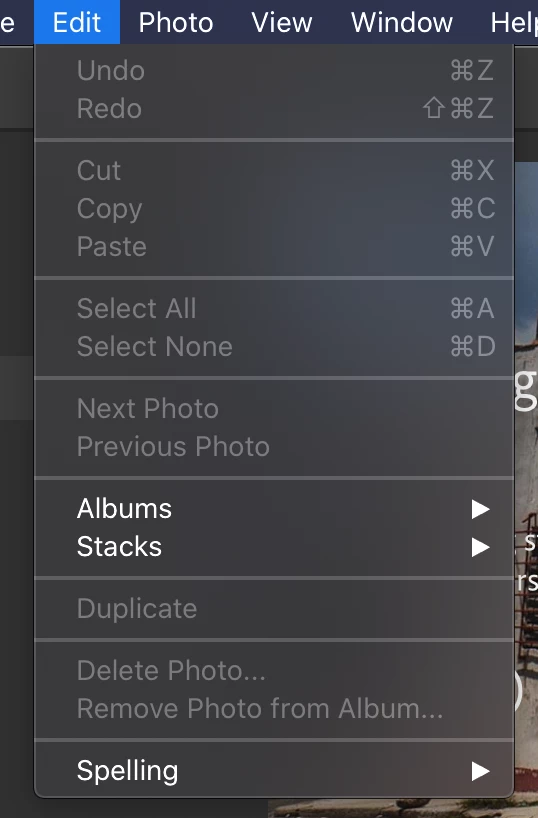
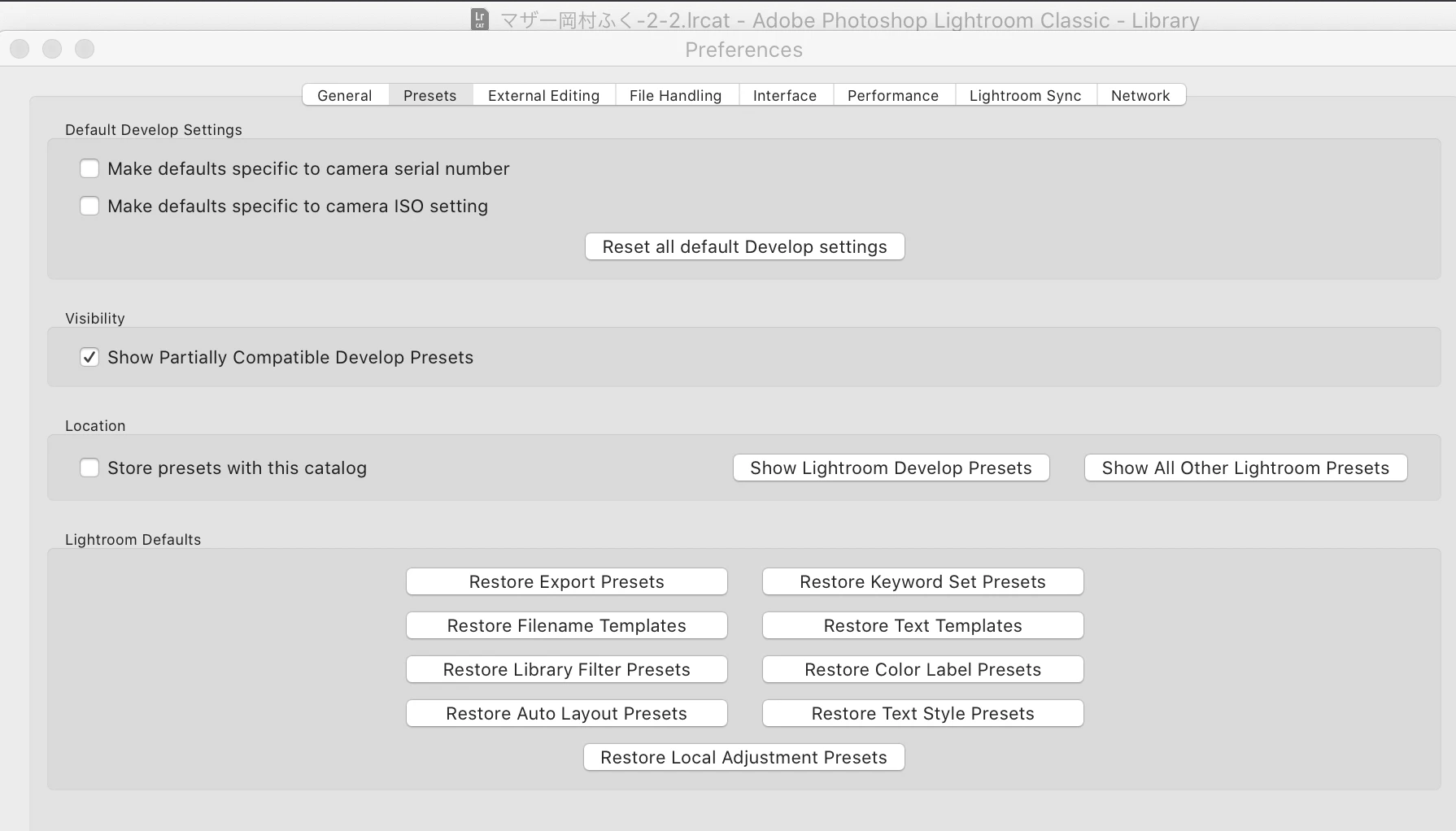
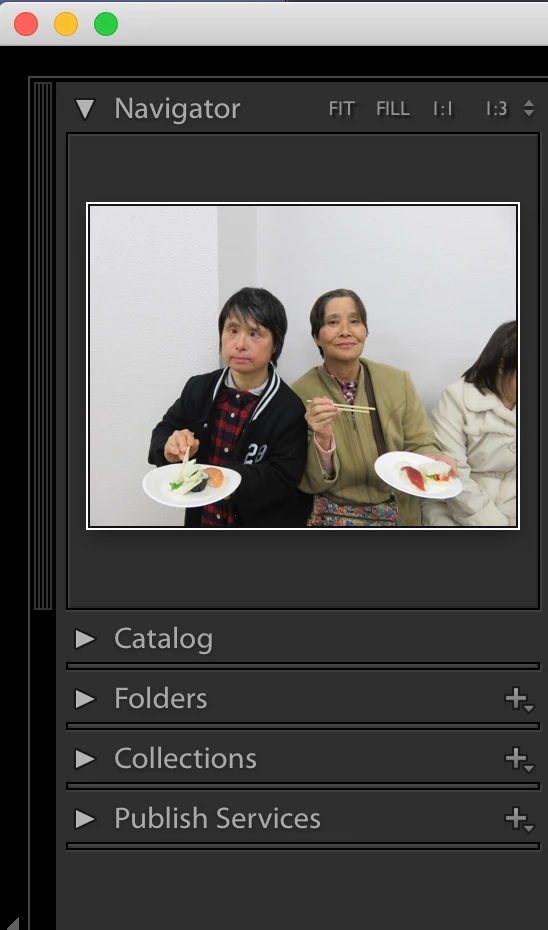
I spent some hours yesterday trying to figure out why I am not seeing the "presets" tab on either of these applications.  I attached screenshots of what I am seeing.  Can somebody please tell me where I am obviously going wrong before I go mad?  Thanking you in advance.  I also state that I have had a look at several youtube clips on installing presets but they don't help when I can't even see where I am supposed to be installing them.


Thanking you in advance,

Mitaka27
This topic has been closed for replies.

1 reply

Sister Sabina
Inspiring
December 25, 2019

Hi, just to let you know that I found a solution as to how to import and use "presets" at https://www.youtube.com/watch?v=miiw5BtNgKo so question solved despite the fact that I still don't see the tab under "navigator" or "edit" as I was led to believe I should.

Mitaka27

Sr. Sabina
Jim Wilde
Community Expert
Community Expert
December 25, 2019

The Presets tab is available below the Navigator, but in the Develop module....not the Library module which is what your screenshot shows.