Participant
October 8, 2019
Answered

Is there a way to filter "picked" photos?

  • October 8, 2019
  • 2 replies
  • 17325 views

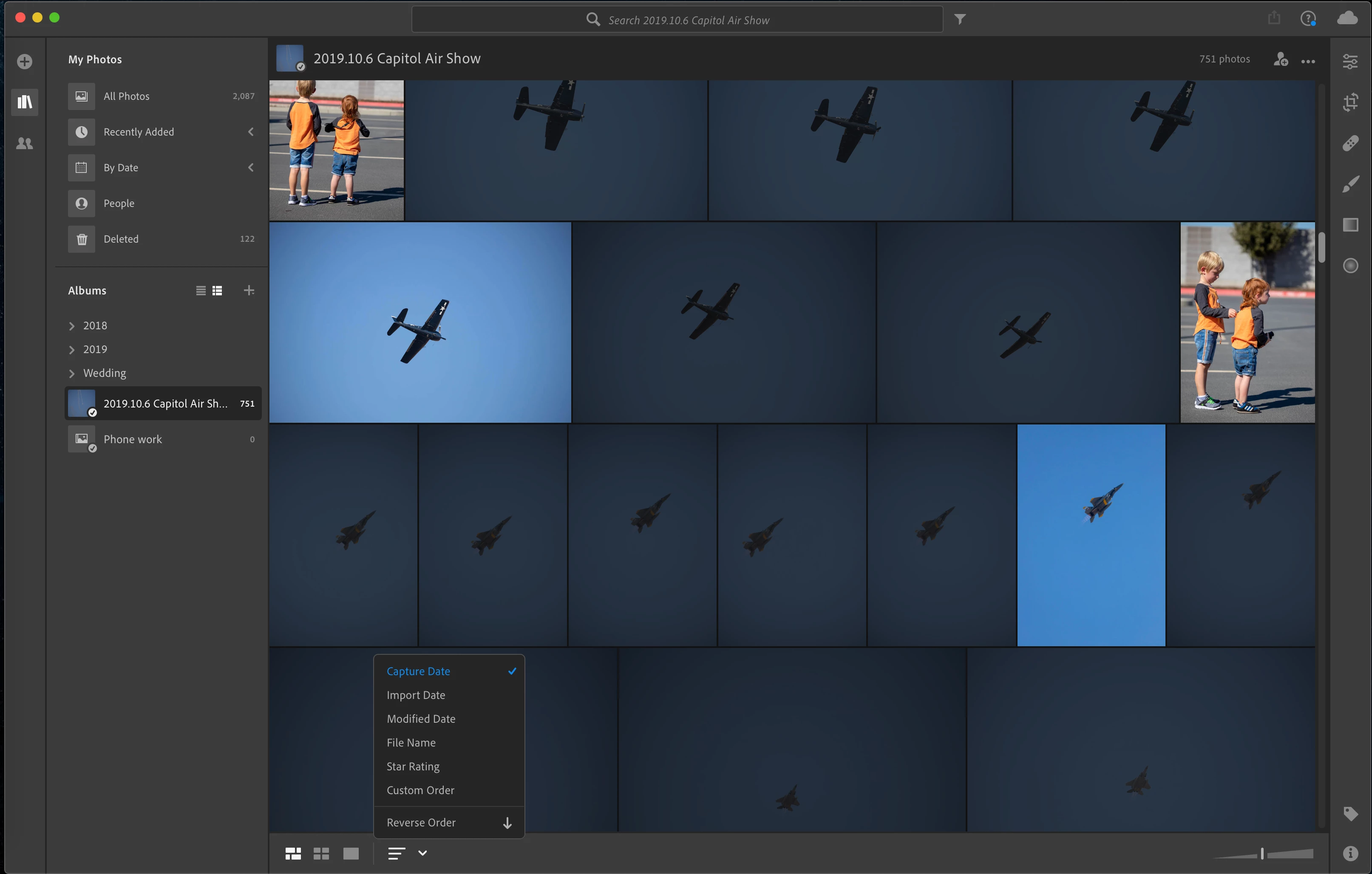
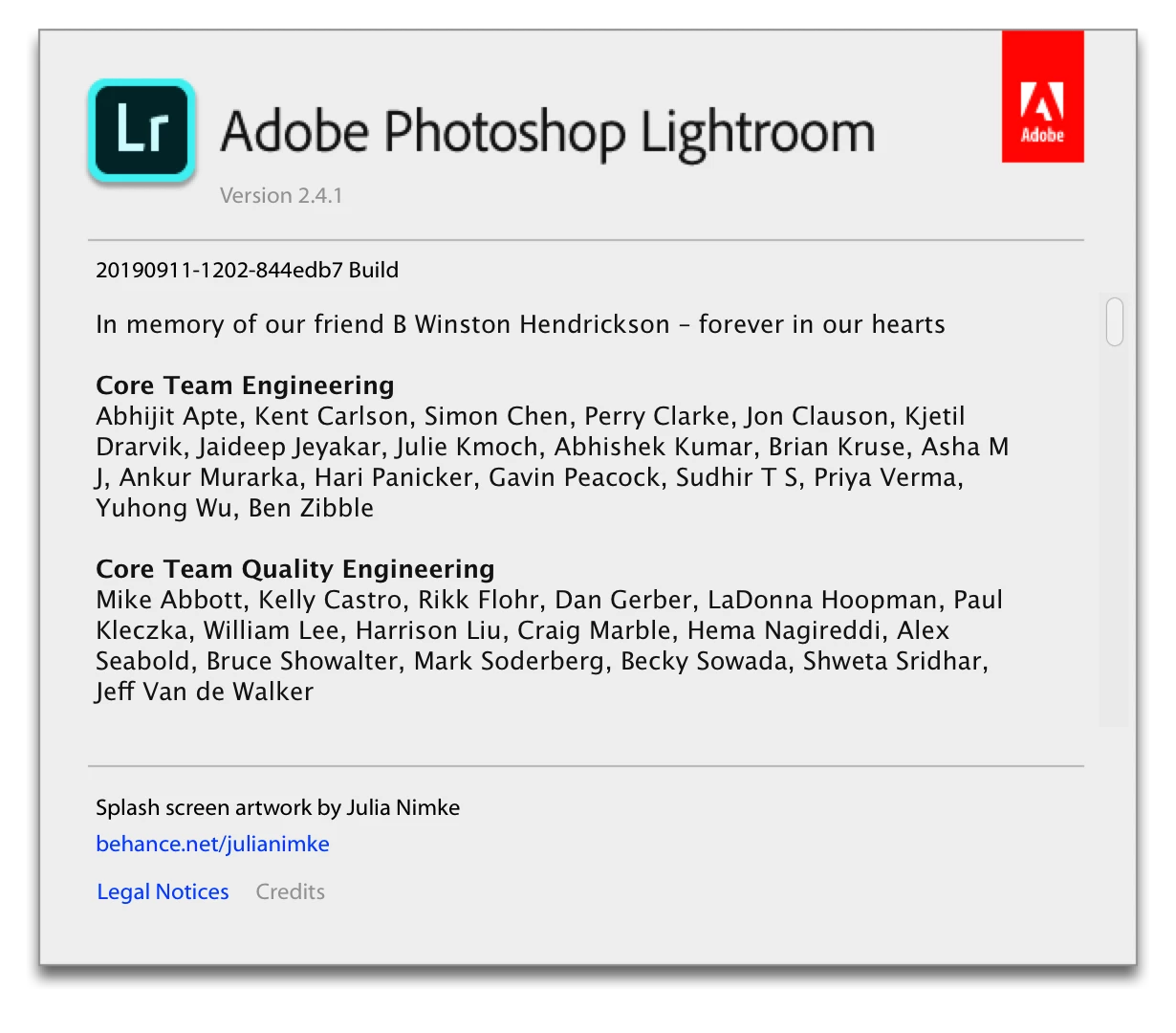
Hi, I'm reletively new to lightroom.  I'm not even sure which version I have, I assume CC because I bought a subscription that comes with Lightroom and 1TB of cloud space.  The trouble I am having is this - I have an album of 750ish photos, I have gone through them all and marked the picked flag on the ones I want to keep.  I was thinking it would be as simple as sorting based on the flag, but that does not seem to be an option.  I only see sorting for star rating.  All my searches for this filter function bring a lot of results but that all seem to be talking about a very different version that has buttons/bars that I do not see at all.  I'd rather not scroll through all 750 photos again just to mark a star rating on the non-picks so I can sort and easily select/delete in one batch.

Am I totally missing some easy filter that I am looking for?  Here's the version I have and what my UI looks like:
 

Thank you in advance for any assistance you can offer,

Sean

Correct answer Akash Sharma

Hi there,


Sorry that you're facing trouble marking images as picked in Lightroom.


I am not facin such problem, please check the screenshot below: 


I am simply marking images as Picked (using either the icon or keyboard shortcut " Z ". 


Let us know how it goes.


Thanks,

Akash

2 replies

Akash Sharma
Akash SharmaCorrect answer
Legend
October 8, 2019

Hi there,


Sorry that you're facing trouble marking images as picked in Lightroom.


I am not facin such problem, please check the screenshot below: 


I am simply marking images as Picked (using either the icon or keyboard shortcut " Z ". 


Let us know how it goes.


Thanks,

Akash

Participant
October 8, 2019
Selondon & Akash, I found it, thank you! I completely missed the little filter button to the right of the search bar, it was staring me in the face the whole time!
Akash Sharma
Legend
October 8, 2019
Thanks for the update. Glad to know everything's working fine now. 🙂
selondon
Community Expert
Community Expert
October 8, 2019