Is your Lightroom photo catalog under any other Cloud services? Dropbox, onedrive, Google Backup & Sync...etc.
After talking to an Adobe Support tech I was informed that the migration can be problematic if your photo library is stored under another Cloud service as the read & write permissions of those folders can be constantly changing and it will mess up the migration.
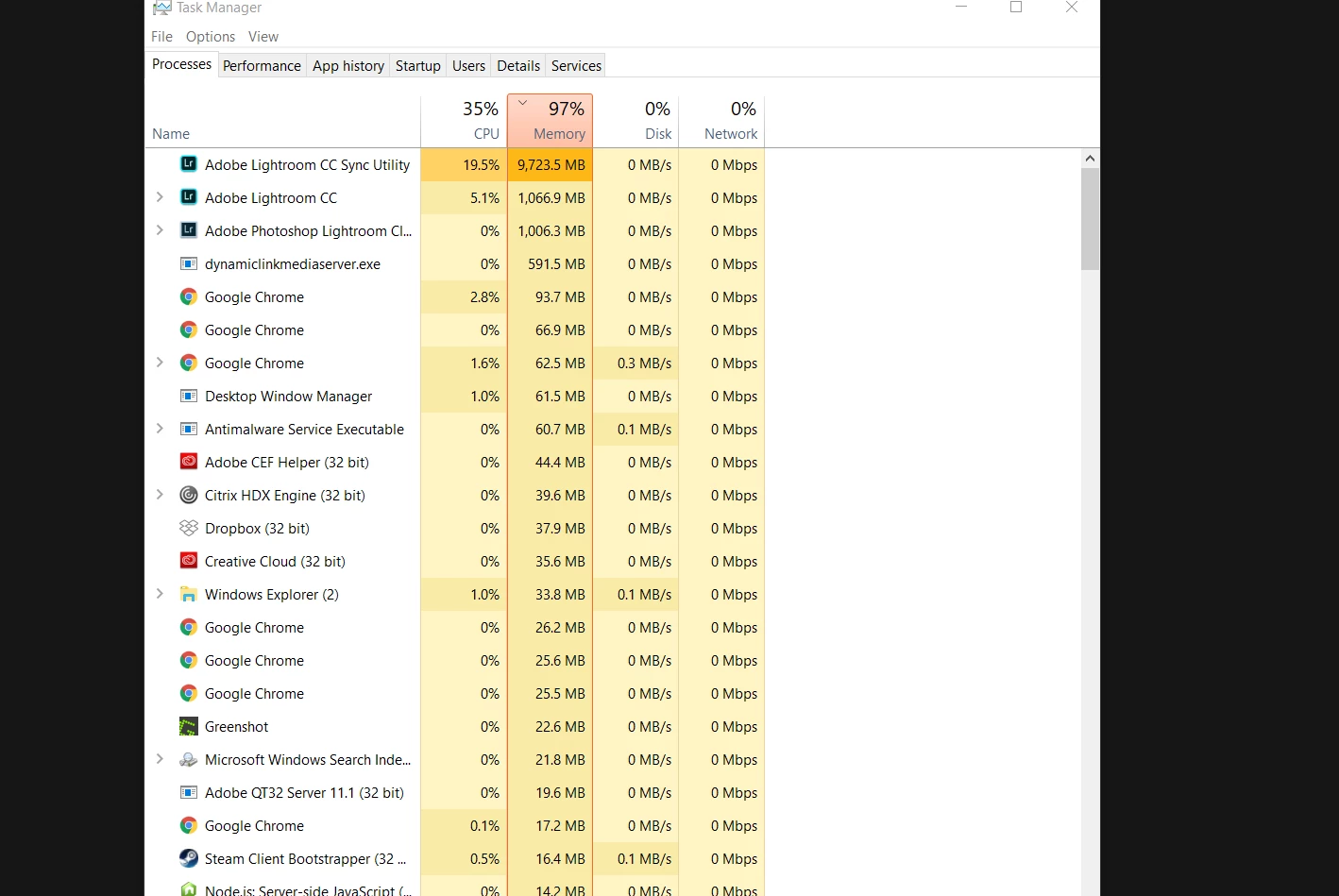
This is exactly what gave me the same memory leak in my Lightroom CC Sync Utility. Mine kept hovering near maxed out memory even though I had 16 GBS, and the migration stopped short at 405 photos out of my 3400 total.
I wiped my Lightroom CC library clean to start the migration over (Go to Lighroom Classic Preferences, Lightroom CC, Delete all Data).
I then moved my photo library off of Dropbox and Google Backup & Sync.
Fixed a couple of broken link folders in Classic CC as a result of doing so.
Restarted the Migration process... and it's currently working as advertised, no more memory leak.
Hope this helps


 AdChoices