This topic has been closed for replies.

1 reply

Akash Sharma
Legend
August 14, 2020

Hi there,


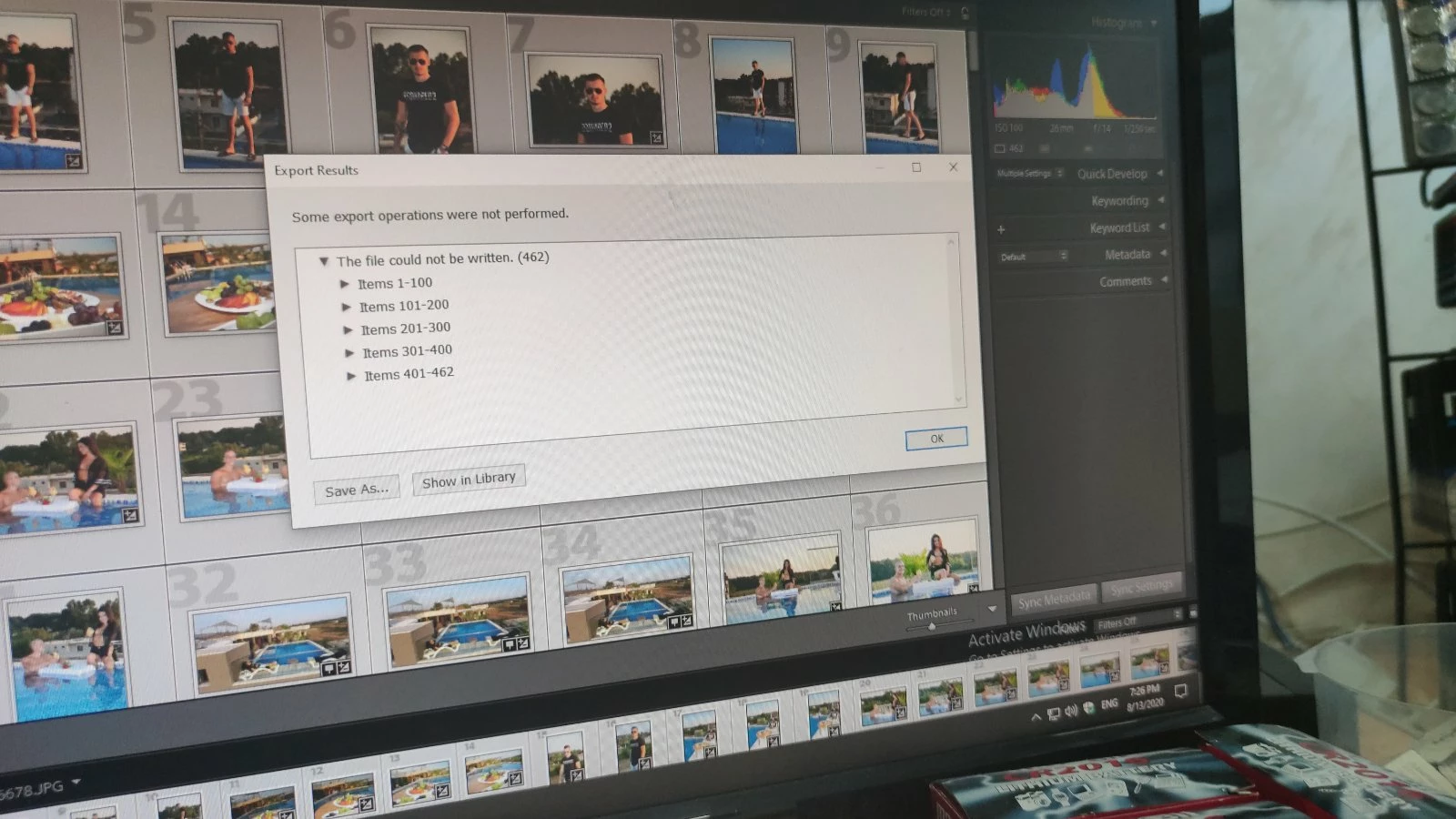
Sorry that you're getting an error while exporting images from Lightroom Classic that says "some export operations were not performed" .


Which version of Lightroom Classic are you using? Some possible reasons why you're seeing this error might include: 


  1. Not enough space on the external disk
  2. The permissions on the disk has accidentally changed. (You have to actually check the permissions, rather than assume that you have the proper permissions).
  3. The folder you are trying to write to has somehow accidentally changed in the Lightroom Export dialog box
  4. External disk is not properly connected to your computer (maybe you need to check the cable connection and then restart both the disk and the computer) 


You may also checkout the suggestions offered in this similar discussion https://community.adobe.com/t5/lightroom-classic/some-export-operations-were-not-performed/td-p/10167904?page=1 and let us know if that helps? 


Thanks,

Akash