Participant
January 15, 2020
Answered

Lightroom Mobile not using watermark

  • January 15, 2020
  • 6 replies
  • 12101 views

I set a watermark on the mobile app by going to the settings > watermarking menu but it isn't showing up on any of the photos in the album I shared. My clients are downloading and sharing the photos on social media and there is no watermark.

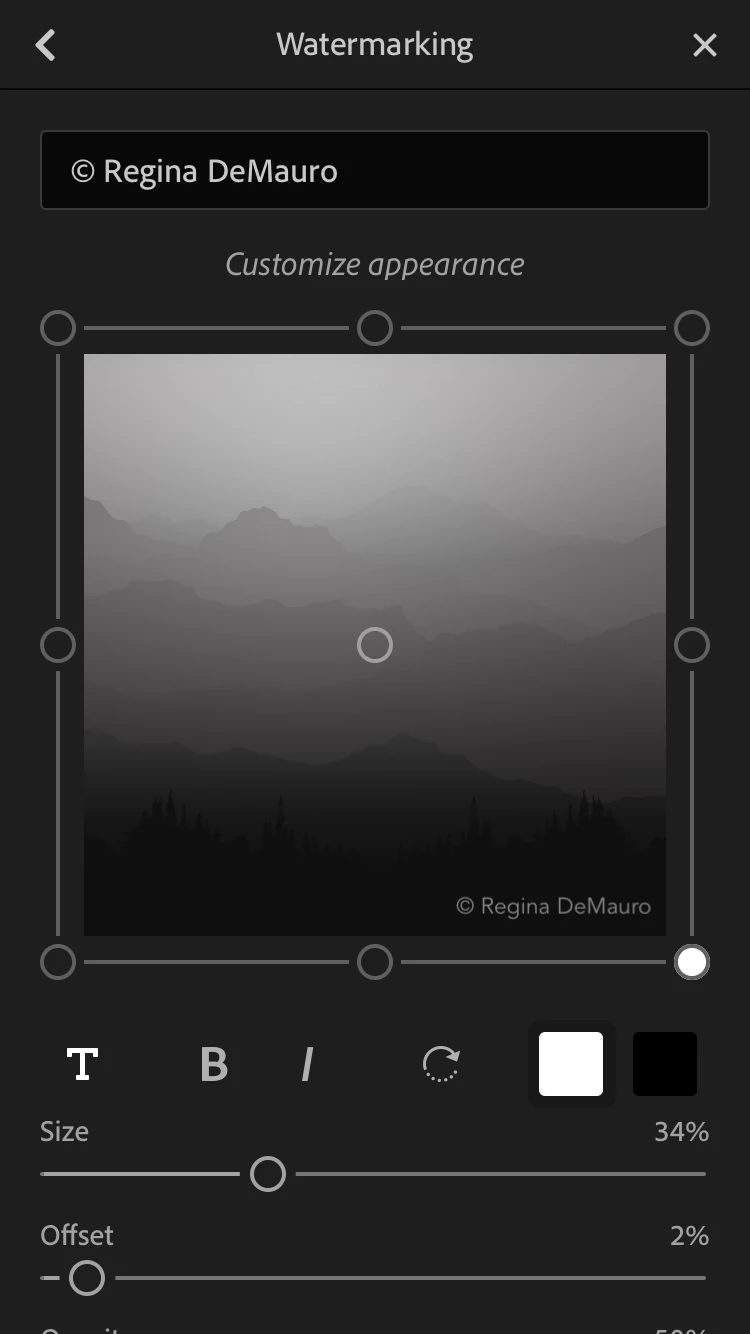
In the watermarking menu, at the bottom, it says "enable or disable its us in More Options while sharing" but there is no "More Options" menu for me. What more do I need to do?

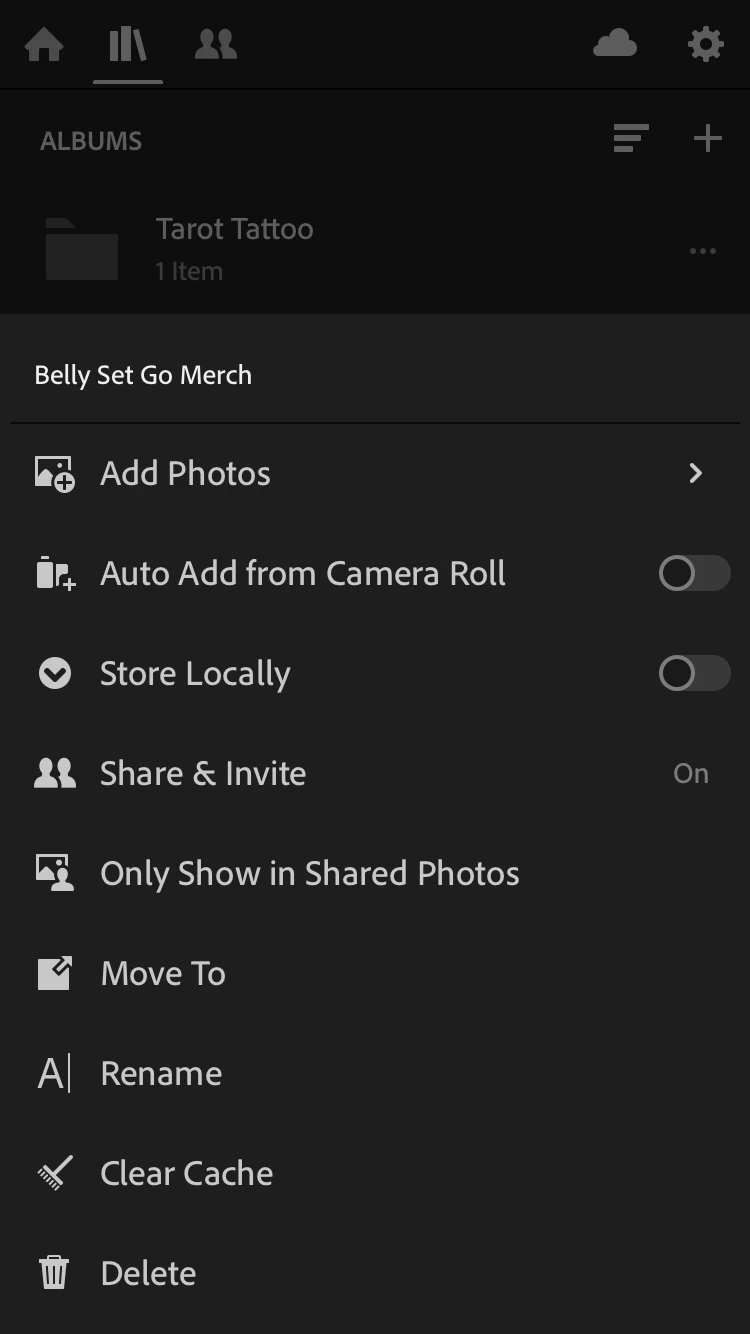
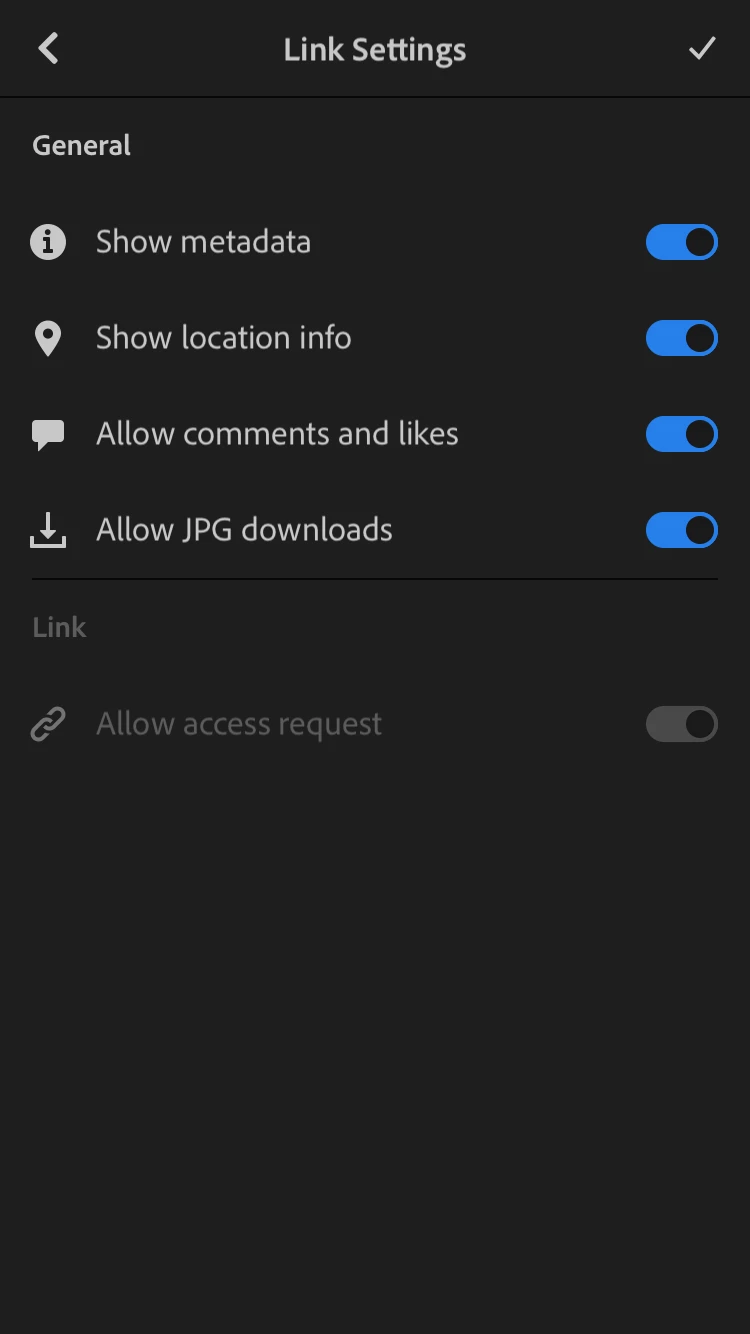
I'm attaching screenshots of all my menu options from my phone. 
 

This topic has been closed for replies.
Correct answer maylonr87852814

I had figured out htis way of adding the watermark, But quite frankly this is annoying. Its an extra step. 


You used to be able to turn on watermark and it would automatically add it to the image being shared to... instagram for example. Now I will actually have to export to my photos first, then share to instagram, and then delete the image. I am very much into non-distructive editing since I won't end up with many dublicate images all over the place. So I really don't see the point of having it in my photos library unless I specificatlly want to do that. 


Is there no way of sharing and having the watermark like it USED to be?


Edit: My bad, apparently after you turn on watermarking and tap on the check mark it takes you to the menu where you can in fact share it directly to social media. So ignore the above. 


Cheers

6 replies

maylonr87852814Correct answer
Inspiring
June 20, 2020

I had figured out htis way of adding the watermark, But quite frankly this is annoying. Its an extra step. 


You used to be able to turn on watermark and it would automatically add it to the image being shared to... instagram for example. Now I will actually have to export to my photos first, then share to instagram, and then delete the image. I am very much into non-distructive editing since I won't end up with many dublicate images all over the place. So I really don't see the point of having it in my photos library unless I specificatlly want to do that. 


Is there no way of sharing and having the watermark like it USED to be?


Edit: My bad, apparently after you turn on watermarking and tap on the check mark it takes you to the menu where you can in fact share it directly to social media. So ignore the above. 


Cheers

99jon
Legend
February 13, 2020

Watermarking should work from the grid. Follow these instructions from my iPhone.

  1. Click the three dots top-right
  2. Tap select
  3.  Select thumbnail
  4. Click Share button at the bottom
  5. Tap the settings button to the right of Export to Camera Roll
  6. Click More Options
  7. Activate Include Watermark
  8. Click the back button
  9. Click the checkmark
  10. Click Export to Camera Roll

Once set up it should work every time when you export to camera roll. You can share the watermarked copy from the Photos App.


Participant
March 7, 2020

O.M.G.!!!! It worked!! I've spent about five or six hours on this issue. Thank you for a 10 step process to watermark one photo!!

It's been a few days since you posted this… I thank you. Since then have you discovered that it is possible to select multiple photos for watermarking and, also, is it possible to export it to a platforms such as word press directly?

Thanks again for all your help. I can't believe a singular photo now has a watermark on it after all this time!

99jon
Legend
March 8, 2020

You should be able to export multiple photos without the need to go into "more options" again. I don’t know of any direct interface with Wordpress. Have you tried searching for an app? Then you may be able to export to camera roll and then upload from there.


Participant
February 12, 2020

I cannot figure out how to find the enable watermark option either. I have tried exporting photos to my phone over and over and there is no option to apply the watermark. Where on earth is it?

99jon
Legend
February 13, 2020

I discovered it was necessary to activate the button – highlighted on image below - and then go into more options. It now works every time. Have you tried exporting to camera roll and then sharing from there via email, web etc?


Let us know if that makes a difference.


Participant
February 13, 2020

Maybe I'm not getting the entire image, I don't see anything highlighted on the image. I have tried exporting to camera roll over and over but no watermark and no option to activate it. 

CMass
Community Manager
Community Manager
January 16, 2020

Hi @rdemauro, 

Watermarks are only applied to images that are exported from Lightroom. Sharing an album will not apply a watermark. Sorry for any confusion.


You can request this as a feature here:  

https://feedback.photoshop.com/photoshop_family/categories/photoshop_family_lightroom_mobile

Please let us know if we can help answer any questions you may have. 

^Carissa 

rdemauroAuthor
Participant
January 17, 2020

Can you explain the logic behind that? It seems to me that if a photographer wants their photos watermarked, they would want them watermarked when they share them. What's the point of limiting it to just exported photos? 

So if I want to stay in the Lightroom CC environment to share my photo albums with people but want my watermark on the photo, I have to export the whole album to my phone and then reupload all those images and then share? That is really unwieldy. 

I followed your link to make the suggestion but it just brings me to the general Lightroom CC help page and I don't see where to suggest this clearly basic feature. I do see that there are a lot of other people who are as confused as I am as to why watermarking is so difficult in this software, though.

selondon
Community Expert
Community Expert
January 17, 2020

The Lightroom Cloud Ecosystem is only just over two years old (if you don't include its forerunner, Adobe Revel) and they have prioritised other features ahead of Watermarks. I imagine the watermarking would have to be done at Cloud level and it's complex. It needs to be implemented though!


The engineering team monitor the other forum, so commenting on, voting on a thread or creating a new one can only help push to prioritise this. They don't always seem to prioritise in number of votes order though.


This forum is mainly a user to user forum.


selondon
Community Expert
Community Expert
January 15, 2020

Hi,


As I never use Watermarks, it's not something I've paid much attention to, but if you search for 'Watermark Share' on the following forum, then you'll find others with the same request on which you can comment and vote.


https://feedback.photoshop.com/photoshop_family/categories/photoshop_family_lightroom_mobile


In one of the replies Adobe employee Rikk says it's because it's not implemented across the whole cloud ecosystem (not cloud based) and this local to the phone I guess - the photos are shared from the cloud not the phone.


selondon
Community Expert
Community Expert
January 15, 2020

Good question, are you sharing via a link?

rdemauroAuthor
Participant
January 15, 2020

I shared it by inviting their email addresses but I don't see how that should make much of a difference. One would hope that the watermark shows up regardless of how someone makes their way to the album.