
Answered
Lightroom pictures loose saturation as soon as I export
Hey,
I have a pretty bad problem. Whenever I edit pictures in Lightroom, I see nice colors and everything is fine. But the moment i click on Export I can see in the preview screen how different they loock (bluer and desaturated). I dont get it, because in photoshop they are the same desaturated version and it also doesnt change anything when exporting with a different colorspace like Display P3 or srgb.
I am working on windows and a Dell monitor set on sRGB IEC61966-2.1
I have added a few screenshots for comparisons between the lightroom editing view and the export view from a recent shoot with a client
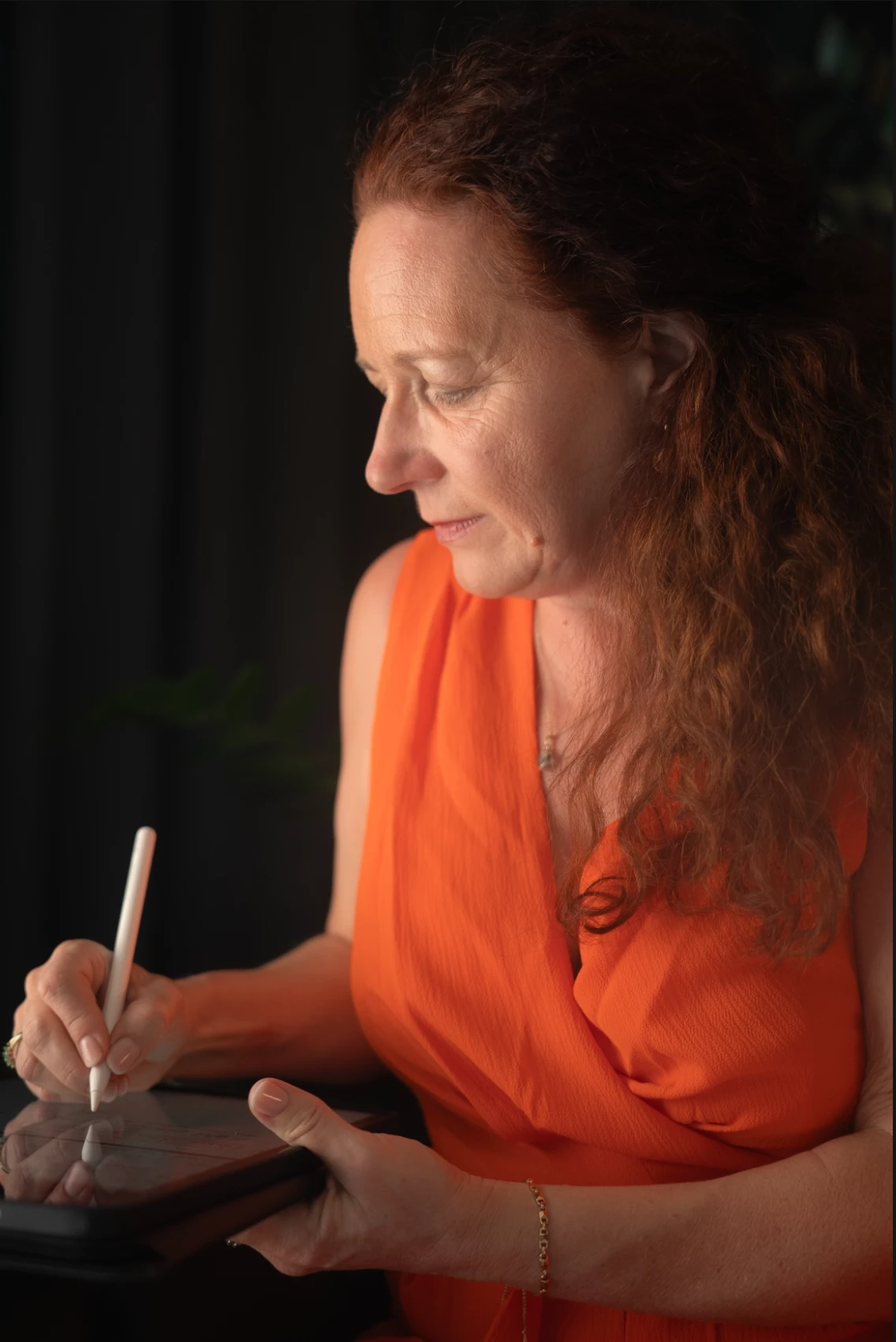
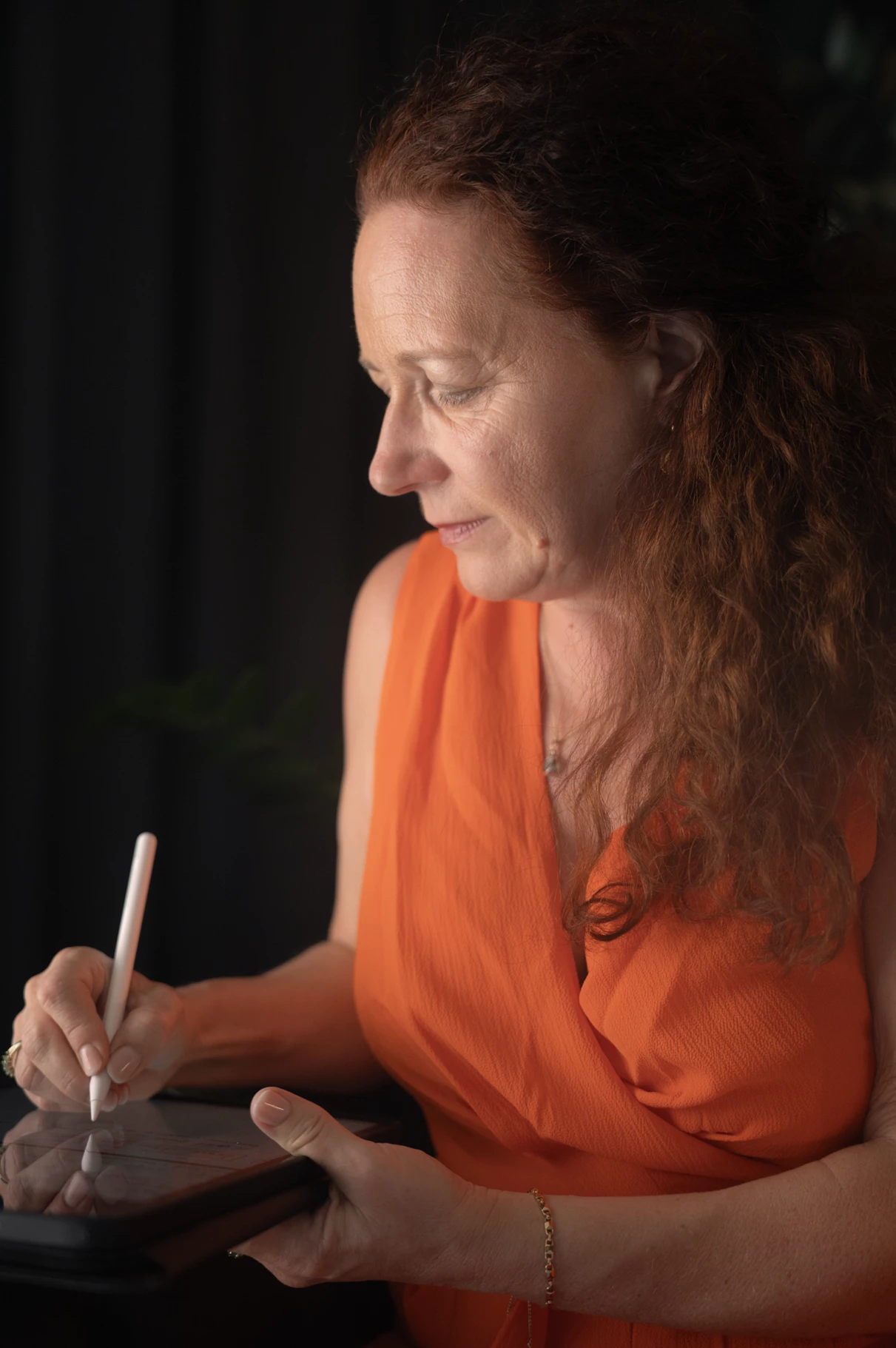


Anyone know how to fix this?
 AdChoices