
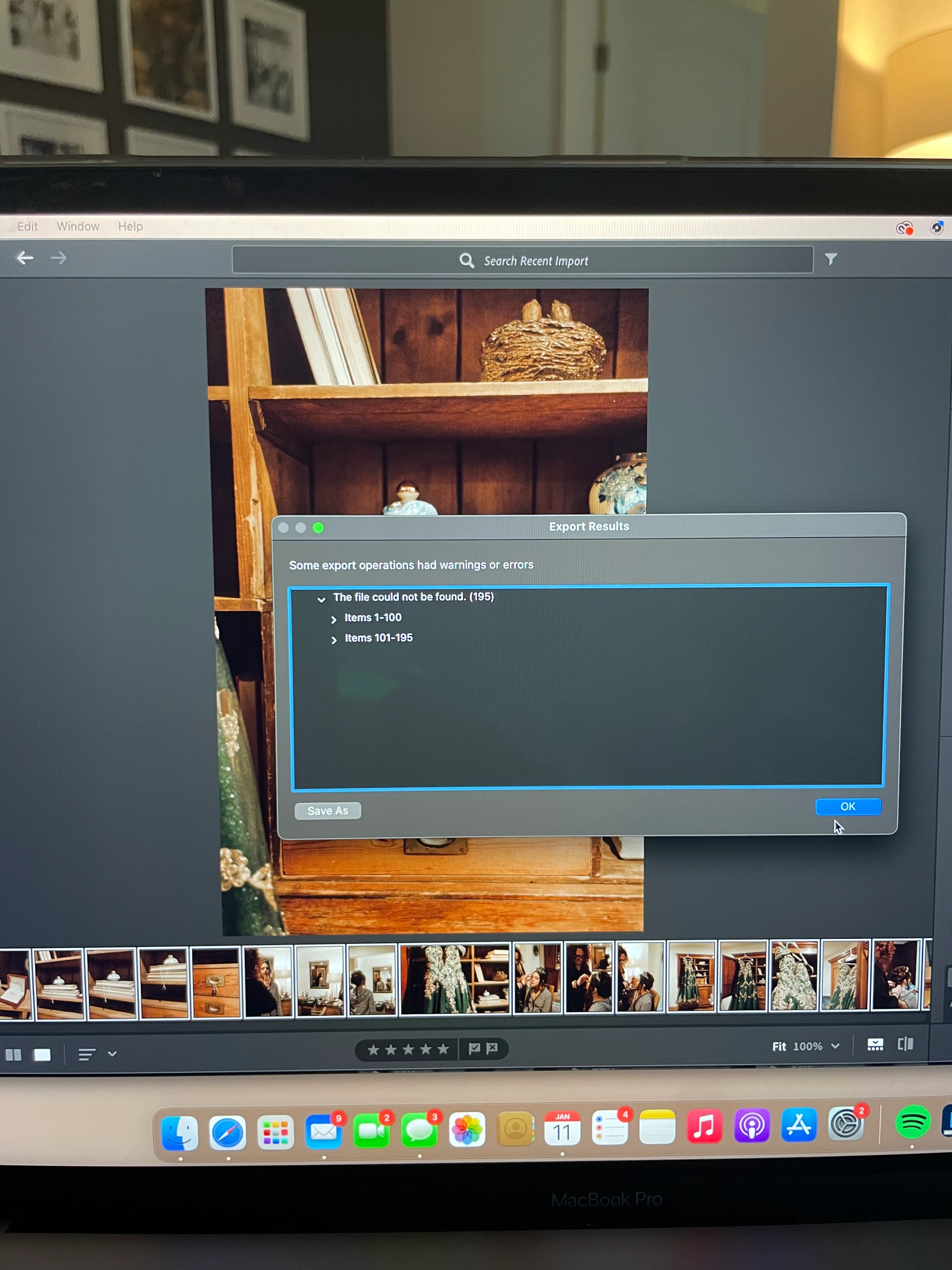
Lightroom Pop Up Export Error
Has anyone ever had this issue before? Probably within the last 6 months I've encountered this pop up happening when I try to export an album of images. In the past it's only been a small amount of images so I've just been going in and exporting each missing image individually and that was fine. But more recently it's been a large amount of images that would take me forever to find individually so I began to edit in Lightroom Classic but I love Lightroom Creative Cloud a lot better! I went back and exported the original gallery that gave me trouble and it exported fine this time. So I decided to try and use it to edit another gallery in there and this time there were even MORE images it "couldn't find." My cloud storage says it's synced and backed up and I have 1.2 TB free. I don't know what to do anymore.
 AdChoices