
Question
Lightroom Target Adjustment (color mixer) tool not working properly
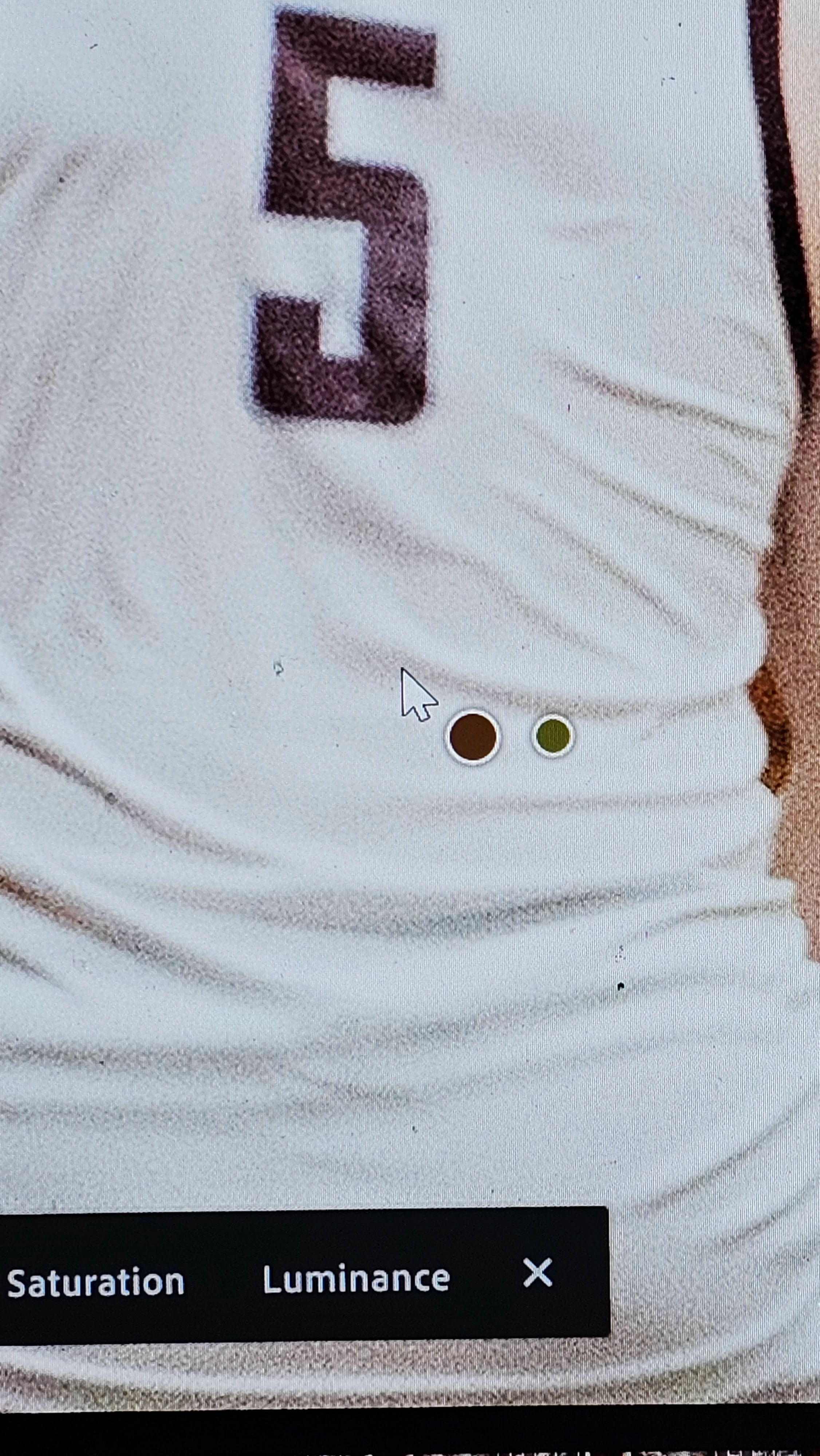
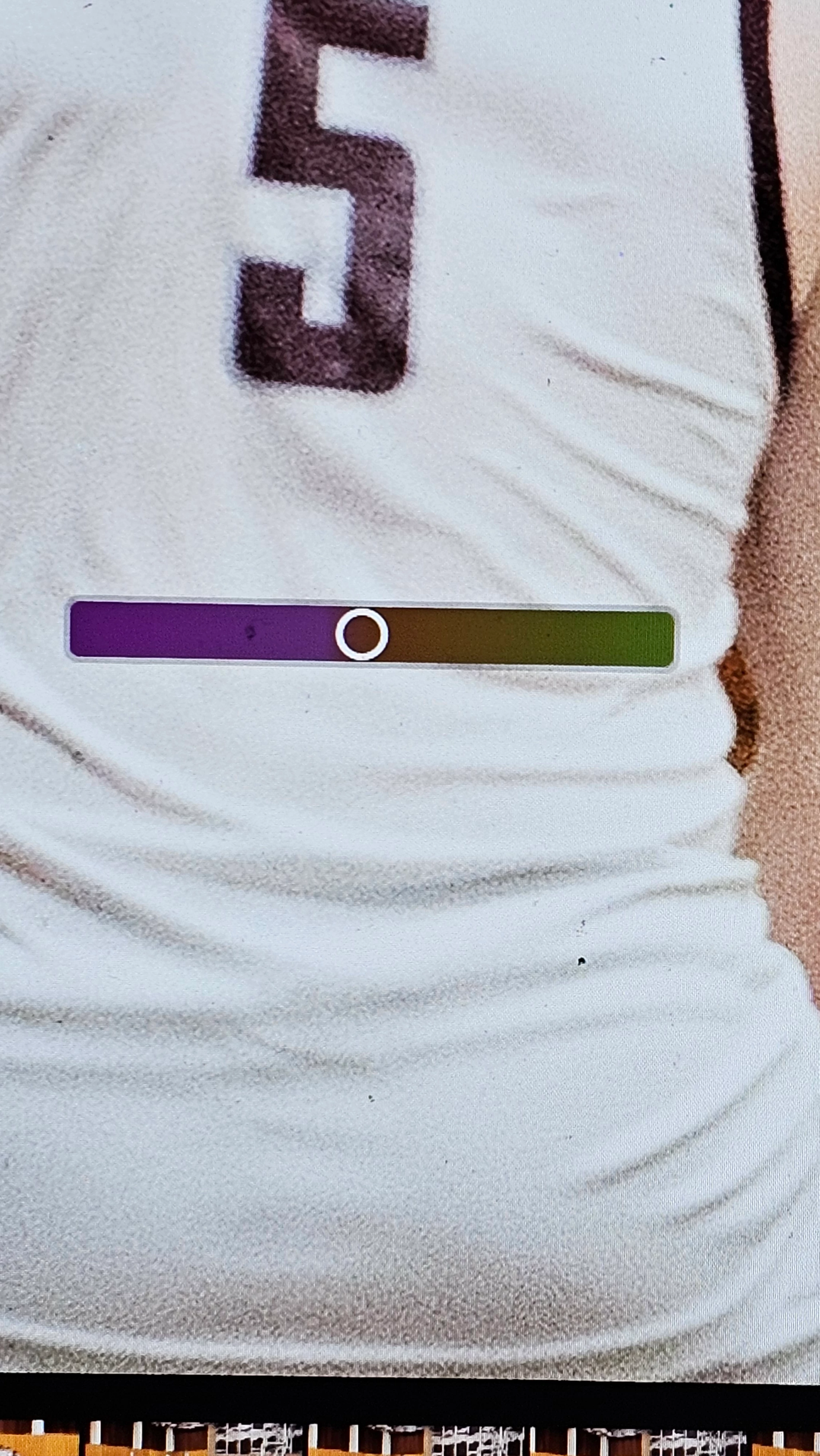
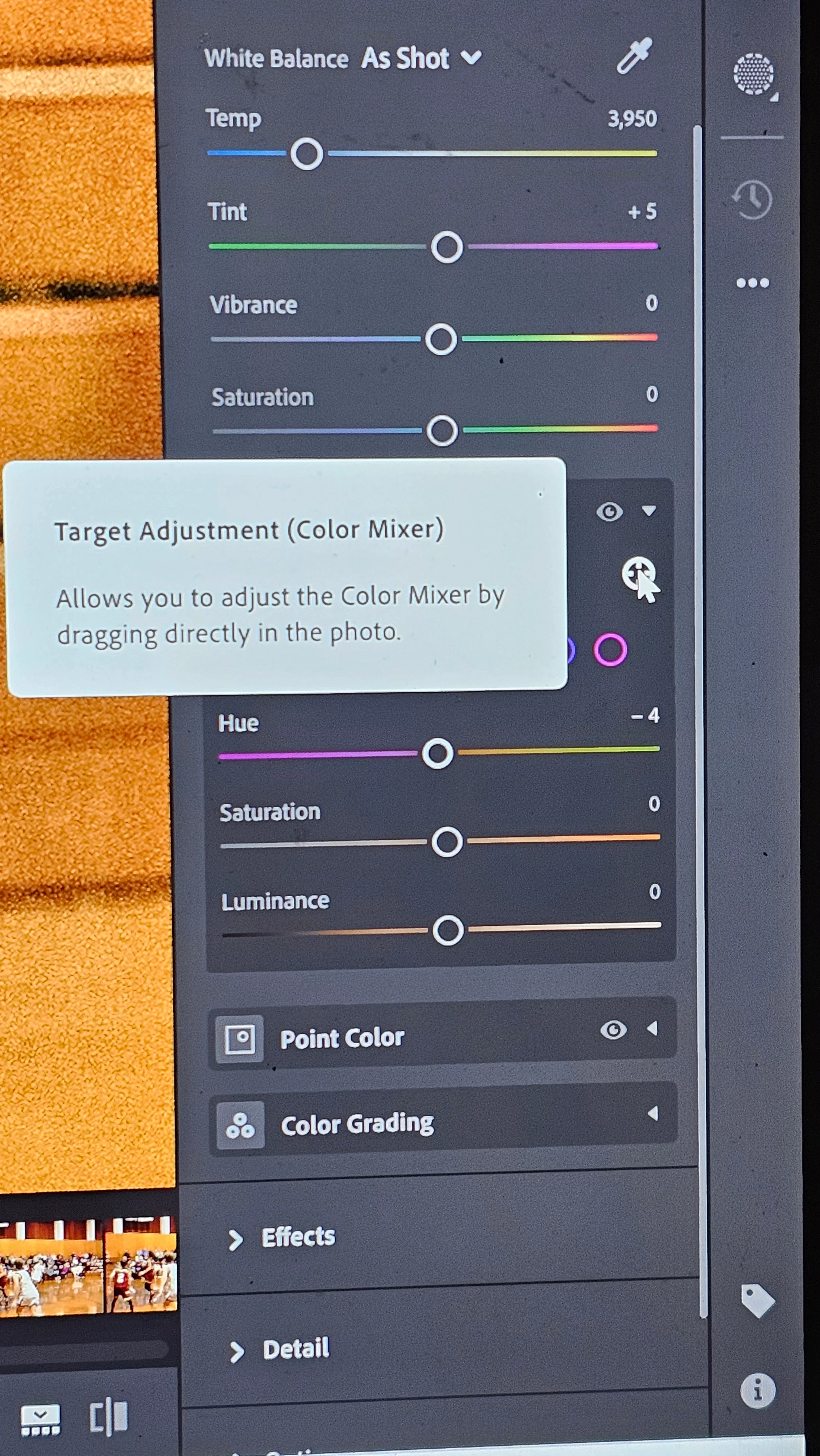
I recently started having an issue while using the color mixer target adjustment tool. When I put the tool on my picture it is giving me a different reading then it should. I have used this tool for a long time and never any issues but now when a put the color picker on the photo it is giving me incorrect colors to adjust (see attached photos) I have tried to Uninstall and reinstall my desktop app but having the same issues. Any help what be very much appreciated. As you can see I have my mouse on a white jersey and it giving me a purple to green adjustment which is changing the rest of the image and not actually the white on the jersey. Have tried on multiple images running into the same issue. Please help!!!
 AdChoices