
Inspiring
March 16, 2025
Question

Lightroom won't open RAW files from Sony A7CR

  • March 16, 2025
  • 1 reply
  • 322 views

I took some photos the other day with my Sony A7CR. Went through my usual process of reviewing and culling with Photo Mechanic, copying selects from the media card to a folder on my computer, then importing to Lightroom.

However, when I went to import into Lightroom, I got an error that the files may be corrupt or damaged and see this screen:
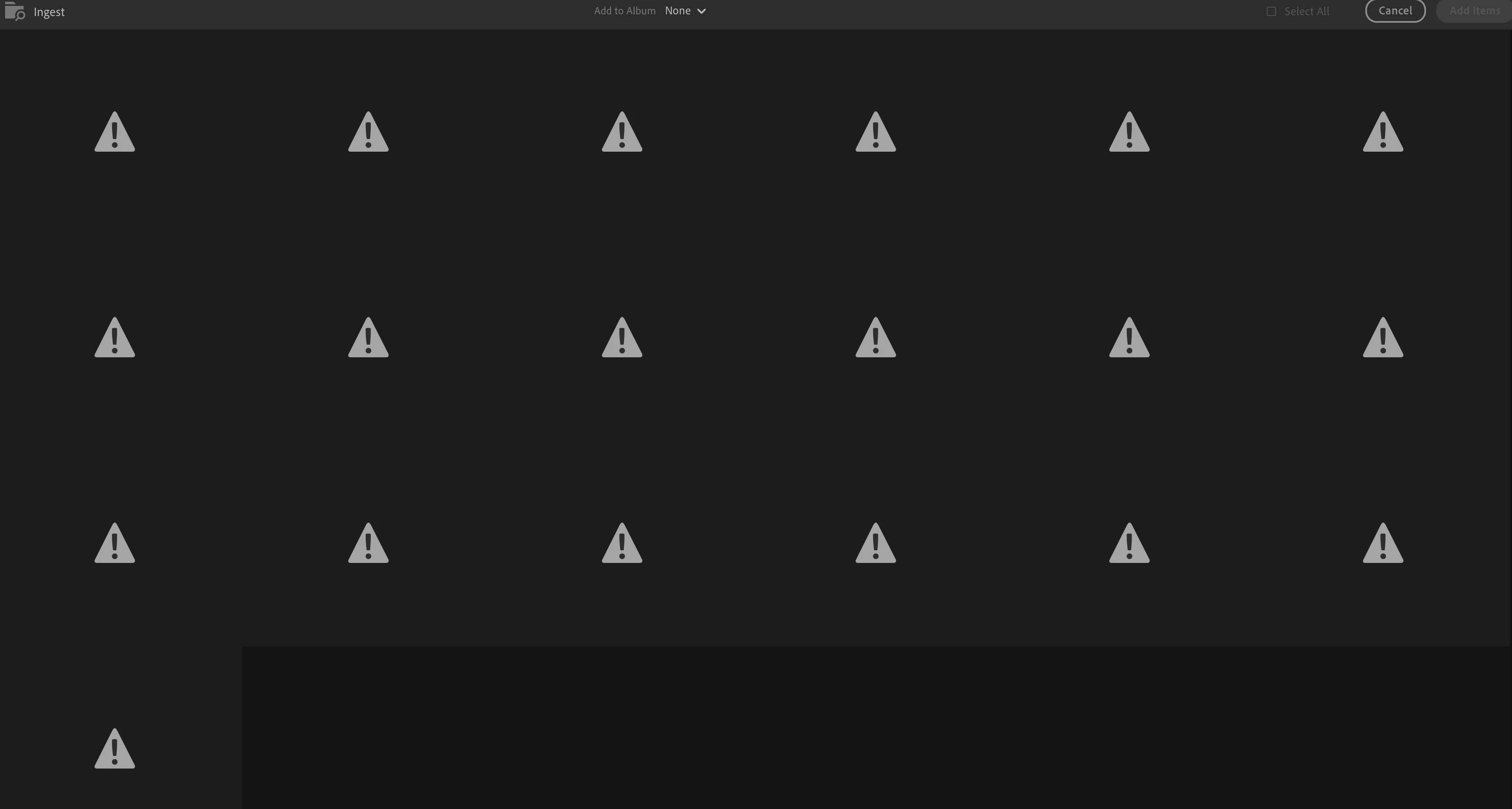
However, the files seem fine. I can open them in ACR and Photoshop without a problem. Photo Mechanic had no issue with them. I've restarted Lightroom twice and that didn't help.


The problem is not with the media card, as the files look fine on my computer and I can open them in other apps. For some reason, Lightroom is not reading them properly. I've been able to open RAW files in Lightroom with this camera in the past with no issues. 

1 reply

Inspiring
March 16, 2025

Never mind, I figured this out. When I opened Creative Cloud, I noticed that it said "Install" underneath Lightroom, even though Lightroom was on my Mac and I was able to open it. I also noticed that the current version of Lightroom to install from Creative Cloud was 8.2, and my version was 7.3. So I went ahead and installed 8.2, and that fixed the problem. I'm not sure how Lightroom got out of date and wasn't updating on my system, since other Creative Cloud apps are up to date. Anyhow, problem solved.

Claire H.
Community Manager
Community Manager
March 26, 2025

Hi @Badly Drawn Boy, I'm happy to hear your issue has been sorted out! If you have any more problems or questions, we're here to help. Thank you for participating in the forums! ^CH