


Answered
Moving photos from Lightroom CC to Lightroom Classic CC
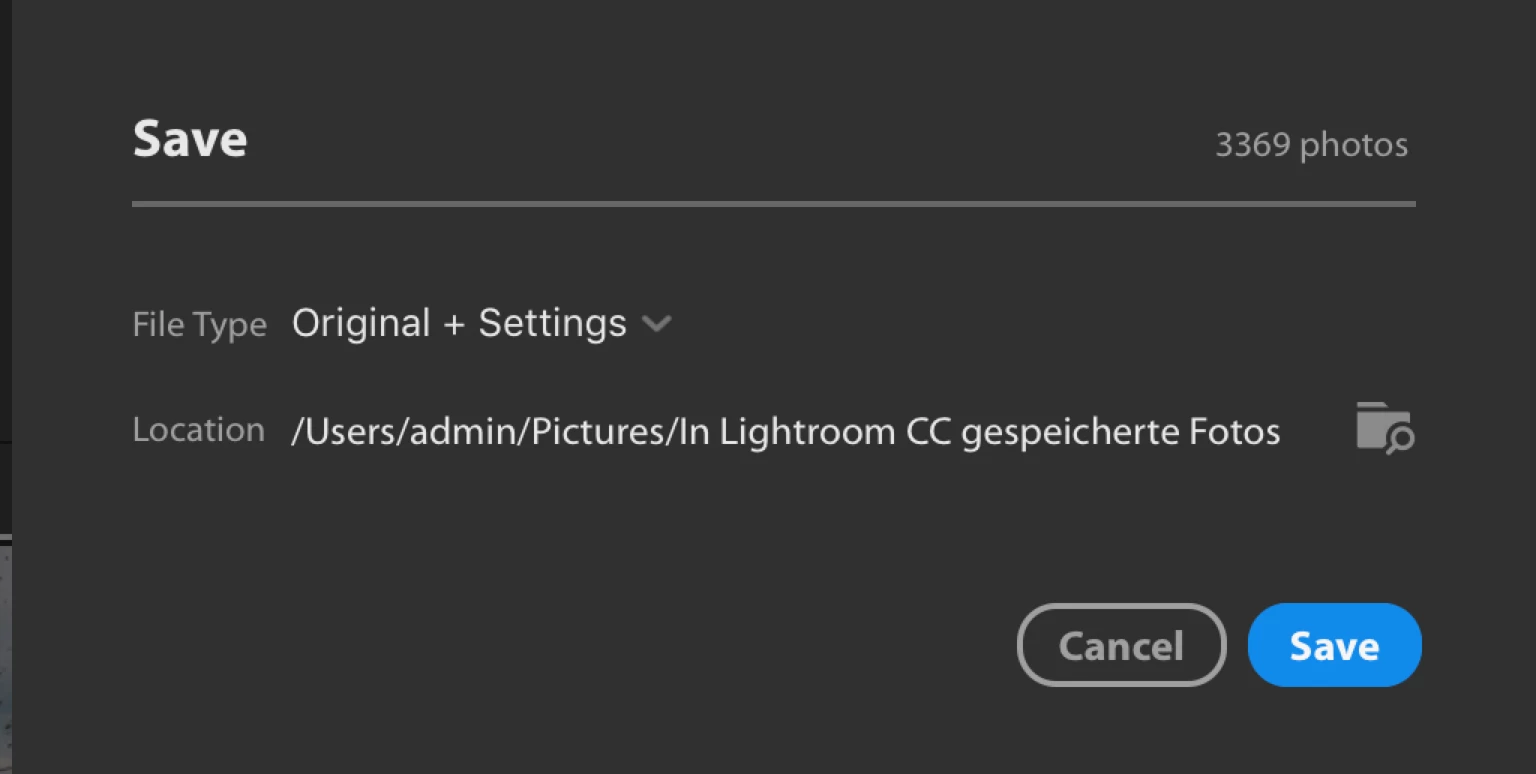
Hi. I'm new to Lightroom and I initially started using Lightroom CC, where I uploaded many pics, but I'd like to use Lightroom Classic now since it's optimised for desktop. So I have the 20GB cloud plan and I've synced LR CC and LR Classic CC and it's synced the first 20GB of photos in the cloud, however I went over my storage capacity in the cloud and I have another 20GB worth of photos which aren't syncing. How can I download those pictures to my computer? Also, I chose to store some pictures locally through LR CC but I can't access them now. How can I move them from LR CC to LR Classic CC? Thank you very much.

 AdChoices