Answered
original picture
after i edit a picture, the original is gone, how can i keep the original so i can edit 3 options from the same picture? for example a crop, a black and white, and a vignette?

after i edit a picture, the original is gone, how can i keep the original so i can edit 3 options from the same picture? for example a crop, a black and white, and a vignette?
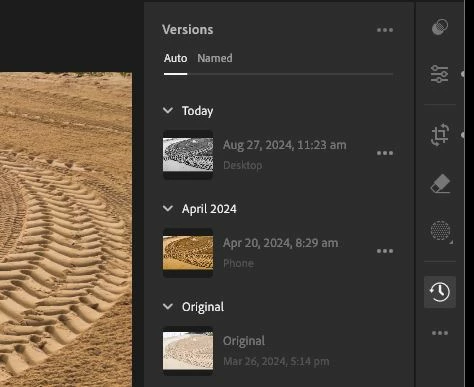
The image you 'see' on screen is always an interpretation of your original unchanged photo. To create other versions in Lr 7.5-
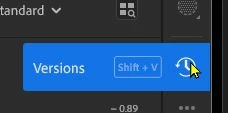
Click on the 'Clock' icon to create Versions which can be independently edited.
Already have an account? Login
Enter your E-mail address. We'll send you an e-mail with instructions to reset your password.
 AdChoices