
Participant
January 5, 2025
Question

preset underexposes my photo for no reason in LR

  • January 5, 2025
  • 3 replies
  • 155 views

Hey guys, maybe you will be able to answer my question. let me explain my situation:
I created a preset in lightroom, while saving it I disabled adjuting my exposure and while balance when applying it on image. it works well with 99% of my images but I came across one image and when I apply the preset to it it becomes totally underexposed and I have to crank up the exposure quite a bit to get it back to normal. The photo was shot on iphone 14 pro, in Raw format. When I apply it to a similar photo taken like 5 mins after it doesnt underexpose it. does anyone know why does this happen to me? thank you all:)
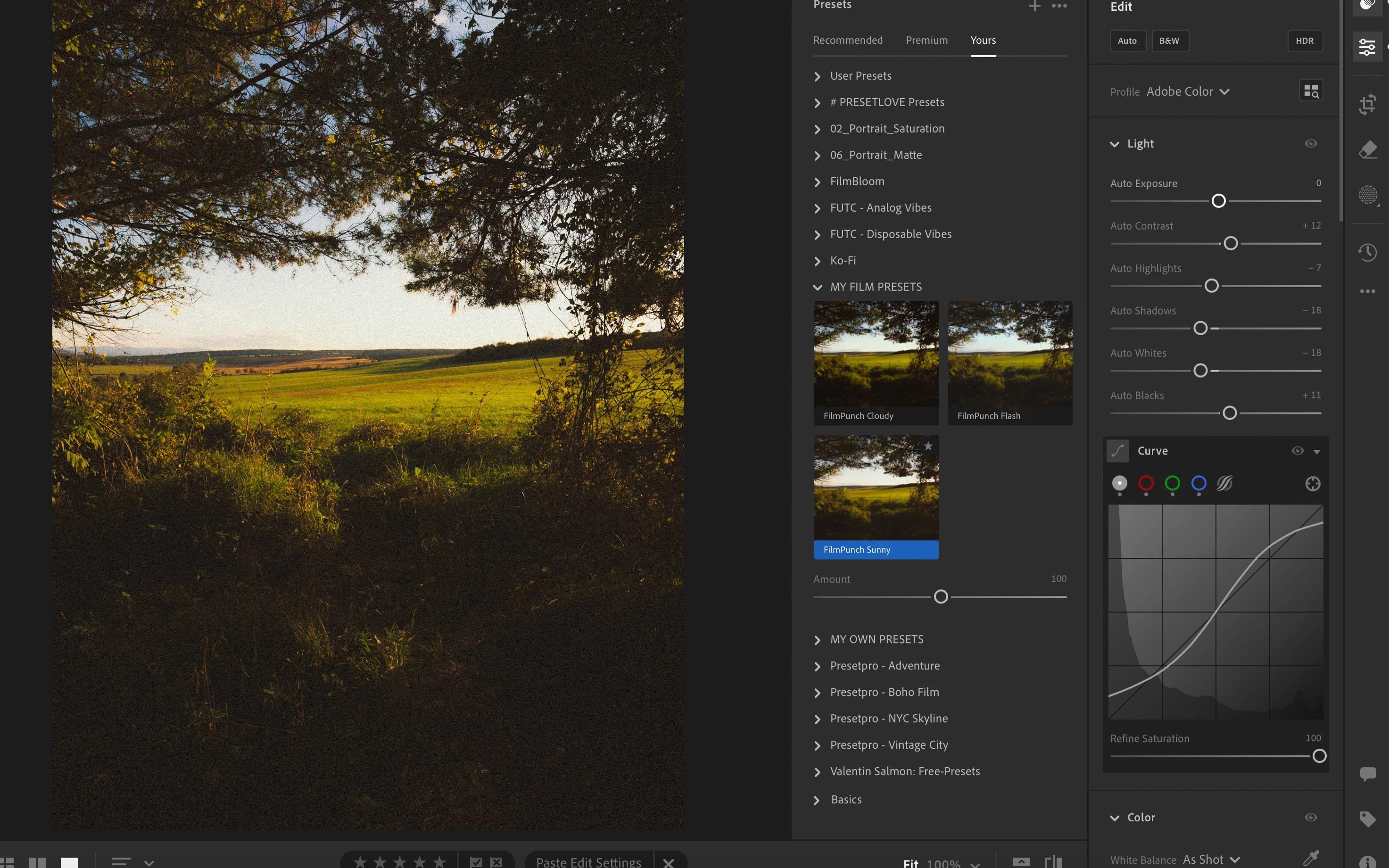
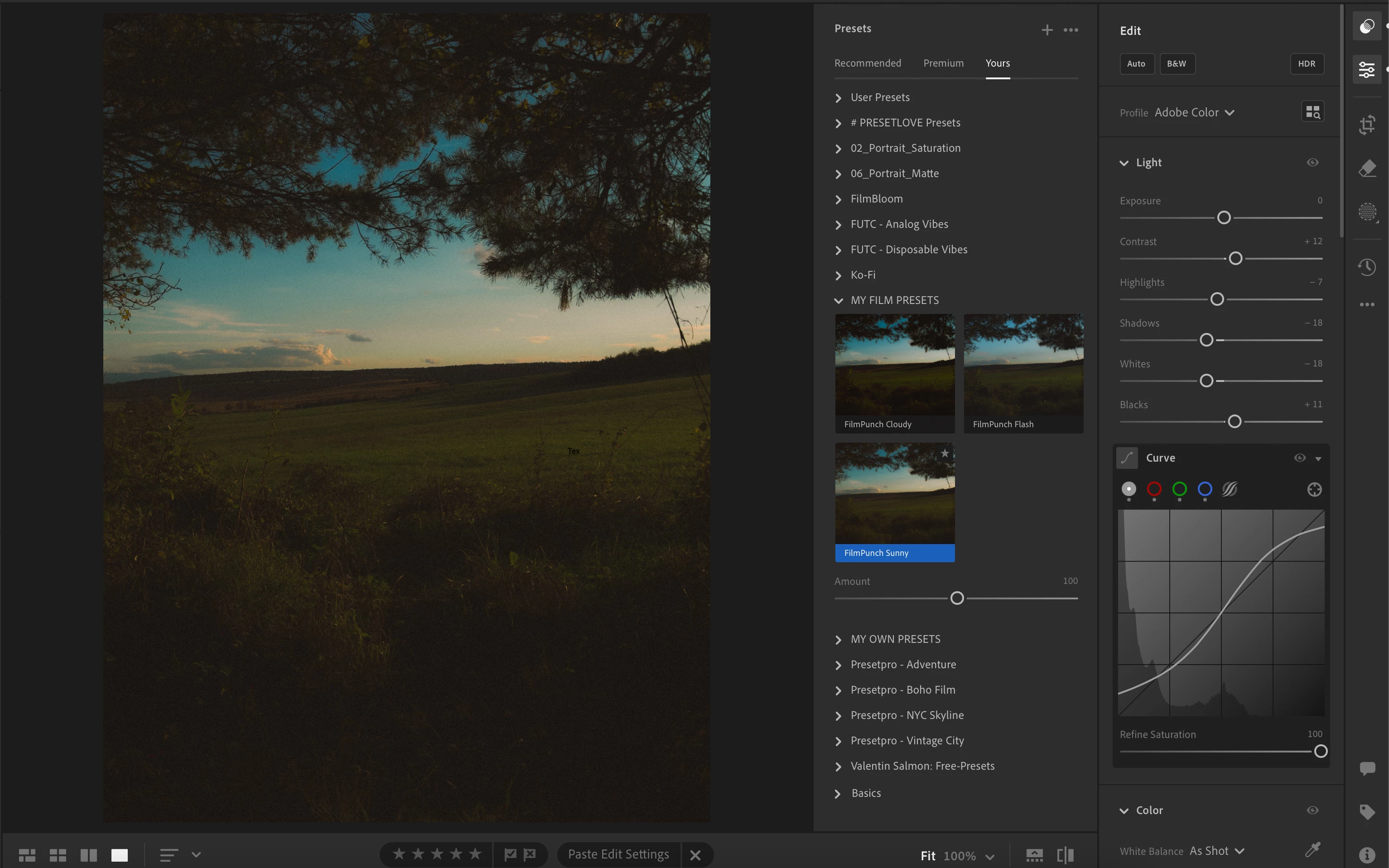
3 replies

Community Manager
January 9, 2025

Hey @Mari�nZZZacik 

Is this issue only happening with a single picture? How did both of the sample photos you shared look before applying the preset?

Thanks!

Alek

*(If you mention me with an @, like @Aleke, I’ll get a notification and can respond faster.)*
AxelMatt
Community Expert
Community Expert
January 6, 2025

This is a problem in Lightroom (cloud version).

Moved to the appropriate Lightroom ecosystem forum.


My System: Intel i7-8700K - 64GB RAM - NVidia Geforce RTX 3060 - Windows 11 Pro 25H2 -- LR-Classic 15 - Photoshop 27 - Nik Collection 8 - PureRAW 6 - Topaz Photo AI
Ged_Traynor
Community Expert
Community Expert
January 6, 2025

@Mari�nZZZacik this is the Photoshop forum, try the Lightroom Classic forum instead