Exit
  • Global community
    • Language:
      • Deutsch
      • English
      • Español
      • Français
      • Português
  • 日本語コミュニティ
  • 한국 커뮤니티
0

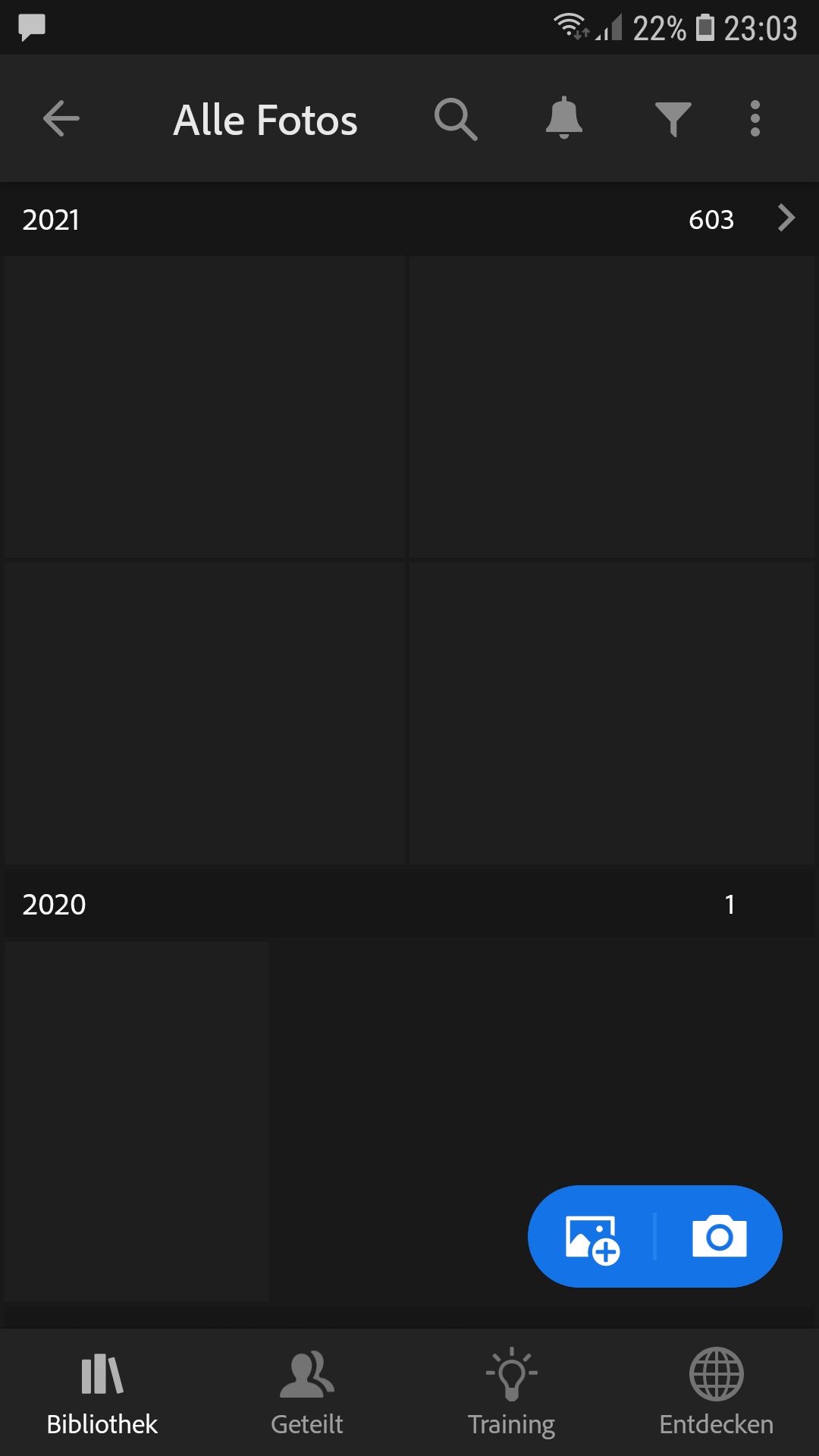
previews in the library all black

New Here ,
Mar 11, 2022 Mar 11, 2022

Hi,

I'm using LR Android v7.2.1 on a Samsung SM A520F, Android 8.0.0 including a creative cloud subscription.

Since a while the thumbnails in the library started to switch to black until today all previews have become black. I can edit the single images on my mobile and save changes and on my desktop LR works perfect. It's just the black previews. But this is rather restricting and bothersome!

So what to do?

TOPICS
Android
383
Translate
Report
Community guidelines
Be kind and respectful, give credit to the original source of content, and search for duplicates before posting. Learn more
community guidelines
Adobe Employee ,
Mar 14, 2022 Mar 14, 2022
LATEST

Hi Markus,


Thanks for reaching out. We are here to help.

Could you please share the type of images you are working with, JPEG or RAW? Have you recently imported a large number of images? Does your Phone have sufficient free storage space? Have you tried logging out and logging in again?


Before you uninstall Adobe Lightroom on your Phone, please log on to Lightroom Web (https://lightroom.adobe.com) to check current Sync issues on the left part of the screen.
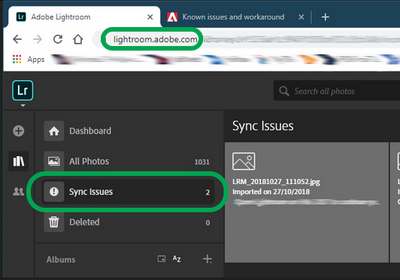
SameerK_0-1647260299835.png

If there are any sync issues, click on them to know more, find the original for those images, and back them up safely before you empty the Sync issues from Lightroom Web and then re-install Adobe Lightroom on your Phone.


We are here to help.

Thanks,

Sameer K

 

Translate
Report
Community guidelines
Be kind and respectful, give credit to the original source of content, and search for duplicates before posting. Learn more
community guidelines