
Participating Frequently
April 9, 2025
Question

Profiles - can they be used in presets?

  • April 9, 2025
  • 1 reply
  • 244 views

Hello, I have a question, I ask because I am not fully informed, thanks in advance for the answer.

There is a profiles feature in Lightroom. Can saved presets be used for this part? Or is such a thing possible in the next update.

The photo is added and the presets saved in the profile appear. No need to add presets one by one.


This is a translation, thanks in advance for your answer. 
1 reply

Claire H.
Community Manager
Community Manager
April 9, 2025

Hi @NiKaN, I hope this answers your question! Currently, saved presets cannot be directly used as profiles in Lightroom. However, you can convert a preset into a profile using Adobe Camera Raw. Here’s a brief overview of the process:

  1. Import your XMP preset files into Photoshop’s Camera Raw.
  2. Apply the preset.
  3. Create a new profile from the applied preset.
  4. Save the profile with a unique name

If this isn't what you're looking for, please explain the steps you are currently taking and what you would like to happen. Hope this helps! ^CH

NiKaNAuthor
Participating Frequently
April 10, 2025

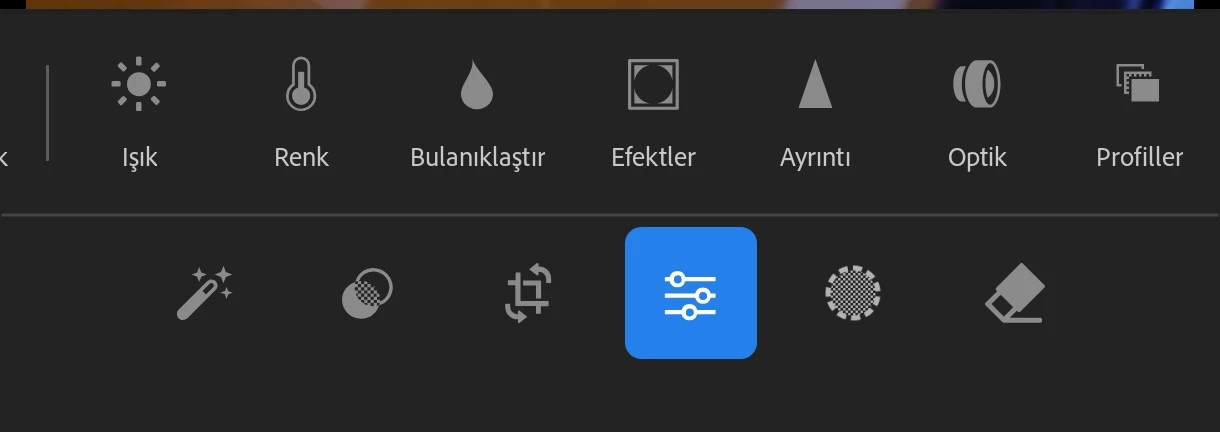
First of all, hello, since the translation is bad, I would like to support what I wrote with a visual. Presets saved in the community should appear in profiles. When using the Profiler tab, my saved presets should appear automatically, I don't want to have to add them one by one. I hope these images show what I mean, even though they aren't great. I'm a Mobile user.


Thank you for your answer.