
jommly
Participant
December 16, 2020
Answered

"Local Catalog Problem"

  • December 16, 2020
  • 2 replies
  • 7913 views

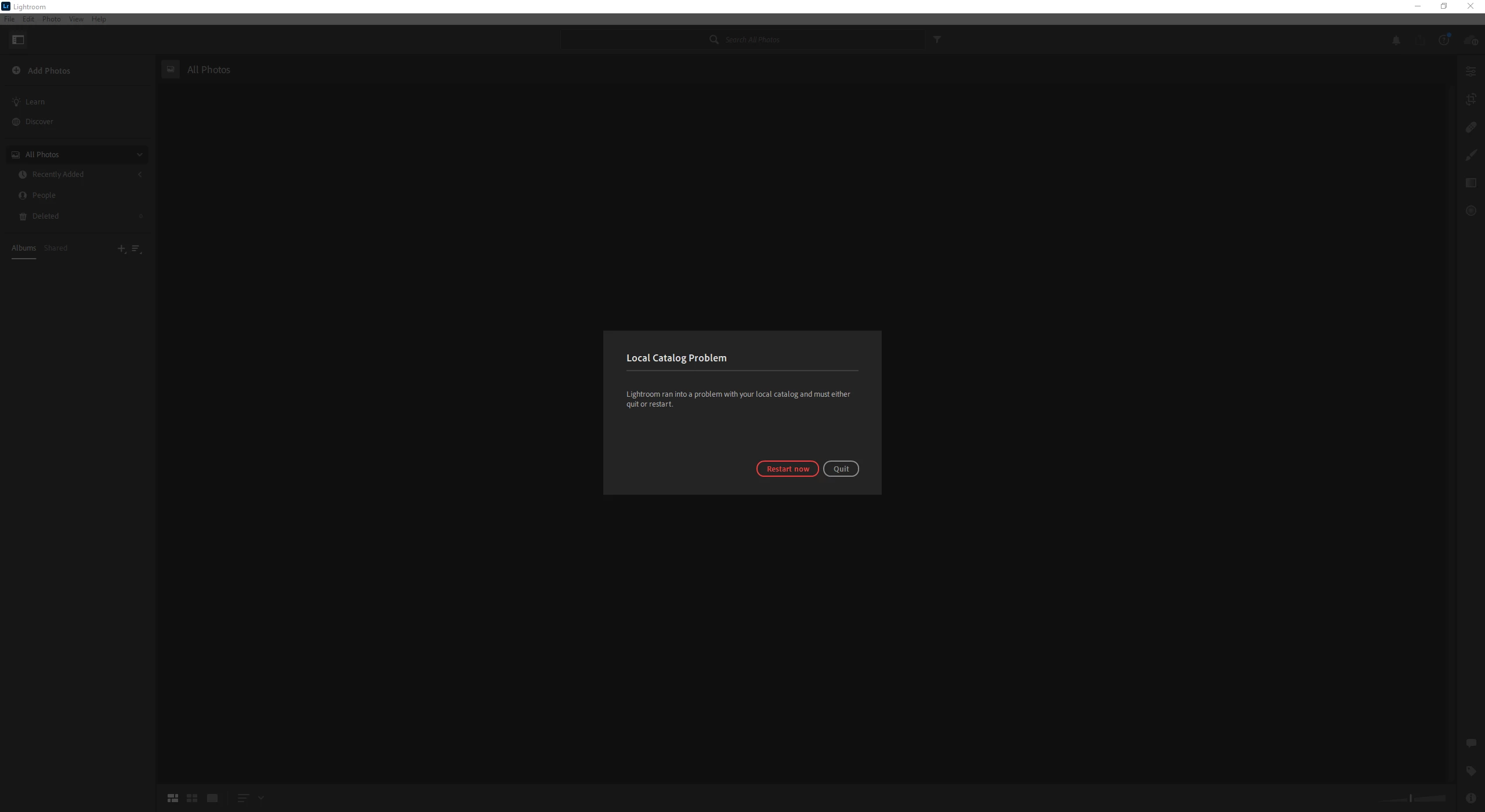
"Lightroom ran into a problem with your local catalog and must either quit or restart."

I try to restart and nothing happens. Same error forever. I've tried reinstalling, rolling back to other versions, and reinstalling CC. Problem persists. What is this, and why can't I edit my photos. 

I'm on Windows 10, latest versions, drivers, etc. 


Thank you.
Correct answer ThadInUT

My experience with this seemed to be tied to using Google Drive.  I turned Google Drive off, and the error did not occur.  I turned Google Drive back on and the error reappeared. My Google Drive setting is now set to not backup that folder.  An attempt to rename the Lightroom Library.lrlibrary file did not work. After renaming that file and having Google Drive on, I could see a new Lightroom Library.lrlibrary file created, but the error reoccurred.  


MacBook Pro 14 inch, 2021.

16 GB Memory

masOS Sonoma 14.2.1

Lightroom v 7.1.2

2 replies

ThadInUTCorrect answer
Inspiring
January 14, 2024

My experience with this seemed to be tied to using Google Drive.  I turned Google Drive off, and the error did not occur.  I turned Google Drive back on and the error reappeared. My Google Drive setting is now set to not backup that folder.  An attempt to rename the Lightroom Library.lrlibrary file did not work. After renaming that file and having Google Drive on, I could see a new Lightroom Library.lrlibrary file created, but the error reoccurred.  


MacBook Pro 14 inch, 2021.

16 GB Memory

masOS Sonoma 14.2.1

Lightroom v 7.1.2

Participant
January 16, 2024

Thank you very much. I stopped Google drive from backing up that folder. So far the error has not occured again. Much appreciated.

selondon
Community Expert
Community Expert
December 16, 2020

If you know that syncing was complete the last time you used Lightroom and you have a back up of all your recently imported photos, then if you delete the local Lightroom Library, it will be rebuilt and re-populated from the Cloud.

I only use Mac so unsure of it's location in Windows, apologies.

Jim Wilde
Community Expert
Community Expert
December 16, 2020

On Windows10, the local catalog is stored in C:>users>username>AppData>Local>Adobe>Lightroom CC>Data. Delete the "Data" sub-folder, then restart Lightroom.

jommly
jommlyAuthor
Participant
December 17, 2020

That worked for me!

Thanks a ton.