
Answered
Remove local copies of images backed up to cloud
I have a REALLY simple task here. My images are uploaded to creative cloud, I want to delete the local copies because I don't need them here. Why on earth is managing files SO HARD.
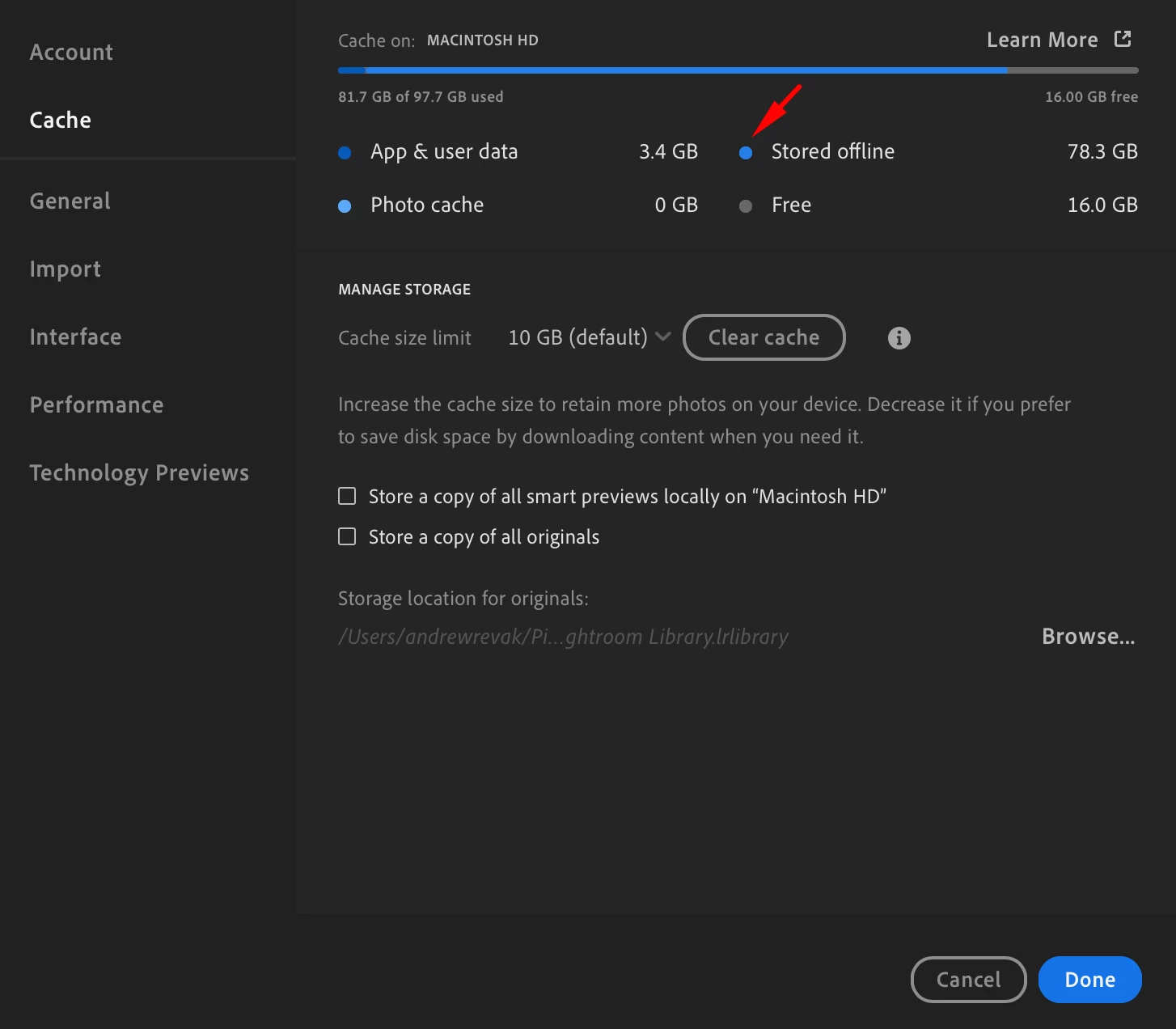
My cache says hey theres 78.3 GB of data stored offline.
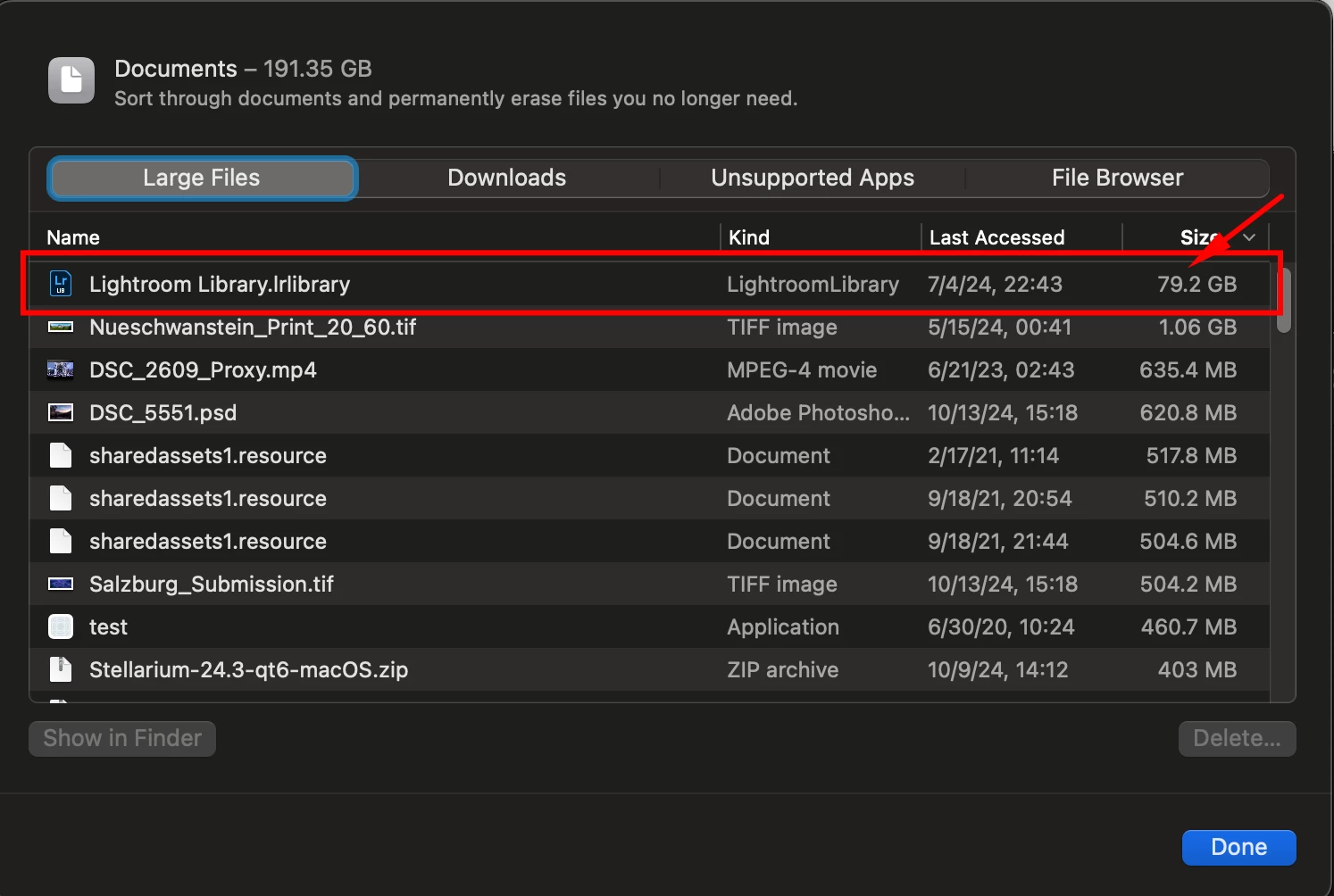
OS X Agrees ...
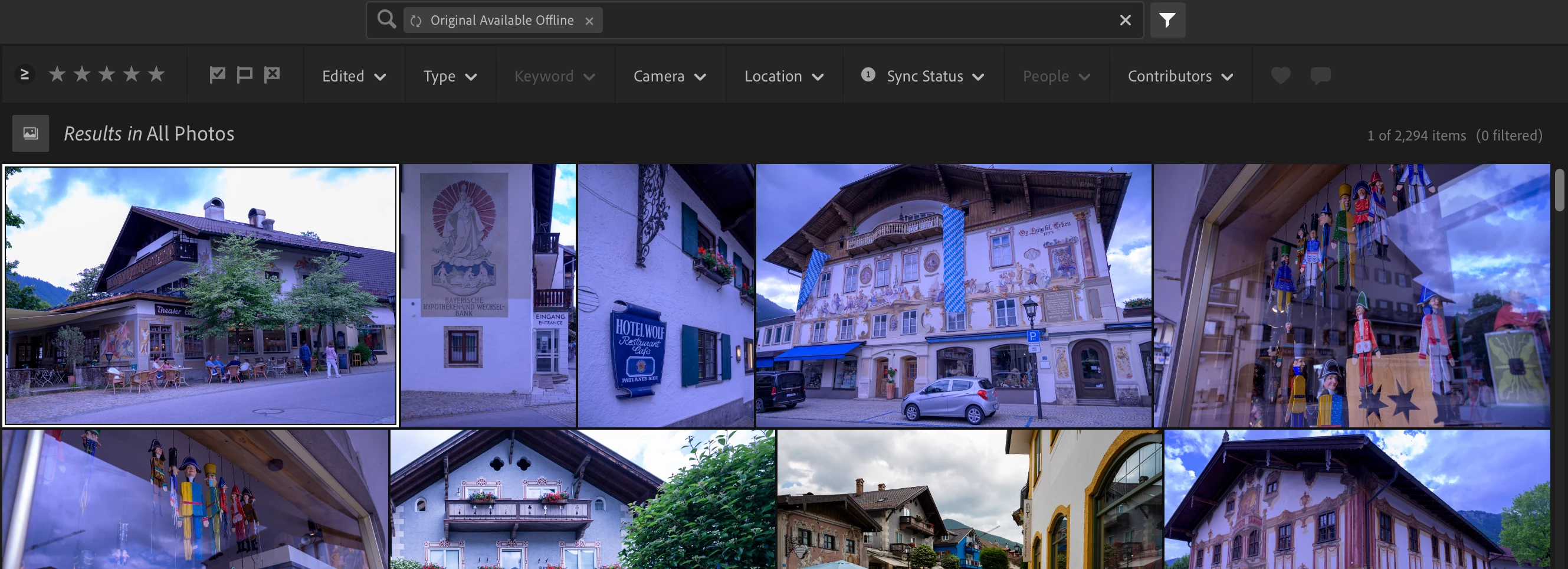
Filtering for "original available offline" in all photos under sync status seems to be the right thing to check here ...
NEITHER of these options are what I want
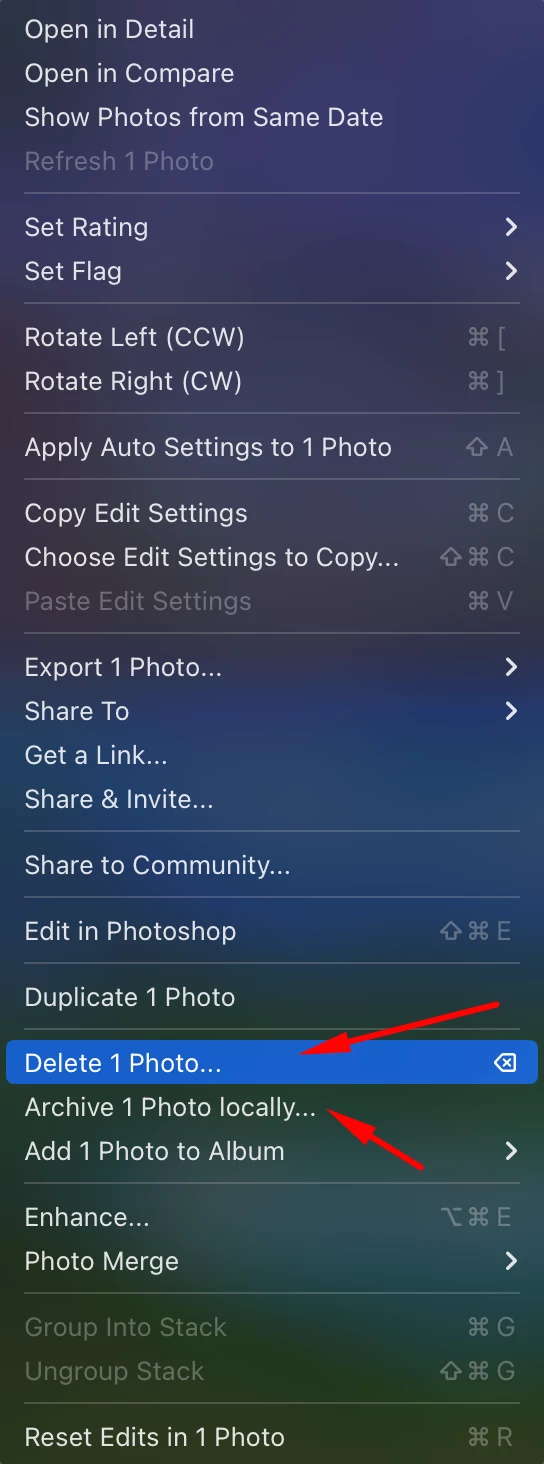
Because delete photo literally deletes from the cloud which is not what I want, and archive locally is ALSO not what I want. This is bordering on absurd.
 AdChoices