


Answered
Remove photos from LR CC but keep locally
I thought that Lightroom CC as part of the full CC plan came with 10TB of storage, so I started uploading all files from Lightroom Classic. At 100GB (which is a far cry from what I expected), the upload stopped.
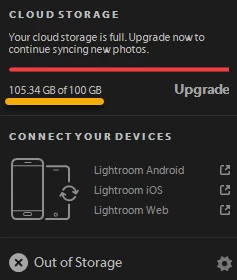
I don't see a way to delete photos from LRCC without also having them deleted from my local computer. Since I was apparently wrong about how much space Adobe provides, I could use LRCC for current work and then delete the files from the cloud -- but this seems not to be an option. I've seen other similar questions regarding how to delete files from the cloud, but I haven't seen a definitive answer.
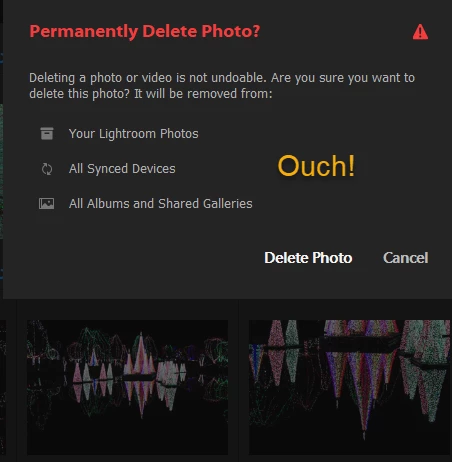
Here's hoping somebody has one!
 AdChoices