Wurstkrapfen
Inspiring
September 14, 2024
Answered

Search is missing cameras and lenses?

  • September 14, 2024
  • 2 replies
  • 658 views

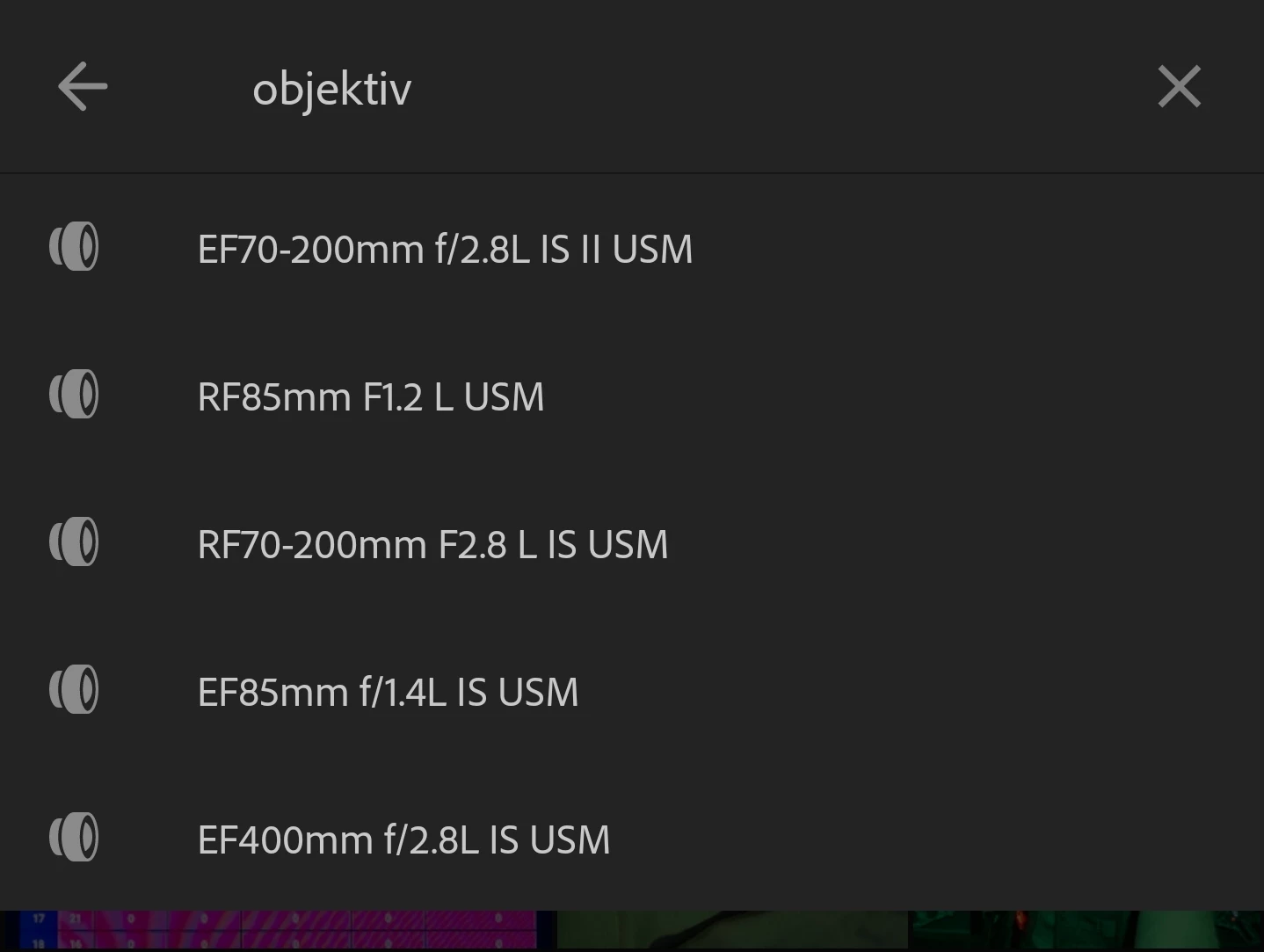
Tested on the mobile app. And no, it's nothing fancy that is missing, a lot of standard EF and RF lenses are not showing in the list, the whole EF-M system is skipped entirely. 

Correct answer Wurstkrapfen

Btw the solution was that I need to know the words in my local language. I need to find out exactly what it was translated as (often there are more than two possibilities), the English base search terms should always work regardless of the translation of the software.

2 replies

luxBorealis
Inspiring
May 22, 2025

The 'real' answer, according to Rick Flohr from Adobe is this: simply type in "Lens:" with the colon. It works!

Participant
September 14, 2024

Search only shows a list of auto-suggested Lenses that you may have used, not the entire list of available lenses.  You should still be able to search for a given lens by name, using "Lens:" followed by the name.  Please try and see if that gives you expected results.  In addition, there is an issue where populating this list for more recently added photos is delayed, so that may be impacting what you are seeing as well.  This is something we are working on addressing.


-Peter

Wurstkrapfen
Inspiring
September 14, 2024

Thanks, if I put in the : I actually get the complete list, without : only a small selection.

I also find it confusing that "lens" does not work and I have to translate it into my language. Every tutorial tells me to put in "lens" but when I do nothing happens.

Wurstkrapfen
WurstkrapfenAuthorCorrect answer
Inspiring
May 21, 2025

Btw the solution was that I need to know the words in my local language. I need to find out exactly what it was translated as (often there are more than two possibilities), the English base search terms should always work regardless of the translation of the software.