
Participating Frequently
January 24, 2023
Answered

Sync Issues, Apple Mobile App to LRC

  • January 24, 2023
  • 1 reply
  • 1133 views

I am using the LR app on an iPhone 14Pro with LrC on Mac desktop, all are up to date.  

First noticed issue - I went out shooting with my new phone at the weekend (using LR camera) and by the time I got home, the photos were nowhere to be seen on the device (and had not synced).  


I had previously been out on two occasions with this phone and the workflow was perfect, all images were where they should be, I happily edited on my phone and iPad and they all appered in LRC in the folders/collections I created.  All good.


Since then, I have the totally missing photos mystery and after shooting again today (with LR camera), only three of those photos have appeared in LrC despite the sync being 'complete'.


In the Sync Settings on LrC there are many files showing as 'Downloading':
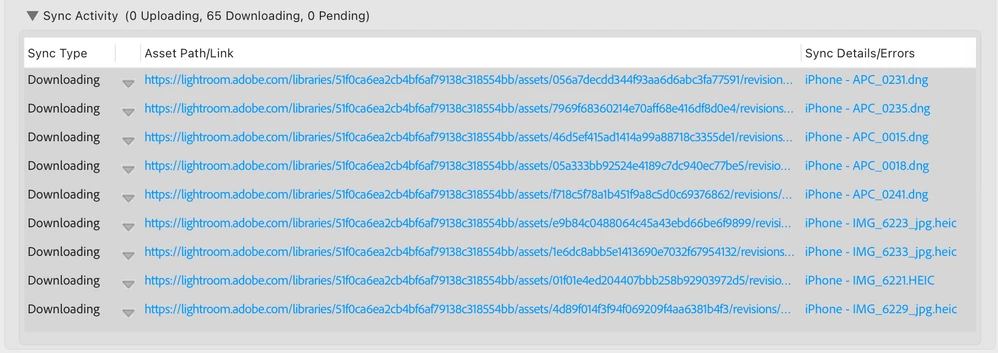
If I click on one of those blue links, I go to a webpage with this:
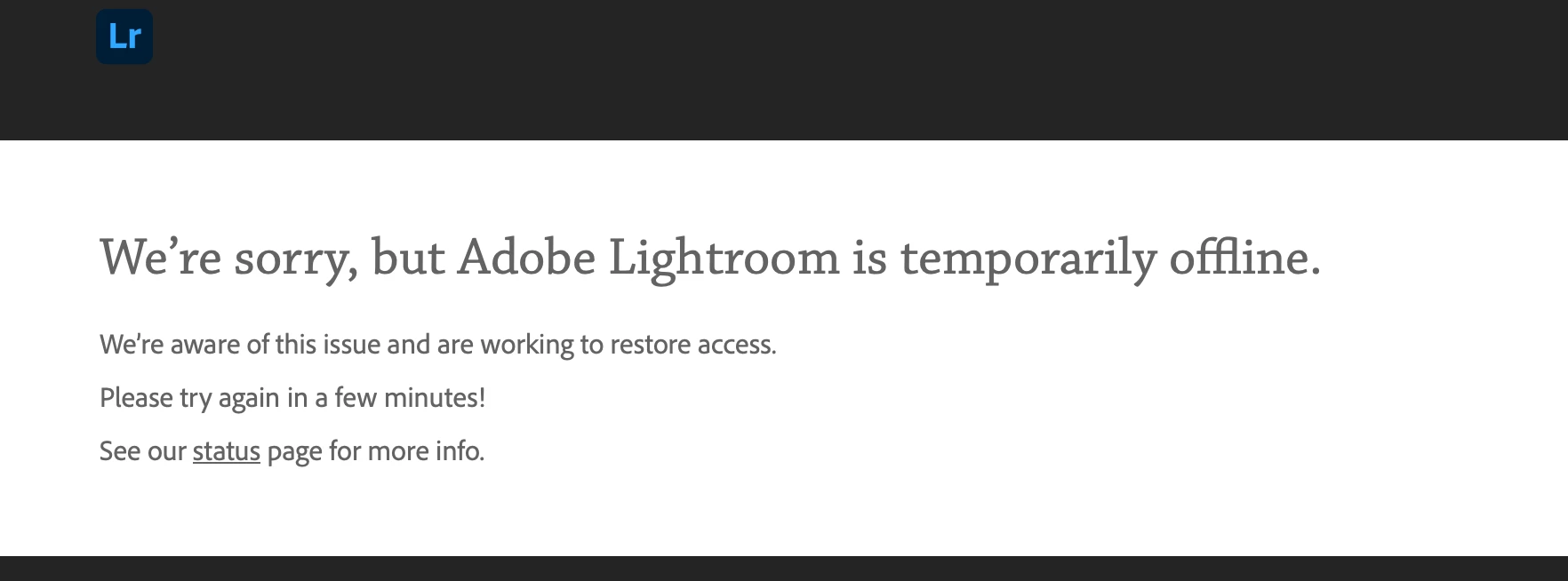
 

I have removed and reinstalled the LR Mobile app and am currently waiting for the thumbnails to reappear.


Help!!


This topic has been closed for replies.
Correct answer Jim Wilde

Before you do anything dramatic like deleting and reinstalling the LrM app on your phone, you really need to ensure that any content that you've added (such as the new pictures taken with the phone) have fully synced to the cloud. They may not have synced down in LrC but you can still verify that they've synced up to the cloud by using the LrWeb app in any browser....simply go to lightroom.adobe.com and sign in using your Adobe ID credentials. That opens a portal directly to your cloud account, where you can check to ensure the new captures have made it there. Only when you've verified that would it be safe to delete and reinstall the LrM app (if they haven't synced, those new captures would be permanently lost when you delete the app).


So start with the LrWeb app to make sure your new captures are safely in the cloud, after which you can then investigate the hold up in downloading them to LrC knowing that they are at least safely in the cloud.

1 reply

Jim Wilde
Community Expert
Jim WildeCommunity ExpertCorrect answer
Community Expert
January 24, 2023

Before you do anything dramatic like deleting and reinstalling the LrM app on your phone, you really need to ensure that any content that you've added (such as the new pictures taken with the phone) have fully synced to the cloud. They may not have synced down in LrC but you can still verify that they've synced up to the cloud by using the LrWeb app in any browser....simply go to lightroom.adobe.com and sign in using your Adobe ID credentials. That opens a portal directly to your cloud account, where you can check to ensure the new captures have made it there. Only when you've verified that would it be safe to delete and reinstall the LrM app (if they haven't synced, those new captures would be permanently lost when you delete the app).


So start with the LrWeb app to make sure your new captures are safely in the cloud, after which you can then investigate the hold up in downloading them to LrC knowing that they are at least safely in the cloud.

eyeshootAuthor
Participating Frequently
January 24, 2023

Hi Jim, 

Thanks for your reply.  I have checked the online Portal (which I didn’t know existed!) and I have 67 ’Sync Issues’.  The images aren’t visible, but from the quantity on the various dates I think these must be the ‘lost’ images.  As I rashly deleted and reinstalled the LrM on my phone I have obviously lost these images which luckily doesn’t really matter.  How can I start afresh so that it all works as it did for my first sets of pictures with this mobile workflow?  
 
Should I delete the Sync Issues files from the web portal?
Jim Wilde
Community Expert
Community Expert
January 24, 2023

If they have definitely been deleted from LrM then yes, deleting from LrWeb is about the only option. Once you do that, it should also help to clear up the downloading issues in LrC.