



Unable to Move Some Photos - Pop Up
Hey Lightroom Community!
One of my students is getting this "Unable to Move Some Photos" message each time she opens Lightroom (see attached screenshot). She can import new images without issue, but this error has persisted for about a week. If we "Postpone for a Week" and check her sync status, she is getting the "Synced and Backed Up" message so things appear to be working normally.
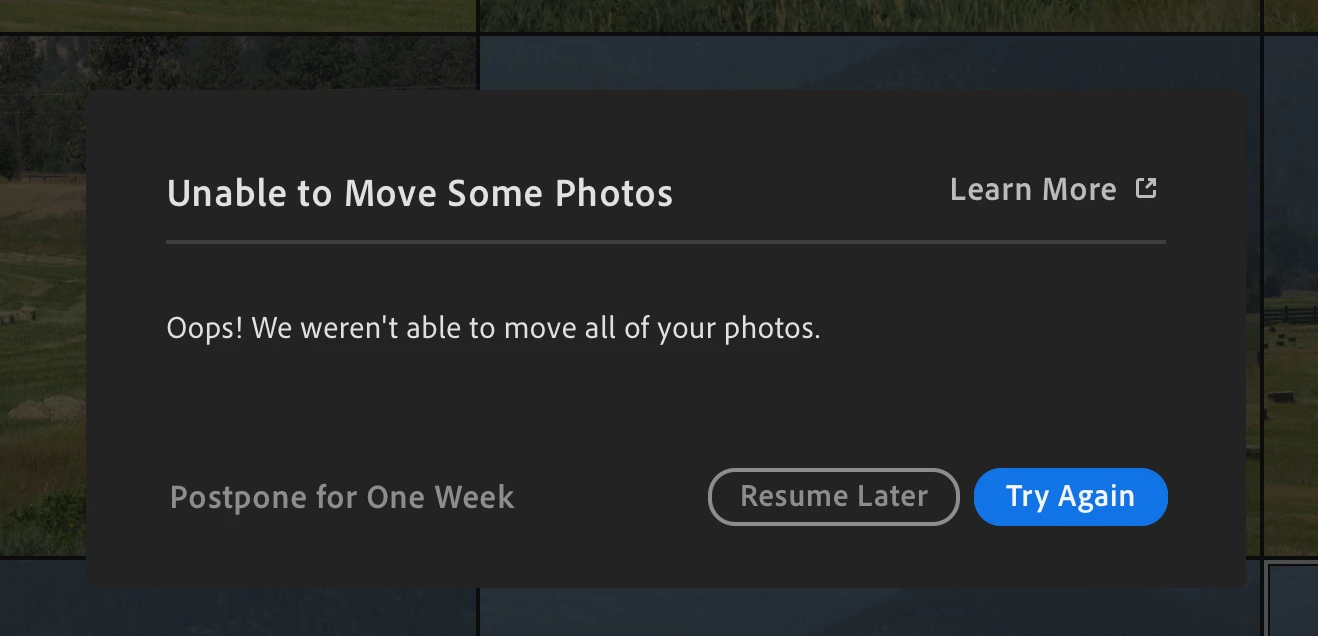
In all the related Community posts for this issue it seems like other users are seeing more text at the bottom of this pop-up that explains why the images can't be moved. In our case, this is all the information we have access to. If I click "Learn More" it just takes me to the generic Lightroom manual explaining how all this works.
The student in question does have the "Store a copy of all originals" option turned on with the destination set to an external hard drive.
The main issue is, Lightroom is providing no information on which images are unable to be moved. If we knew, we could simply delete and re-import them. I've tried filtering the library for sync status, but every image is marked as "Synced and Backed Up."
Both the computer and Lightroom are fully updated and running the latest version.
Any help would be much appreciated!
 AdChoices