
Unable to view photos on lightroom windows
Lightroom version: 5.0 x64 [ 20211012-0002-a1240ed ] (Oct 12 2021)
Platform: Windows 10 Build 19044
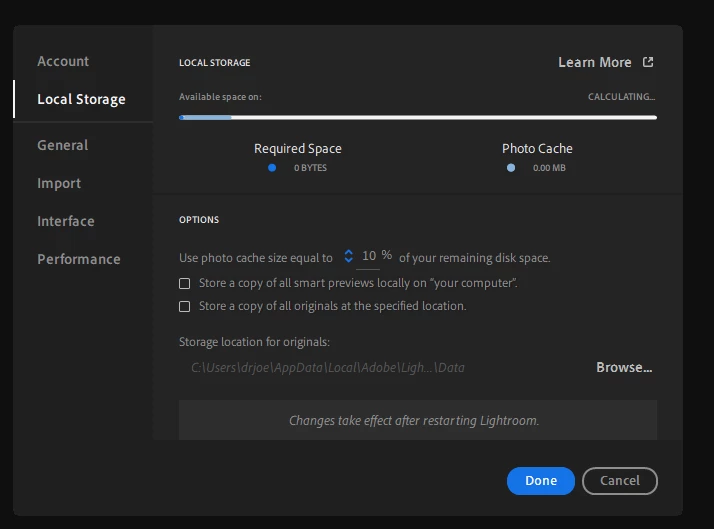
Problem: Migrated a brand new library and managed to sync Lightroom Classic and iOS version (iPad and iPhone) successfully. I can view, delete, edit photos in all these platforms with no issues. The issue is Lightroom Cloud-based on Windows 10. Post syncing my new library it is unable to even open up and show the photos properly, preference panels are bugged out and when I try to change any settings that force a restart the program just gets stuck there and did nothing. Re-installed the whole Adobe Cloud twice, re-installed both Cloud based and Classic Lightroom twice as well. Classic is working with no issues but the cloud is still the same.
I hope that it's just me having this problem. First time encountering it. The bug still remains the same even when I downgraded to the 4.3 version on Windows 10.
I even tried to generate a log of the error and it won't even generate it properly. Please help.


 AdChoices