
Participant
October 14, 2023
Question

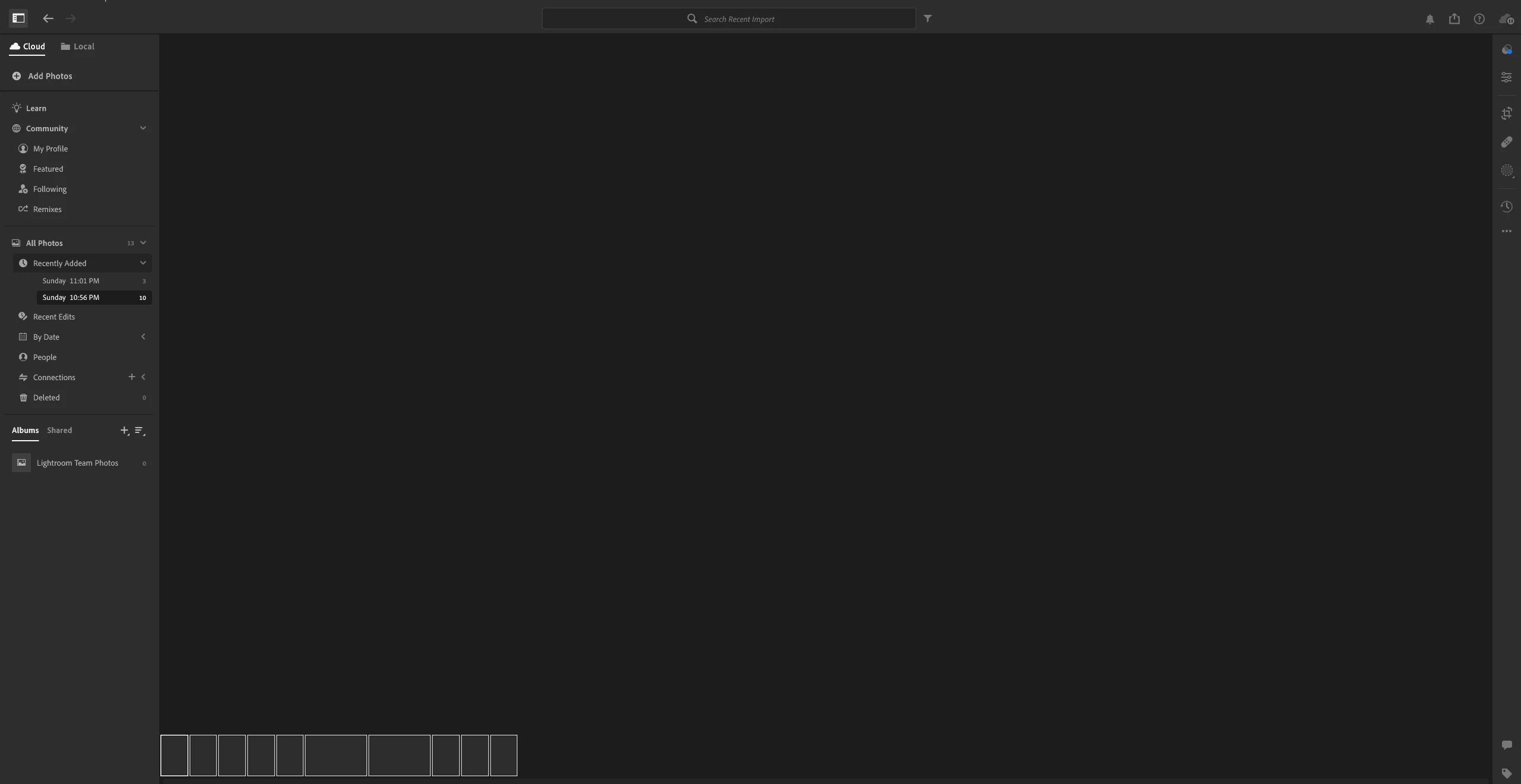
Why can't delete grey out image and it permanently not disappear

  • October 14, 2023
  • 1 reply
  • 480 views

I tried to delete the image but I couldn't delete it. I try everything but still cannot delete it. Also, I tried to reinstall but guess what it is still the same. The grey-out image is permanently there.
 

This topic has been closed for replies.

1 reply

Rikk Flohr_Photography
Community Manager
Community Manager
October 14, 2023

Login at https://lightroom.adobe.com and see if you have a Sync Issues folder like this:

If so, follow the instructions on the thumbnail. 

Rikk Flohr: Adobe Photography Org
Participant
October 14, 2023

Nope, there's no sync issues


Rikk Flohr_Photography
Community Manager
Community Manager
October 14, 2023

There are also no photos in your screenshot - are you sure you are logged into the same Adobe ID in the Desktop and Web applications?

Rikk Flohr: Adobe Photography Org