
Question
How can I see my photo settings during the import?
Hello Guys!
I have one important question.
When I am in the import menue and I am looking through the photos that I have taken to decide which photo I want to import into lightroom. It would be really helpful to see the the camera settings that I had when I have taken the shot.
I have managed in the "development" section to enable this function, that I always see my camera settings (see picture, marked in red).
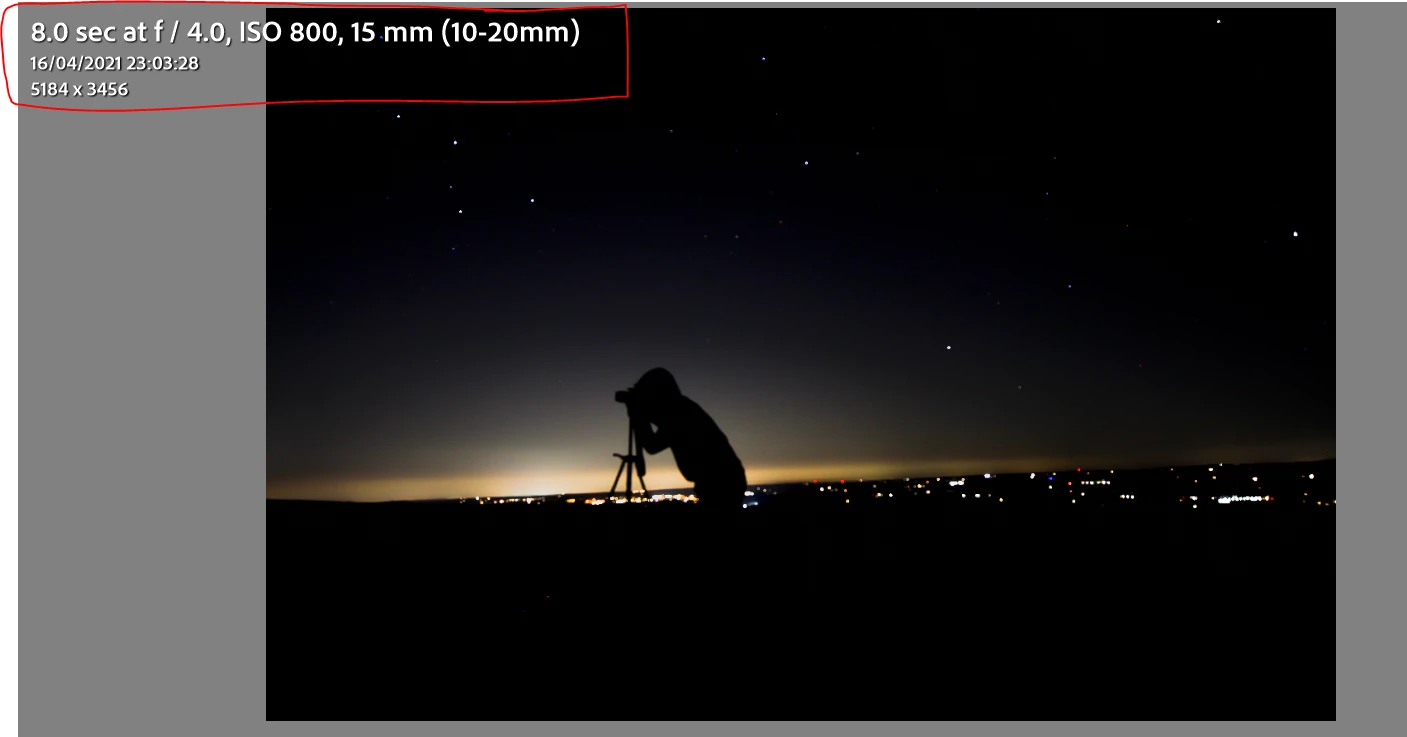
Can anyone tell me how I can activate this setting in the import section as well?
Thank you!
 AdChoices