
Flowers2020
Participant
November 16, 2020
Question

Inconsistent background and coming up too dark

  • November 16, 2020
  • 1 reply
  • 421 views

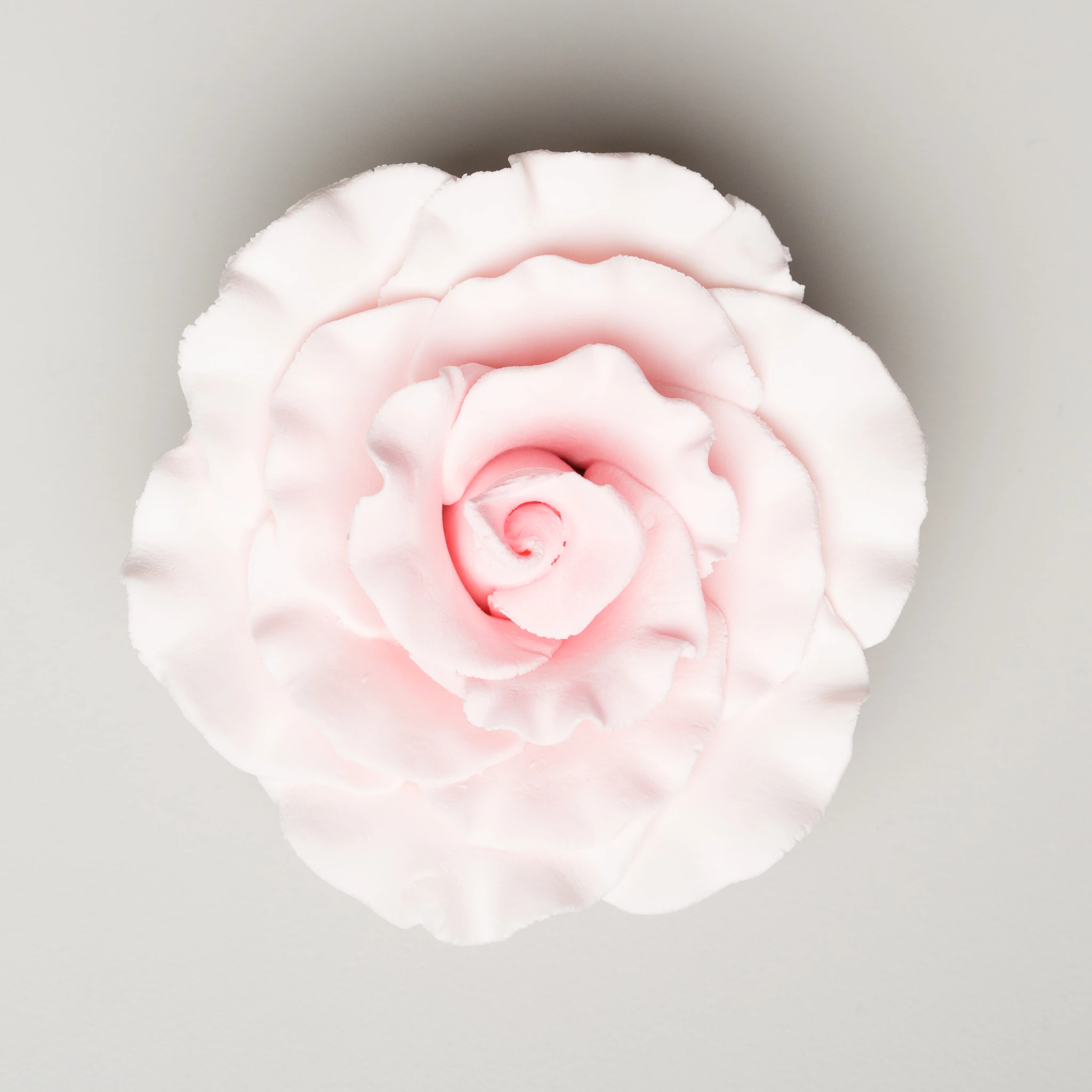
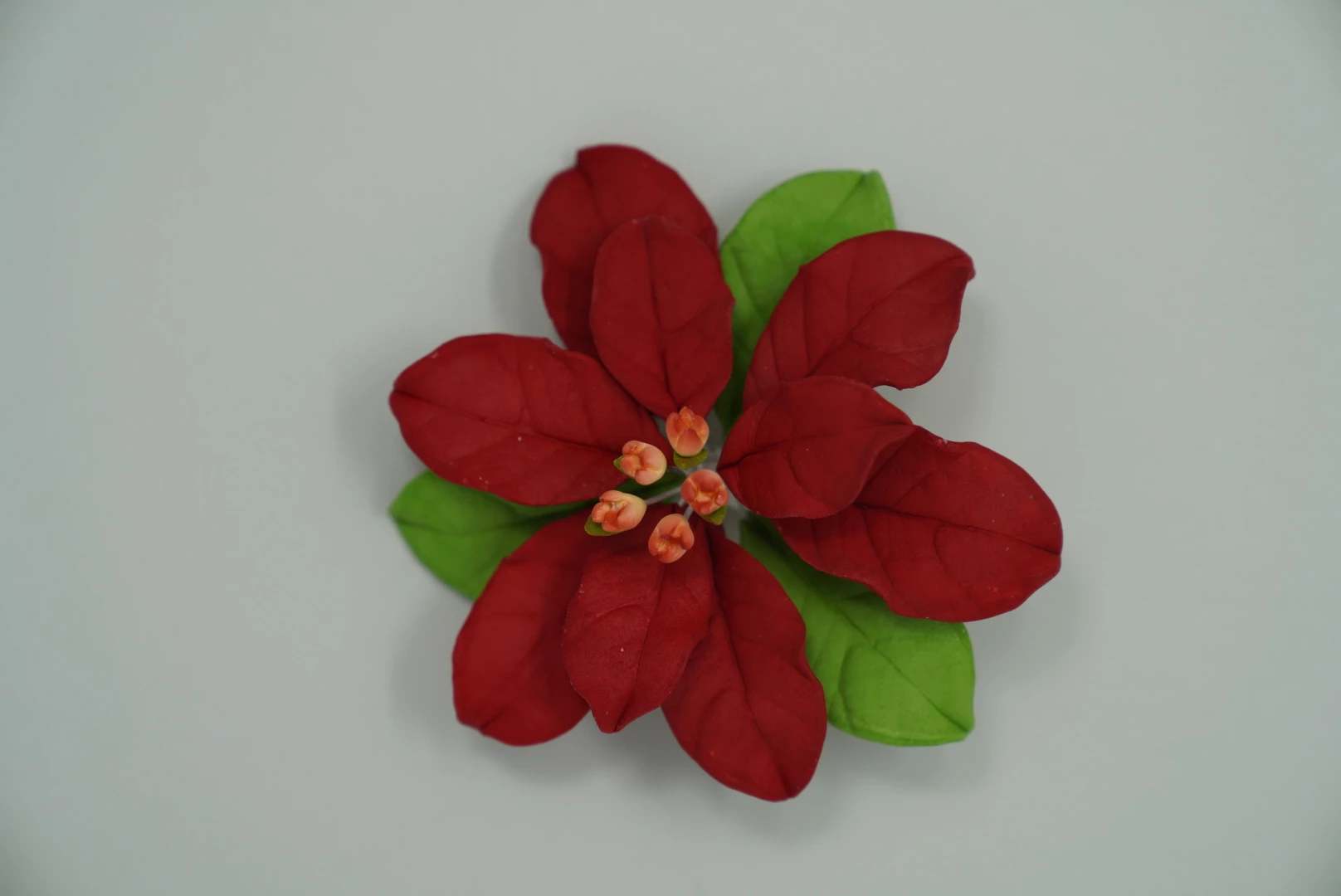
I am having trouble getting a consistent background color while shooting in a light box.  I am using Savage Paper (Gray Tint) and the products I am shooting are coming up so dark.  How can this be inside of a light box?  In Lightroom I have to increase exposure and contrast but then I lose color/detail of the product just to get the backgrounds to match/align for consistency.  What am I doing wrong?  Rose is desired color background.  Poinsettia is what I am getting instead.
This topic has been closed for replies.

1 reply

Rob_Cullen
Community Expert
Community Expert
November 16, 2020

Two suggestions-

1) Switch camera to fully Manual Mode (S & A & ISO) and set the exposure to render a 'correctly exposed' image. (The paper Grey looks correct). Always use this exposure for the same lighting in the light box.

2) Set camera to a fixed White Balance (Not 'Auto').  (Essential if shooting JPGs.!)


Regards. My System: Windows-11, Lightroom-Classic 15.3, Photoshop 27.5, ACR 18.3, Lightroom 9.3, Lr-iOS 10.4.0, Bridge 16.0.3 .