
Answered
Lightroom Mobile Smart Preview vs. Original
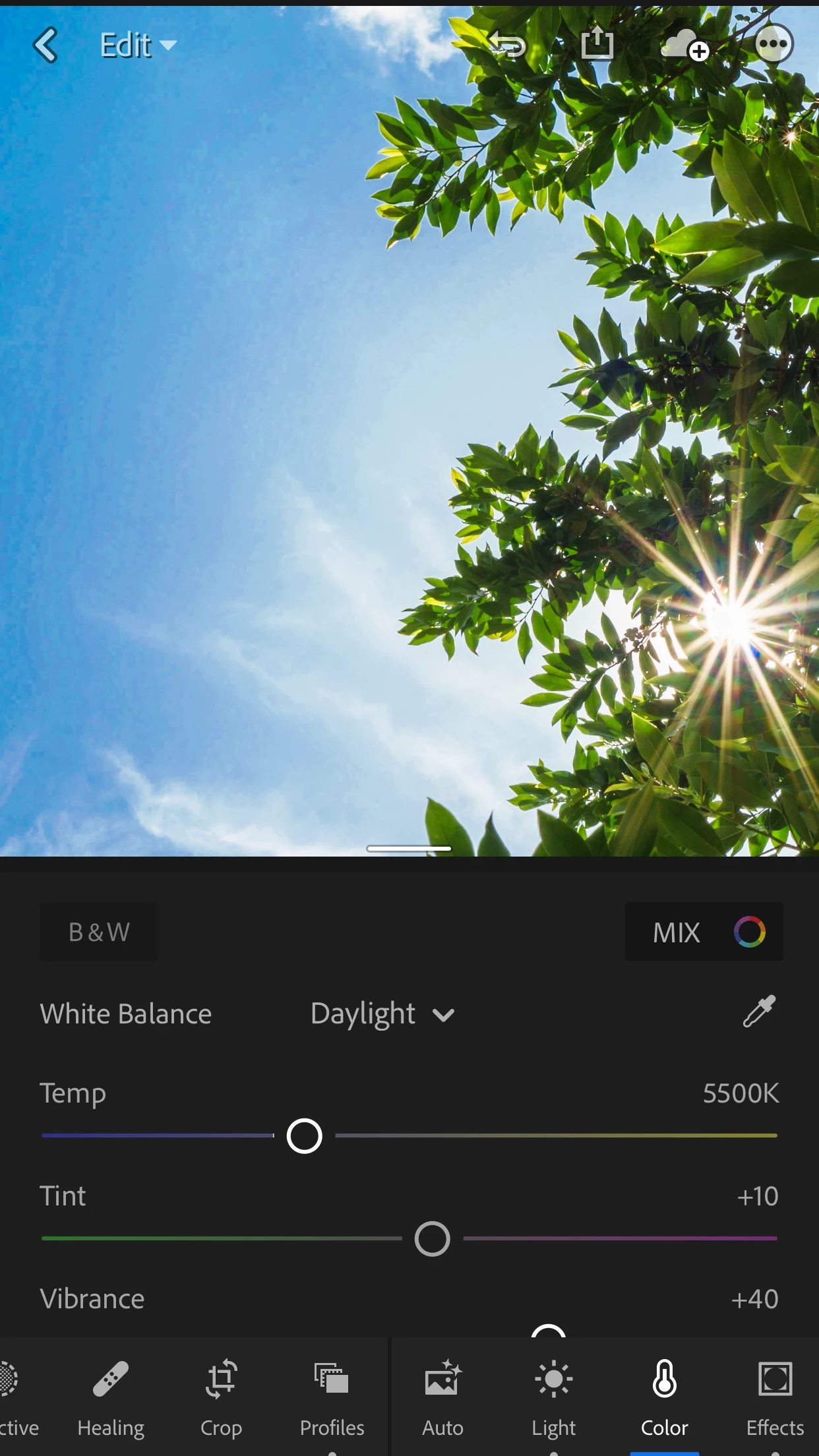
My normal workflow is to upload my RAW files to my desktop and edit in Lightroom CC Classic. I have also synced a few collections so I can work on them on Lightroom Mobile. I've noticed that I only get smart previews on the mobile version - even after turning off "Only Download Smart Previews". This leads to odd pixelization sometimes (see attached photo). If I open the file up on my desktop after this it will momentarily show the pixelization before it updates and then looks correct. Is there any way to force using an original file or force the changes to sync on my desktop and update the smart preview (if that makes sense)?
 AdChoices