

Answered
RAW files getting darker when import into Lightroom
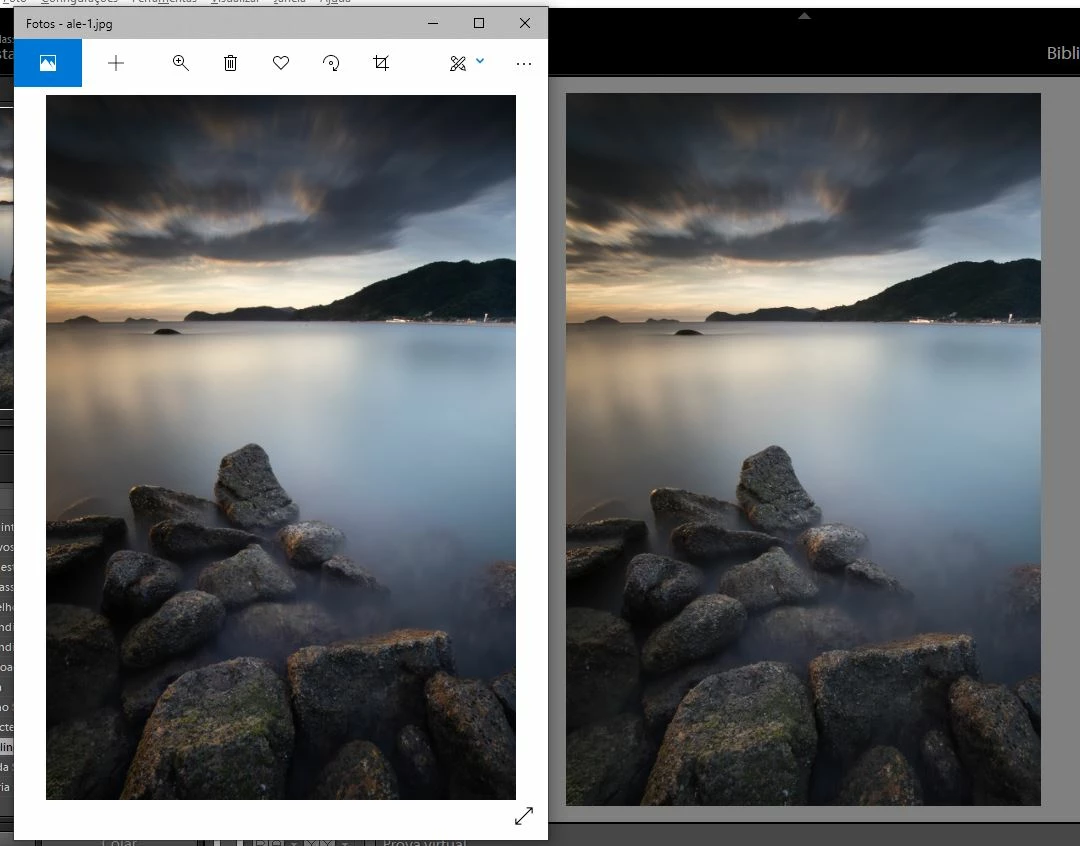
I can't identify the root cause for the photos that are imported into lightroom to be darker (on average 2 stops) than what it is displayed in the lcd and photometer of my camera and JPG file generated for printing. Note that in the example below the photo has not been edited. However, when exporting to JPG the photo generated has and correct exposure.
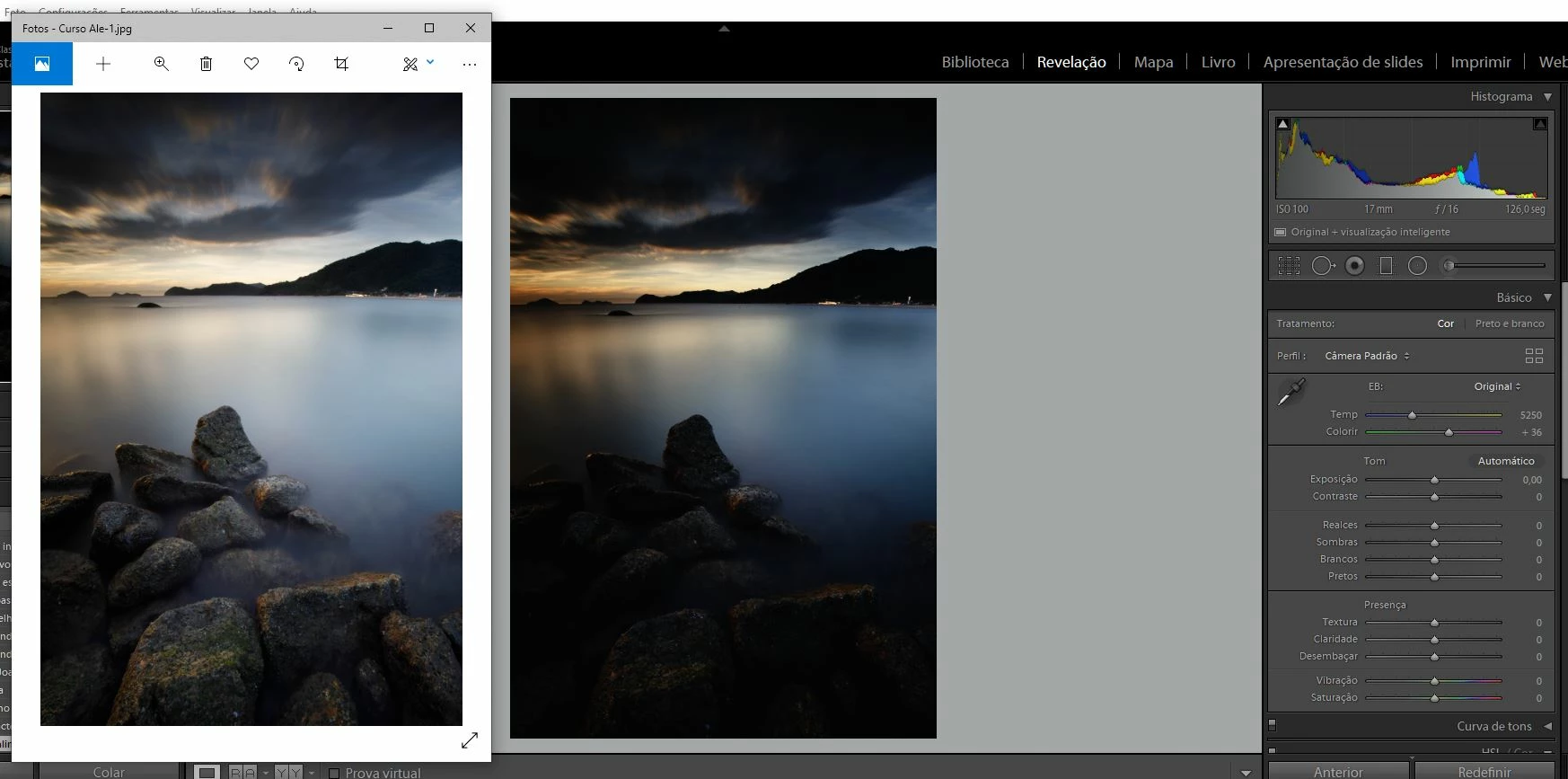
Right: the image as imported by Lr. Left: JPG generated by Lr without any edition.
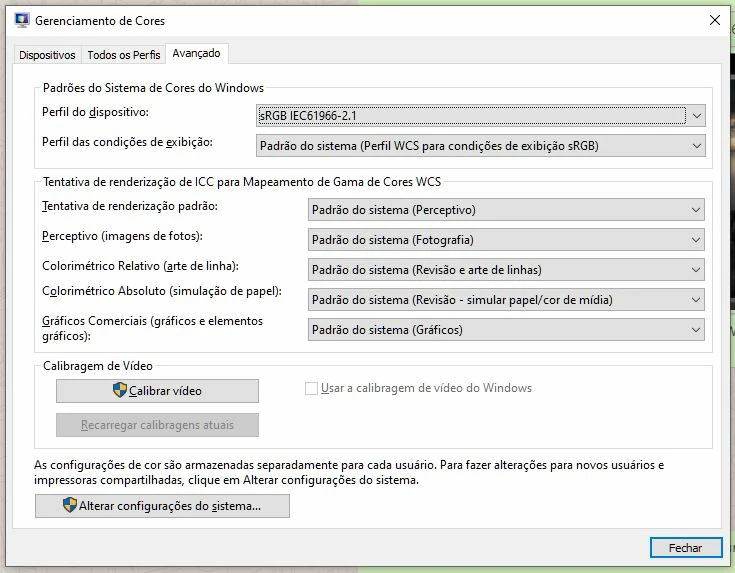
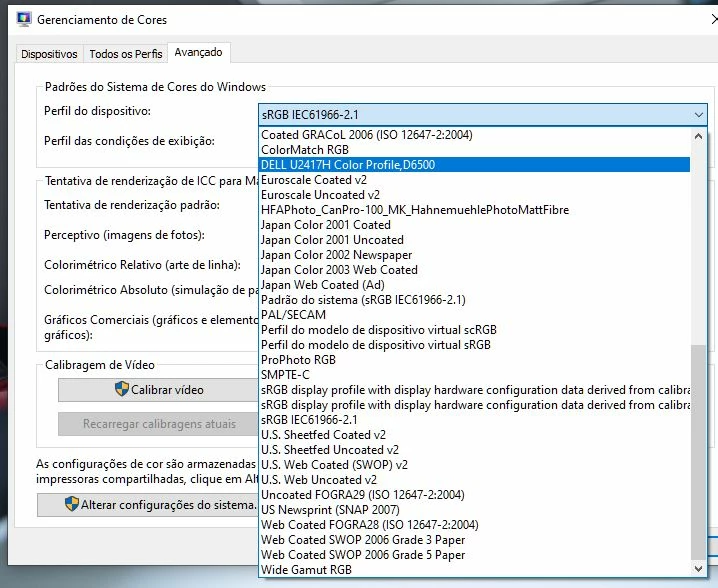
I`m capturing the images under Adobe RGB color space. I`m exporting JPG in Adobe RGB as well. My monitor it is calibrated in the same color space. The camera calibration is well setup for my Canon. I`m importing the RAW files without any pre-definition.
Any suggestion?
 AdChoices