This topic has been closed for replies.

3 replies

schroef
Inspiring
July 21, 2021

You could try retargeting the outcome from Mixamo to your rig or simply adjust Mixamo outcome and work on the weight painting.

Ussnorway7605025
Legend
July 14, 2021

Mixamo will only animate a Mixamo bone set... if you want to convert Mixamo rigs \ animations then I suggest you use professional software like Iclone + 3Dexchange

Adobe Employee
July 23, 2021

That is not correct - Mixamo would animate any bone set that can be mapped to HIK. We do the mapping automatically and fail in less than 5% of cases... using a standard naming convention helps. Cheers!

Ussnorway7605025
Legend
July 24, 2021
quote

a standard naming convention helps. Cheers!


By @Stefano-C

well its a good thing there are so many to pick from then 😉

Ussnorway7605025
Legend
July 13, 2021

Mixamo reads that your model has bones and so stops... that is the correct step because otherwise it would remove your own bones

if you want Mixamo bone sets then export as wavefront Obj and upload that to add animations

ZeinoAuthor
Participant
July 13, 2021

Thanks for the help, but unfortunately that doesn't solve my problem.

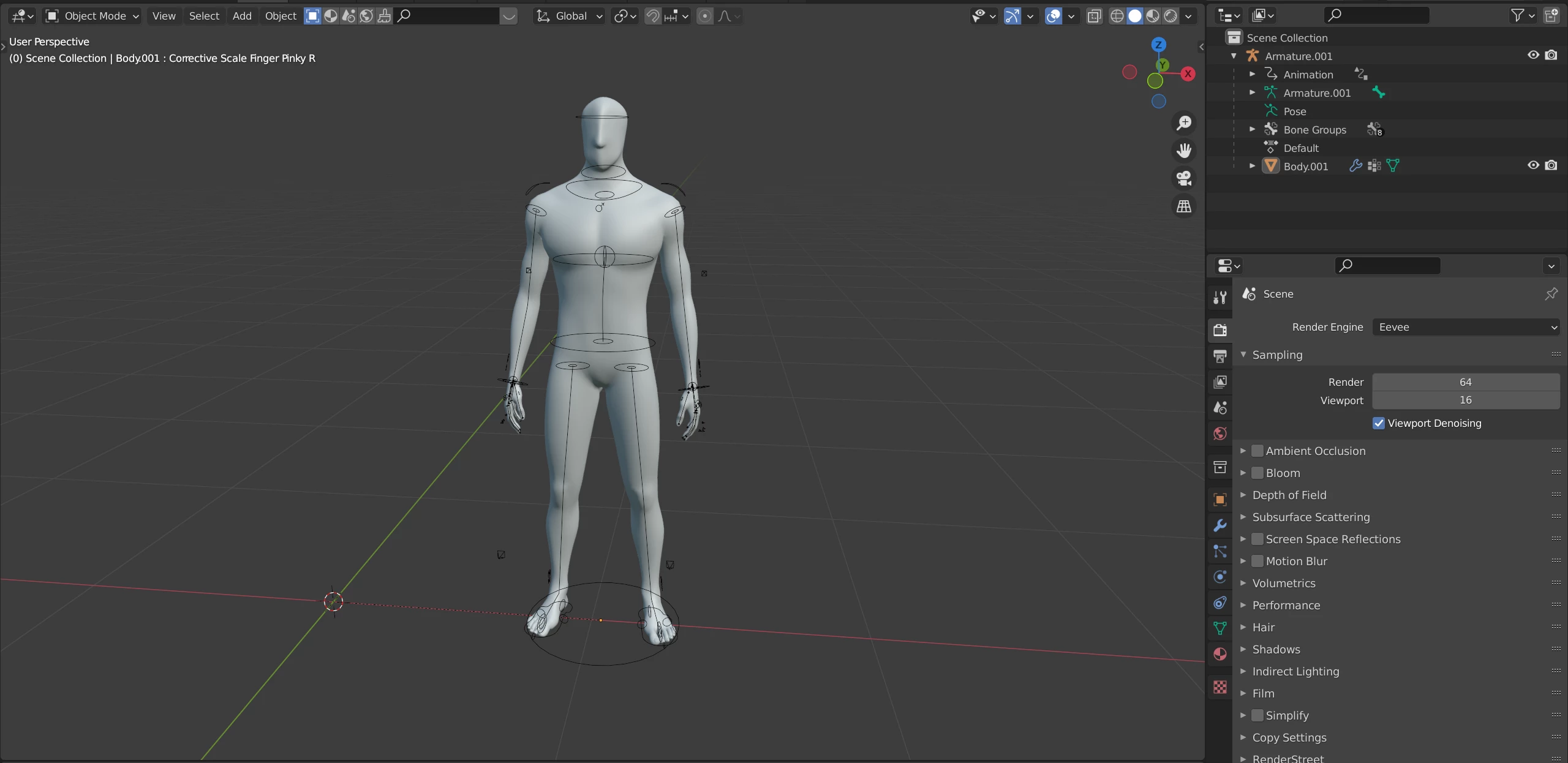
I want to use my own rig because Mixamo's rig is deforming the hips/shoulders on complex movements.

This is why I wasn't happy with the .OBJ result.

Adobe Employee
July 23, 2021

Mixamo animates models rigged with Mixamo AND characters that already have a rig.

The problem here is that the bone naming convention is not being recognized by Mixamo automatic mapping.

What bones convention did you use? Anything similar/close tot he HIK naming convention or Biped naming convention would work...

Cheers!

Stefano