Participant
September 24, 2020
Answered

Where are clothes and guitar for my default Mixamo guitar player?

  • September 24, 2020
  • 2 replies
  • 879 views

Hi All,


I'm new to this and need to put clothes and a guitar on my Mixamo default guitar player.

There are no tools there to do this. The information there talks about rigged, custom characters, .fbx files and how to upload them. This presumes you have one of those, which I do not.

Where do I get the clothes and the guitar for my character?

Thanks you for taking the time to help me. I know I could YouTube this, however, I keep thinking the answer should be right there on the Mixamo character building page.


Blue Skies,

Tiik
This topic has been closed for replies.
Correct answer Ussnorway7605025

the answer is not right there on Mixamo page because Mixamo doesn't allow for custom characters


guitars are pretty common but outfits need to match the model

2 replies

Ussnorway7605025
Legend
September 25, 2020

hair and skin colour is a simple edit you would normally do in Photoshop (whatever) after downloading the model

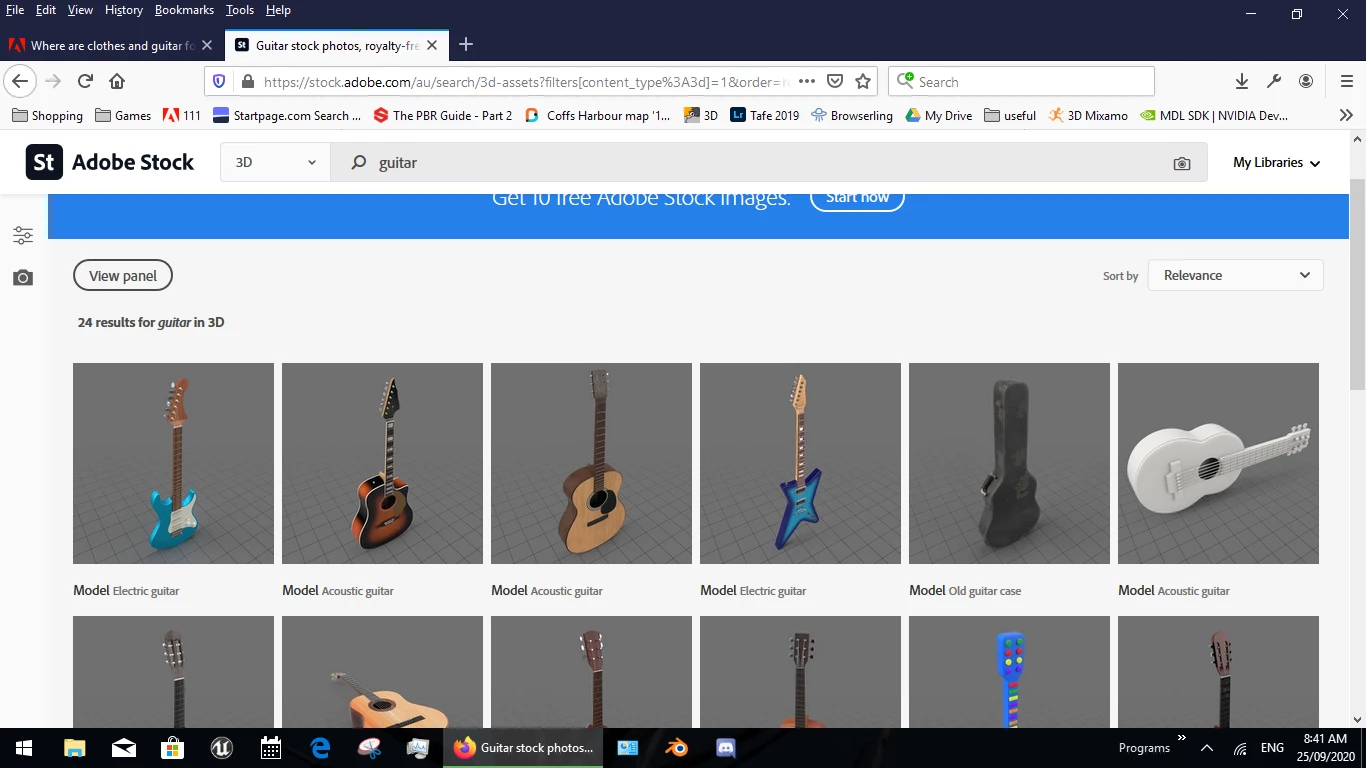
yes there are a few electric ones but other 3D stores have them as well... how you pay for them is down to what type of account you have

Does Mixamo not come with some accessories?

one of the models comes with a sword and shield but in general thats correct i.e, Mixamo is very limited and you only get what you see in the list


Ussnorway7605025
Ussnorway7605025Correct answer
Legend
September 24, 2020

the answer is not right there on Mixamo page because Mixamo doesn't allow for custom characters


guitars are pretty common but outfits need to match the model

Tiik DCAuthor
Participant
September 24, 2020

Thank you for your response. I just now saw the Character button on the top left. I clicked a character and it dressed itself onto my model guitar player. That was easy.

Now I'd like to change it's hair color and skin tone. Is that possible?