


Hover layer bounds is now in Photoshop beta!
Hi Photoshop beta friends!
We have just added a new feature for the Move tool called "Hover layer bounds" to the Photoshop beta, and it is available to you now!
What does it do?
This new feature adds the ability to mouse over an object on your canvas and show an outline of that layer. Additionally the corresponding layer will be highlighted in the layers panel. It also has additional function with layers with masks that display both the shown and hidden pixel data.
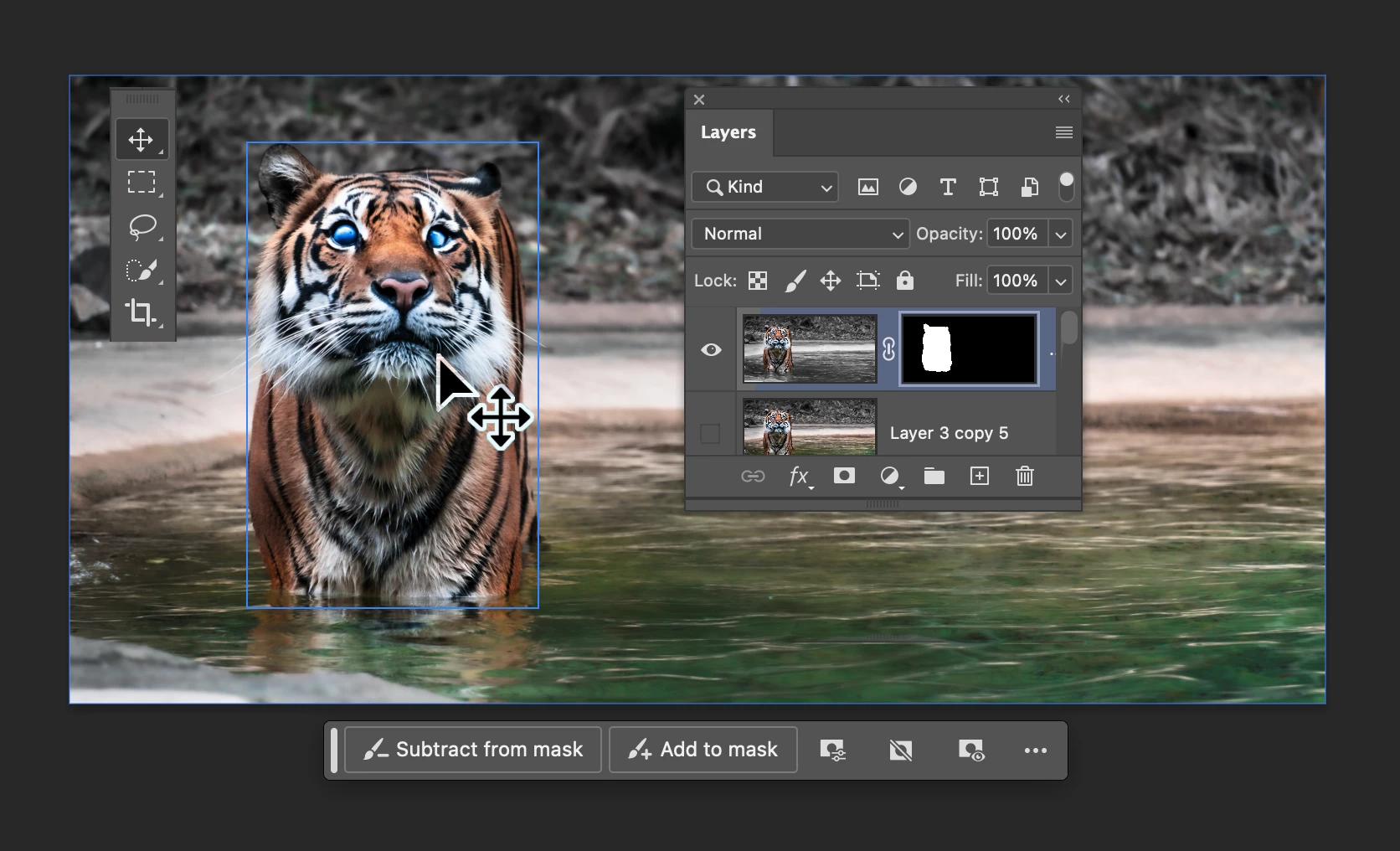
Hover layer bounds also works in the reverse direction as you mouse over layers in the Layers panel.
Hover layer bounds is very customizable;
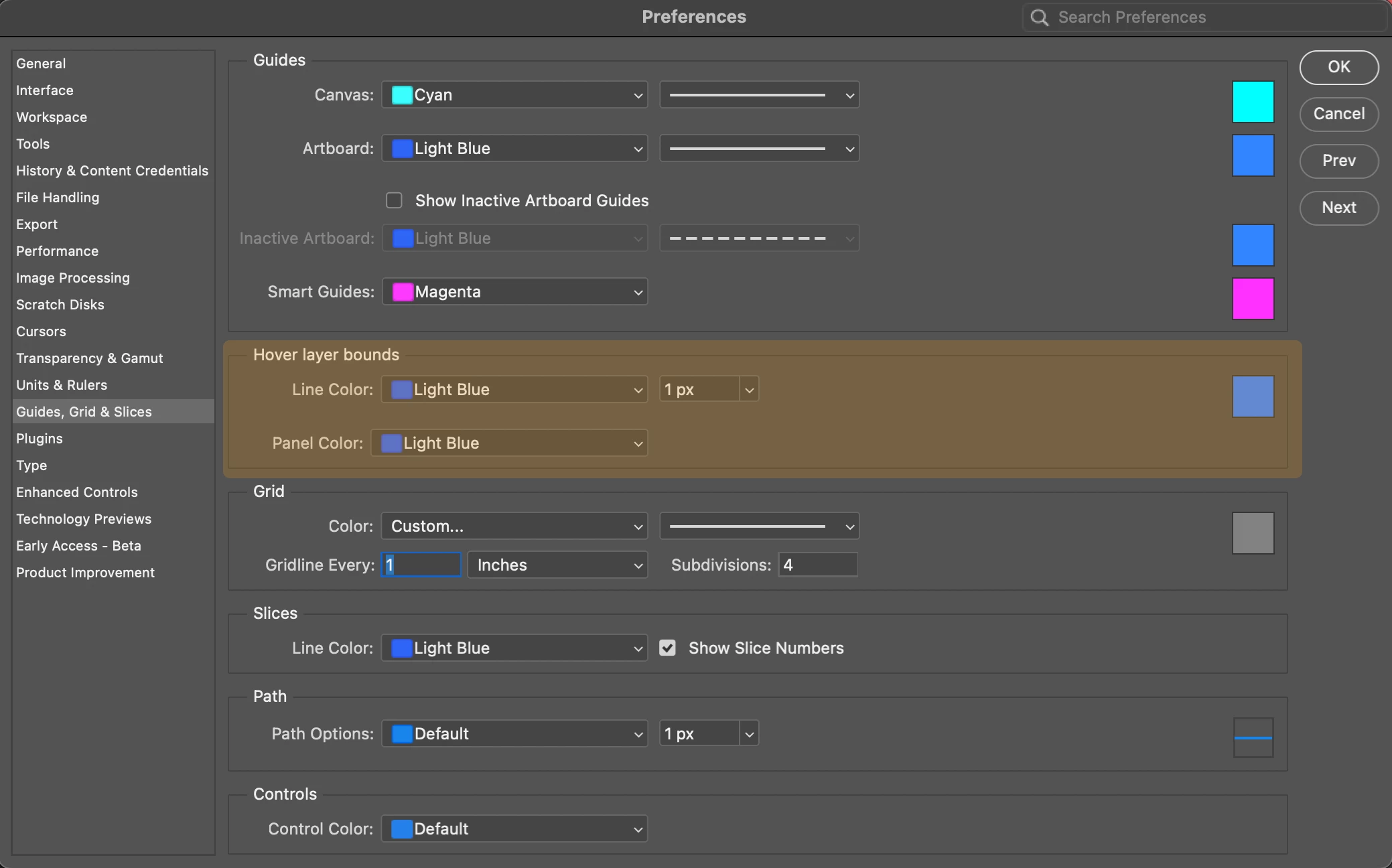
- You can customize the color, thickness, and the Layers panel highlight color in Preferences > Guides, Grid & Slices
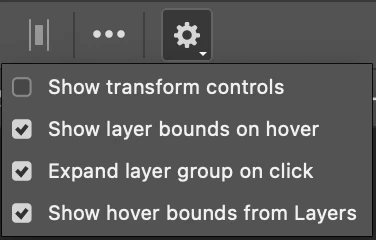
- and customize the behavior in the new Move tool gear menu in the Options bar.
We would love for you to give hover layer bounds a try!
Please let us know what you think and how we could make improvements to this feature.
Thank you!


 AdChoices