Inspiring
July 8, 2021
질문

용량이 큰 파일을 열면 포토샵이 멈춥니다. - Photoshop 2021 freezing when opening large files on Windows 10
  • July 8, 2021
  • 1 답변
  • 1009 조회


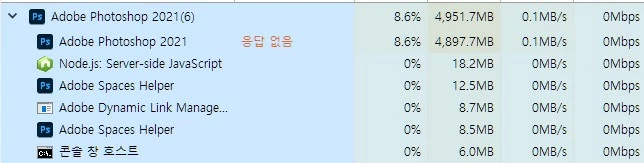
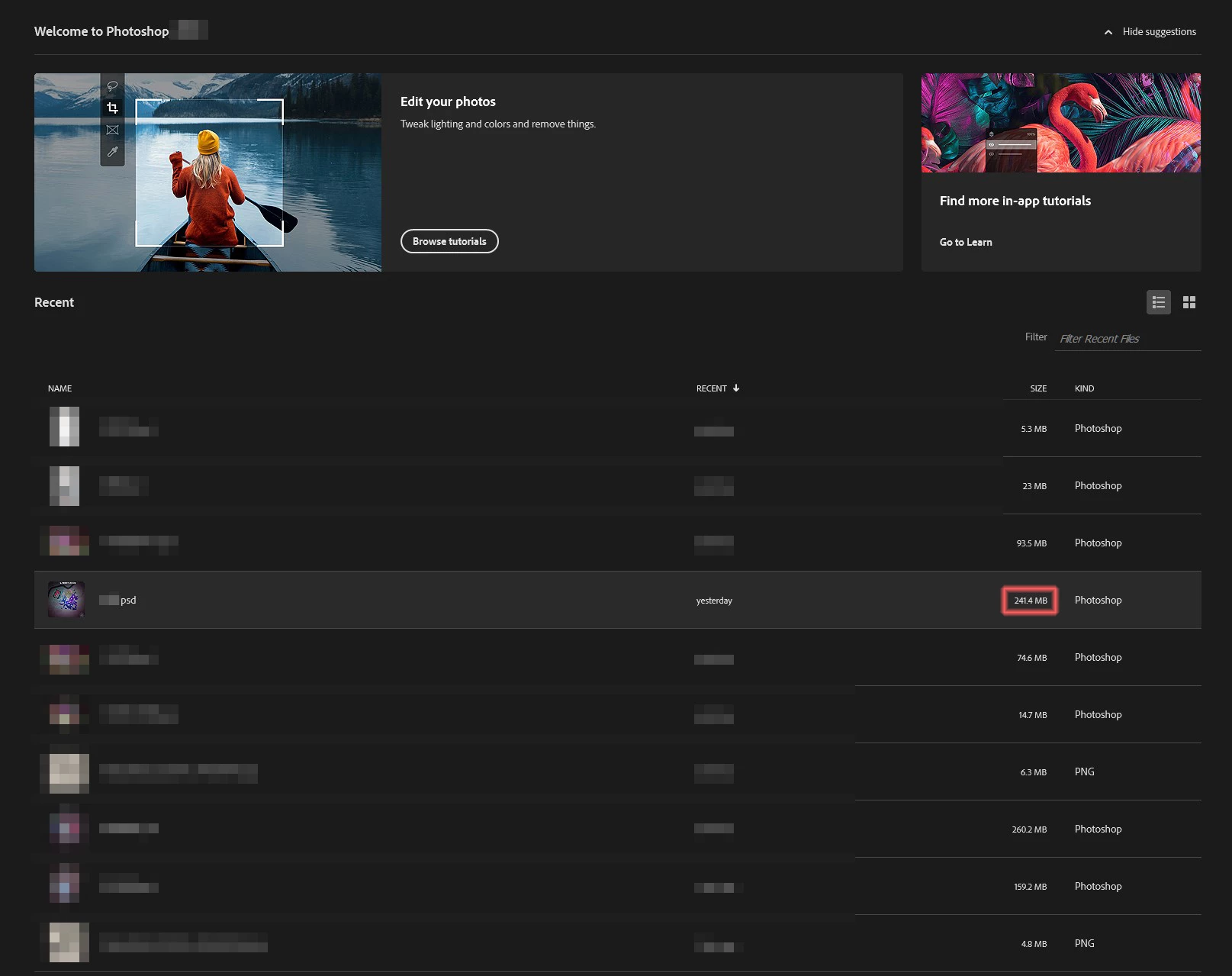
포토샵에서 비교적 용량이 큰 파일을 열면 해당 파일을 클릭하자마자 포토샵이 멈추며 응답 없음으로 나타납니다.

new document 나 작은 용량의 파일은 열리며 그 이외의 이상은 없습니다. 하루아침 갑자기 큰용량의 파일들이 열리지 않아 난감합니다.


{Thread title edited by moderator}

    이 주제는 답변이 닫혔습니다.

    1 답변

    nikunj.m
    Legend
    July 8, 2021

    Hi,


    We're sorry about the trouble with Photoshop while opening large files. Would you mind sharing the exact version of Photoshop you're using? Are the files saved on an external drive? Please ensure you have all available Windows updates installed on the computer.


    You can try disabling the option to Use Graphics Processor from Photoshop by going to Preferences, then performance. Once done, quit & relaunch Photoshop to check if that helps.

    You can also try optimizing the Preferences of Photoshop using the steps suggested here: https://helpx.adobe.com/photoshop/kb/optimize-photoshop-cc-performance.html


    If the issue persists, you can try to reset the preferences of Photoshop using the steps mentioned here: https://adobe.ly/2Qzc0K3

    Please backup your settings prior to resetting the preferences. You can check: https://adobe.ly/2vNz6FG


    Let us know how it goes!

    Regards,

    Nikunj

    Baranta작성자
    Inspiring
    July 9, 2021


    windows 업데이트는 최신상태입니다. photoshop 버전 또한 22.4.2 입니다. 작업 파일은 외장 하드디스크에 있습니다.


    제시해준 방법대로 이행해 보았으나 여전히 이러한 상태가 계속됩니다. 포토샵 제거 후 재설치를 해도 달라지는 것이 없습니다.

    nikunj.m
    Legend
    July 9, 2021

    Thanks for the info & we're sorry that the issue persists. Have you tried resetting the Preferences of Photoshop to check if that helps? If not, please try that & let us know how it goes.


    Also, please try moving the files to your computers local storage to check if you experience the same issue.


    Regards,

    Nikunj