

P: Artifacts on image while using uniform color with Color blending mode
Photoshop CC v20.0.0 is showing weird visual artifacts when using a 'uniform color' layer with color blending mode. Simply create a new 'uniform color' layer with H:0o, S:0% and B:50%. Then change the layer blend mode to 'Color'. I have already disabled the graphic processor and restarted PS without success. What it worked is to install the previous version of Photoshop CC v19.1.6, where this issue doesn't appear at all.
Could it be the new blending preview feature of the v20.0.0?
I'm using a MacBook Pro early 2015 retina 13", having Intel Iris Graphics 6100. 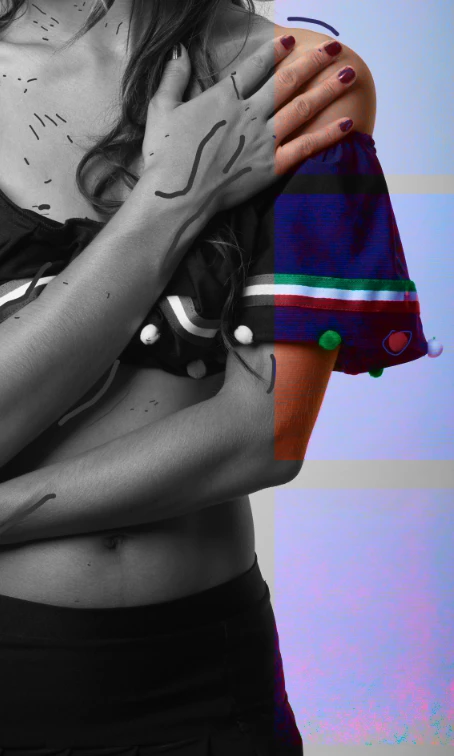
 AdChoices