

P: Can't copy a path in an action
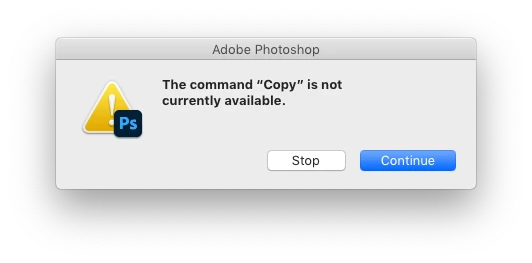
I use an action in my workflow to copy a path from a jpg and paste it into a tiff. Used to work flawlessly from PS CS6 up to and including the previous version of PS CC 2020.
Now I get this:
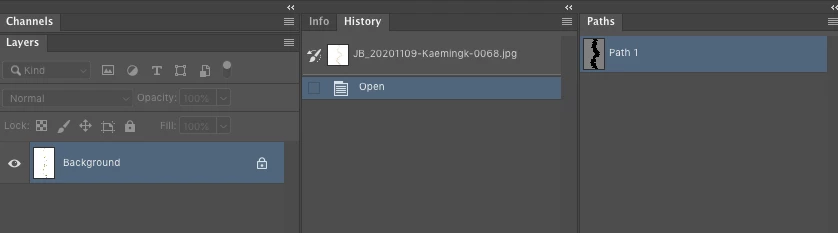
The layers palette and the part of the action:
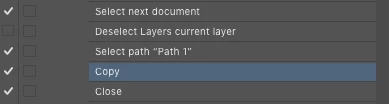
Manually it won't work either, *unless* I first select the Path Selection Tool.
Also, I see that if I use 'Open files into Photoshop layers' from Bridge, the default filename is "Untitled-1" again. A while back (PS CC 2019?) it got changed to "Untitled1" from that.
Not sure what is preferred, but it would be nice if you make up your mind, so I don't have to keep changing my actions that rely on the exact filename…
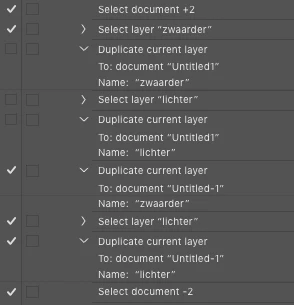
In short: *please* stop breaking what didn't need fixing in the first place…
MacPro, OSX 10.14.6
 AdChoices