podycust
Participant
March 10, 2021

P: Can't export to this location while using Export As to a folder with special characters

  • March 10, 2021
  • 20 replies
  • 17495 views

As the title says photoshop refuses to export to certain folders for no apparent reason with the attached screenshot.


it appears has problem with exporting to any folder that's more that about 3 levels deep - for example /users/me/Downloads works but /users/me/download/test doesn't 


this has only started happening since updating today to 22.3. 


if I run photoshop under Rosetta it works fine export to locations that before apparently photoshop was unable to export to previously 


I've allowed photoshop full disk access but that doesn't solve the issue when running photoshop nativity 
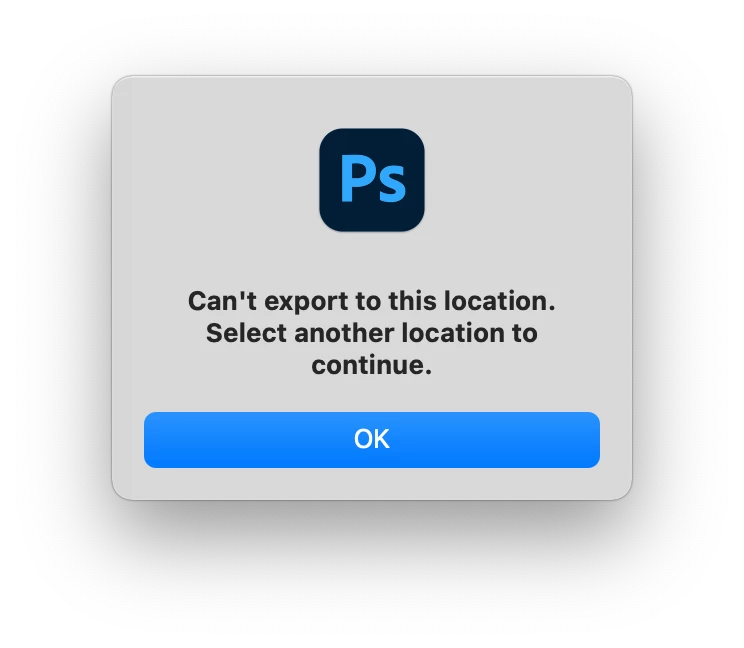
{Moderator note: Edited the thread title}
This topic has been closed for replies.

20 replies

Participant
August 11, 2023

After trying everything this is what worked!

Mohit Goyal
Community Manager
Community Manager
November 10, 2021

Hi all,  


We're happy to announce the release of Photoshop 23.0.1. This update includes the fix for this issue. To see the list of all fixed issues, click here


To update Photoshop to 23.0.1, click "Update" in the Creative Cloud desktop app next to Photoshop. More detailed instructions for updating  


Let us know if the update resolves the problem for those affected and share your feedback with us.  


Thanks,

Mohit

Participant
October 31, 2021

Hello,


Sorry I kinda forgot to check back in with this. I am on windows and I noticed that if I include "#" anywhere in the photoshop file name, not in the export name, that it will not allow me to export. I had a client send over a bunch of images grouped in folders that needed to be cut out and I desided for simplicity to use the folder names they had as the photoshop file names and the were numbered using "#" in it. 

Participant
October 31, 2021

thank you, that fixed it for me.

Participant
October 31, 2021

I'm using 2020 MBA M1 and I'm having the same issue. I now have upgraded to Photoshop 23.0.0 and I dont see the option to enable "use legacy" in my export preference menu.

Legend
October 18, 2021

@mcrocker01 Is the problem for you, that # symbol in the file name you get an error?

Participant
October 18, 2021

I'm also having thie issue. I just changed over to iMac M1. Tried PS 2020 and had permissions issues.

Legend
October 18, 2021

@cathryndiane @EZMEDIA You both are seeing a different issue with # in the file name. Are you both on windows?

Participant
October 18, 2021

I'm finding that this issue still exists if the file name contains a "#" in it, even in 22.5.

Legend
October 18, 2021

This issue reported by the OP was fixed in Photoshop 22.5.