
Participating Frequently
November 4, 2020

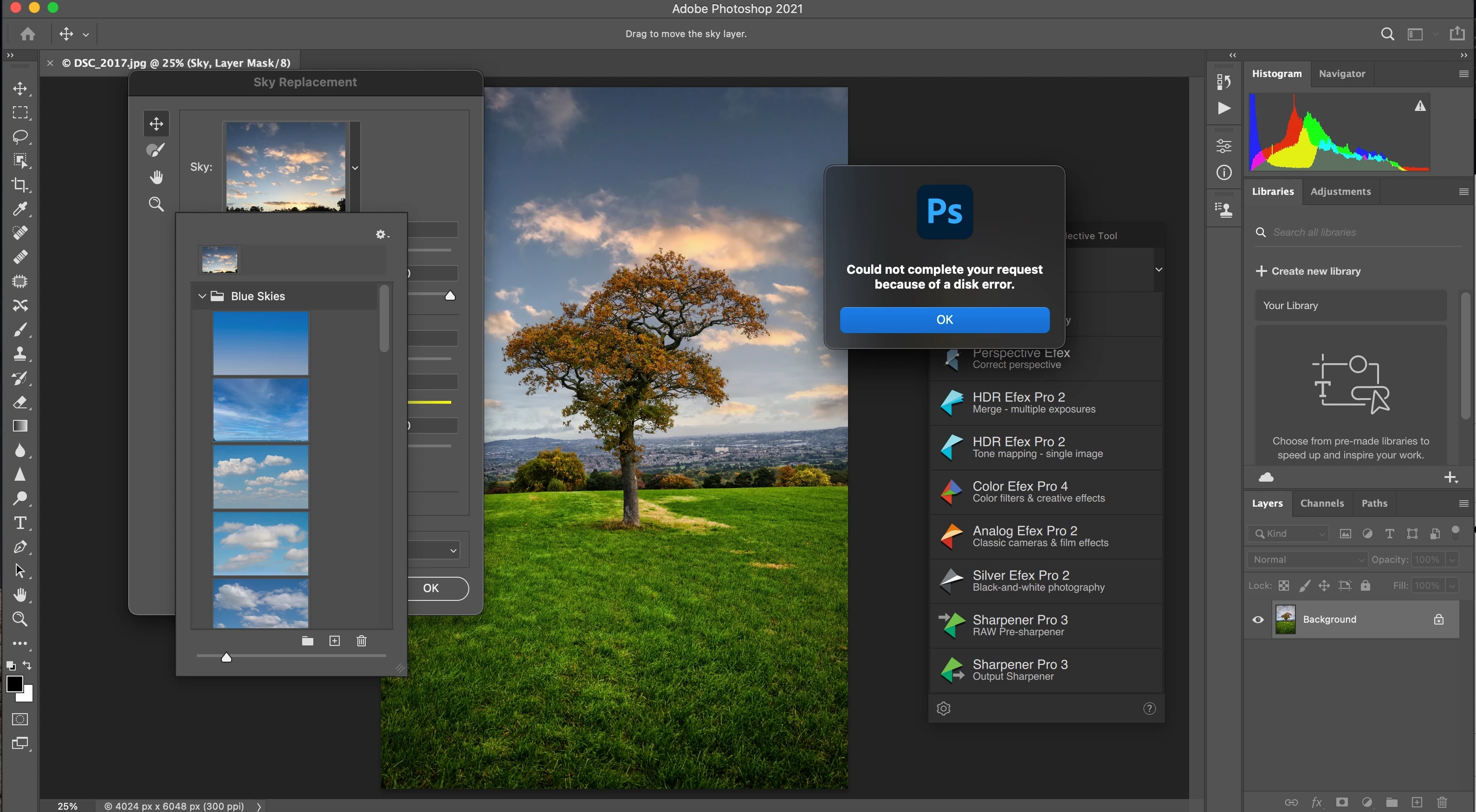
P: Disk Error when trying to import Skies

  • November 4, 2020
  • 21 replies
  • 1031 views

I seem to have an issue importing Sky Presets, the presets are in my Downloads folder on my booted Mac Big Sur laptop, the same issue exists if the files are on my desktop as well.


Edit- Sky Replacement

Sky Replacement Window Appears

Click the Arrow next to the Sky: Box

Select Import Skies, select the file and click Open


Window pops up with Disk Error


This topic has been closed for replies.

21 replies

Participating Frequently
November 23, 2020

@JeffreyTranberry Nope, its just a standard MacBook Pro with Big Sur, no problems with other software. Its the only issue I have with Photoshop. 

Legend
November 23, 2020

Do you Acronis on this computer? 

Participating Frequently
November 23, 2020

@JeffreyTranberry 

Hi Thanks for the reply, but the box has all the correct items ticked. But I still get a Disk Error. Attached is the screen grab confirming the Files and Folders Settings.

Legend
November 23, 2020

If you go to System Preferences > Security & Privacy... and click on "Privacy" what does it display there for Photoshop?

Participating Frequently
November 21, 2020

I get the same error, rather annoying to be honest, so for the time being, I have given up

Inspiring
November 16, 2020

Same here. Uploaded 150 files, exported as a .sky file. On the same computer it imported with no problem. Any other machine gets Disk Error message. 

Inspiring
November 13, 2020

i can import individual image file but when trying to import a .sky i get the same error.

Legend
November 4, 2020

Very strange. If you save your own image to the desktop can you open it? Or is it only these files that have the problem? 

Inspiring
November 4, 2020

They were downloaded directly to my computer. So I would say an internal drive. They were in a Compressed Zip file, I exported them to my desktop so I could access them, and from there it won't let me import.

Legend
November 4, 2020

Where are the sky images you're trying to import located? On an internal drive? External drive? Network drive or server? Are they in a folder that is managed under a sync/back up service (dropbox, onedrive, etc)?