Inspiring
December 9, 2023
질문

Save for web preview scaling preview issue (Photoshop Elements 2024/Windows 11)

  • December 9, 2023
  • 1 답변
  • 339 조회

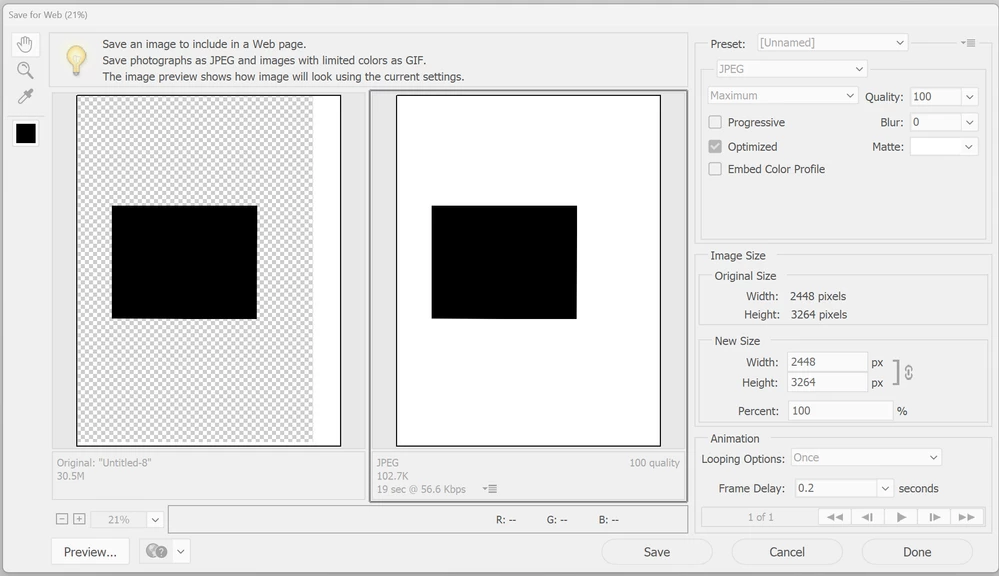
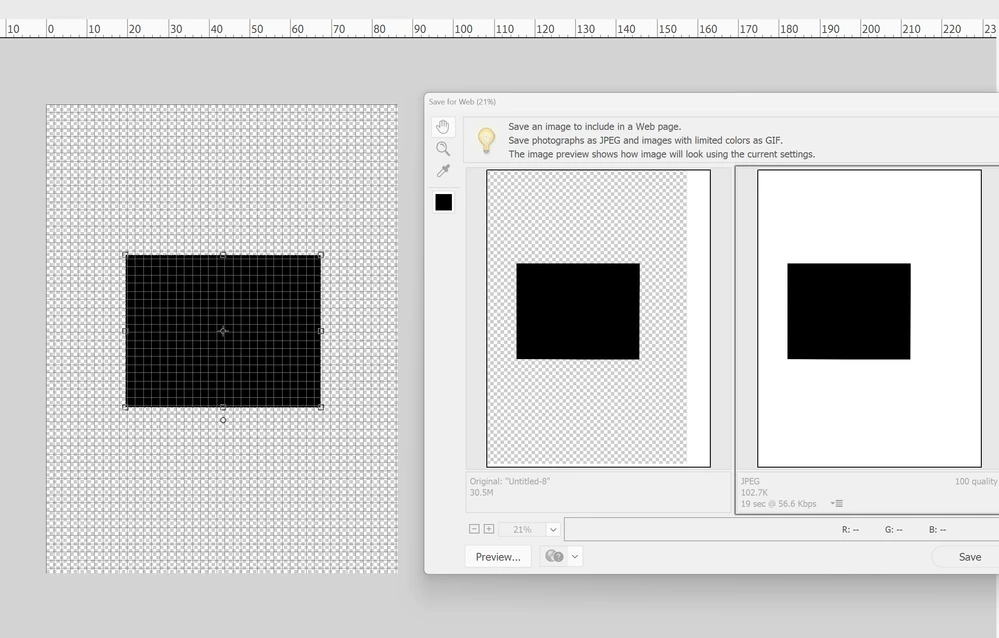
Save for web preview does not display correctly when display is scaled (Windows 11/Adobe Photoshop Elements 2024).

This is a bug I haven't seen in previous versions.
Full steps to reproduce in my video (note I say it's the 2022 version but it's actually the 2024 version).
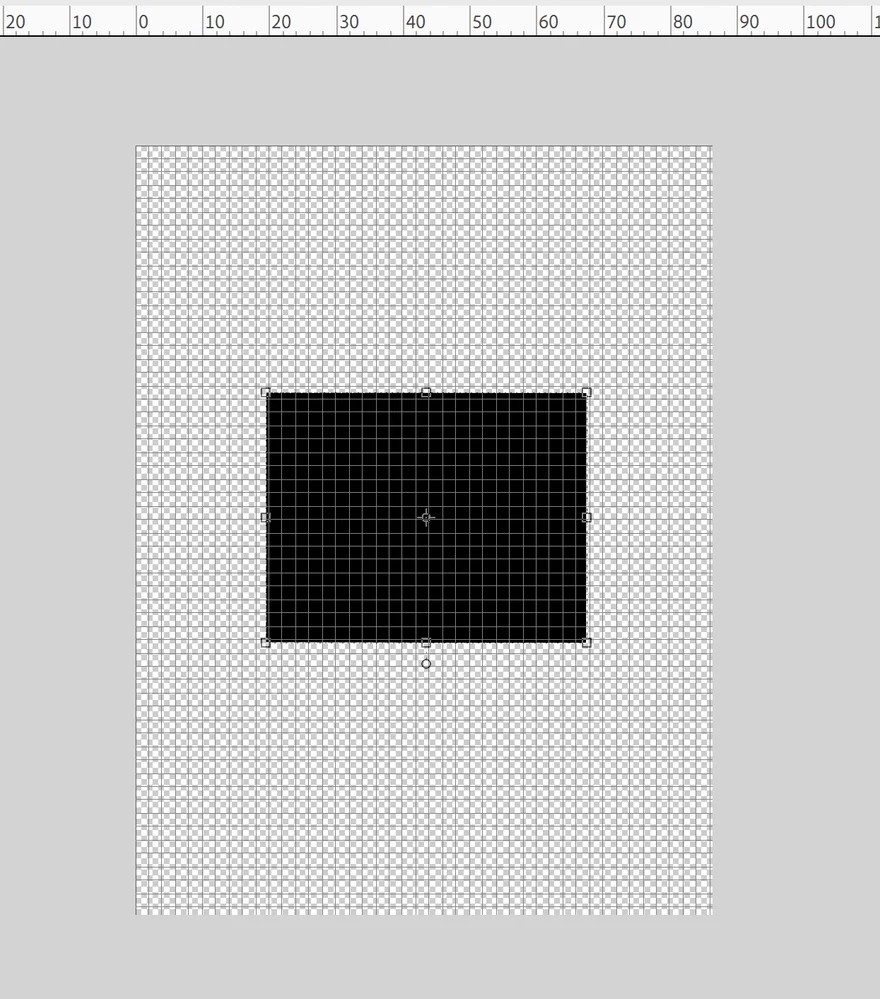
Also see images below.

Has been discussed elsewhere:
https://community.adobe.com/t5/photoshop-elements-discussions/save-for-web-doesn-t-line-up-images-correctly-in-2024-edition-windows/m-p/14259176#M94556


이 주제는 답변이 닫혔습니다.

1 답변

davescm
Community Expert
Community Expert
December 9, 2023

Hi , I've moved your post from the Photoshop forum to the Photoshop Elements forum where you are more likely to get help relevant to your issue.


Dave

AdobeAlexS작성자
Inspiring
December 9, 2023

@davescm Dave, can please read my original post? I've already provided a link where it's been discussed in the Photoshop elements forum.

I originally posted this in the bug forum for the "Photoshop ecosystem", this is clearly a bug with Windows Display,  scaling and nothing to do with my setup (as shown in my video), Elements can't handle it (like it used to be able to do).

Is Photoshop elements not in the "Photoshop ecosystem"?

Could you move it back please or how can I otherwise report this as a bug to Adobe's support/QA/developers?

davescm
Community Expert
Community Expert
December 9, 2023

Photoshop and Photoshop Elements are different applications with different development teams. Some functionality is named similarly in both apps but works differently. Advice for one app is often incorrect for the other.

The Photoshop ecosystem covers Photoshop and associated apps such as Photoshop for ipad.

That is why a separate forum is dedicated to Elements and is the correct place to raise this.


Dave