
Participating Frequently
May 29, 2022
Question

Adobe CC apps keep getting crash message on load but usable if ignore error report

  • May 29, 2022
  • 2 replies
  • 443 views

Hi there, I have been using Win 11 and with a Alder Lake i7 12700k, RTX 3070Ti, windows and driver being latest, even get adobe CS and it still comes back:


my case is being as shown in the photo:

1) Photoshop: it opens fine, load into some screen capture file by windws is fine, but once loading something downloaded from camera (5D mk III) or say whatsapp image, it will pop up with this message: 


2) Lightroom Classic: everytime I open the LRC it gets  the same error report
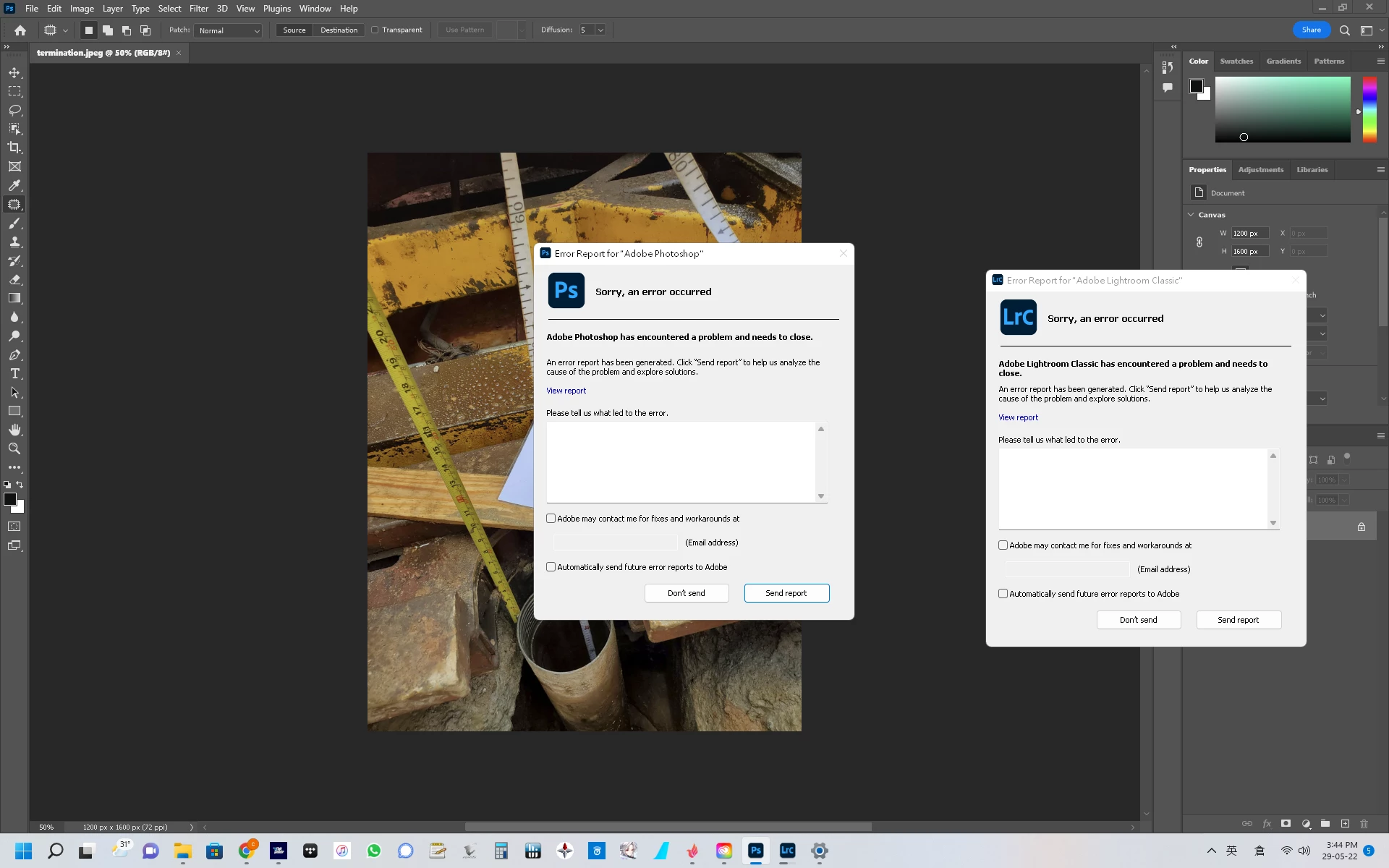


Funny thing is if I don't click on send/ don't send report window, it can still work perfectly! just that stupid message will automatically crash you into desktop

This topic has been closed for replies.

2 replies

Participating Frequently
June 15, 2022

Anyone have idea of how to solve it? tried the latest CC version and latest game ready drive, all no luck, once I update the PS goes back to crashing again until I installed camera raw 13.6, but that don't stop lightroom classic to crash

Inspiring
June 17, 2022

I've solved the problem but I had to do a clean Windows installation.

But in my case in wasn't Adobe fault, doing some digging I found out that my nVidia GPU had lost(don't know how sincerely) CUDA and OPENGL support. You can see that using a software like GPU-Z.

Doing a clean install solved the problem with the gpu and Adobe.

Participating Frequently
June 18, 2022

thanks for the hint! after messing up with that missing Open CL, driver clean install with driver removal tools and no luck...same for my case, downloaded a win 11 bootable usb file, repair windows with apps and data kept and bam it worked. thing is I still remembe it started in a day where I just used both and when I use adobe CC app update PS and LRC it suddenly behave like this, so I kind of think it's adobe update having messed up with some system files? it just don't make sense to me that windows itself crashed for no reason when the only installation/update done was the Adobe CC

Inspiring
June 7, 2022

Hello, I have the same error with Photoshop and it's driving me crazy! 

I didn't notice you can continue working if you ignore that windows, it's not a solution but at least you can use the program, thanks!