
Participating Frequently
January 31, 2023
Answered

Adobe Photoshop version 23.4.2 is not supported Adobe fonts in windows 10

  • January 31, 2023
  • 5 replies
  • 2750 views

Hi Adobe,


We use "Adobe cc all apps" in our company. I have encountered adobe font did not working in Photoshop applications. The same adobe font works well in Illustrator application. Please see the error I requested and let me know the permanent solution.


FYI: Please find the attached Version snapshot.

Adobe Photoshop version is 23.4.2 Release.
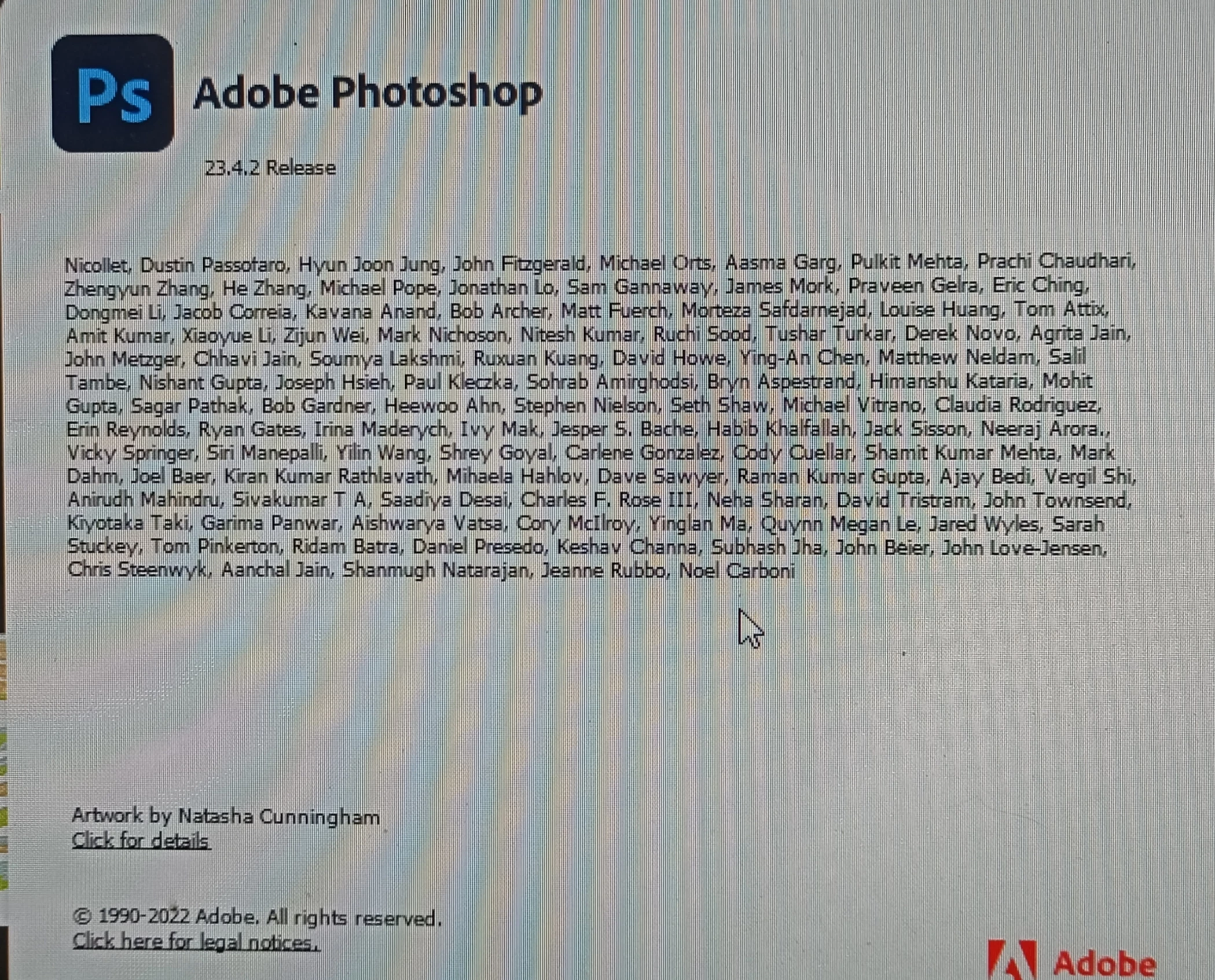
 

Regards,

Prakash S


This topic has been closed for replies.
Correct answer Kevin Stohlmeyer

Is the font a Type1 font? Stated in January 2021 Adobe is ending support of Type 1 fonts.

Starting with Photoshop 23.x (you show you are on 23.4.2) those fonts arent supported. If your Illustrator is not updated, it may still work. See the list of versions on this page.

https://helpx.adobe.com/fonts/kb/postscript-type-1-fonts-end-of-support.html


5 replies

tory_rutter
Participant
February 1, 2023

Identifying the font that Photoshop is having trouble with can be helpful.

PECourtejoie
Community Expert
Community Expert
January 31, 2023

Hi, you'll get help faster if you give more information, such as the full font name and specifications, the exact error message that you receive.
Why aren't you using the latest version of Photoshop?

davescm
Community Expert
Community Expert
January 31, 2023

'let me know the permanent solution.'

If you were using a Type 1 font you can:

a. Replace the type 1 font with an updated Open Type equivalent.

b. Substitute an alternative font

c. Use a Photoshop version earlier than v 23 . Note though, I would not call this last option a permanent solution as eventually you will reach a stage where your operating system or other issues mean you need to update.


Dave

Participating Frequently
February 1, 2023
a. How to replace the Type 1 fonts to OpenType equivalent
b. How to do "Substitute an alternative font"
Kindly support us for how to use Adobe font in Photoshop. Note though which type of Adobe font to support in Adobe Photoshop version 23.4.2

Get Outlook for Android<>
Kevin Stohlmeyer
Community Expert
Kevin StohlmeyerCommunity ExpertCorrect answer
Community Expert
January 31, 2023

Is the font a Type1 font? Stated in January 2021 Adobe is ending support of Type 1 fonts.

Starting with Photoshop 23.x (you show you are on 23.4.2) those fonts arent supported. If your Illustrator is not updated, it may still work. See the list of versions on this page.

https://helpx.adobe.com/fonts/kb/postscript-type-1-fonts-end-of-support.html


Participating Frequently
February 1, 2023
We use these mentioned font type "TTF or OTF".
FYI: These mentioned font type did not support in my Photoshop.

Get Outlook for Android<>
Bojan Živković11378569
Community Expert
Community Expert
January 31, 2023

It can help if you name font that is not working in Photoshop.

Participating Frequently
February 1, 2023
All Adobe fonts did not appear in Photoshop.

Get Outlook for Android<>