Participant
December 27, 2023
Answered

Adobe Pop-up

  • December 27, 2023
  • 1 reply
  • 800 views

How do I disable this pop up to the cloud every time I close an image down in PS?
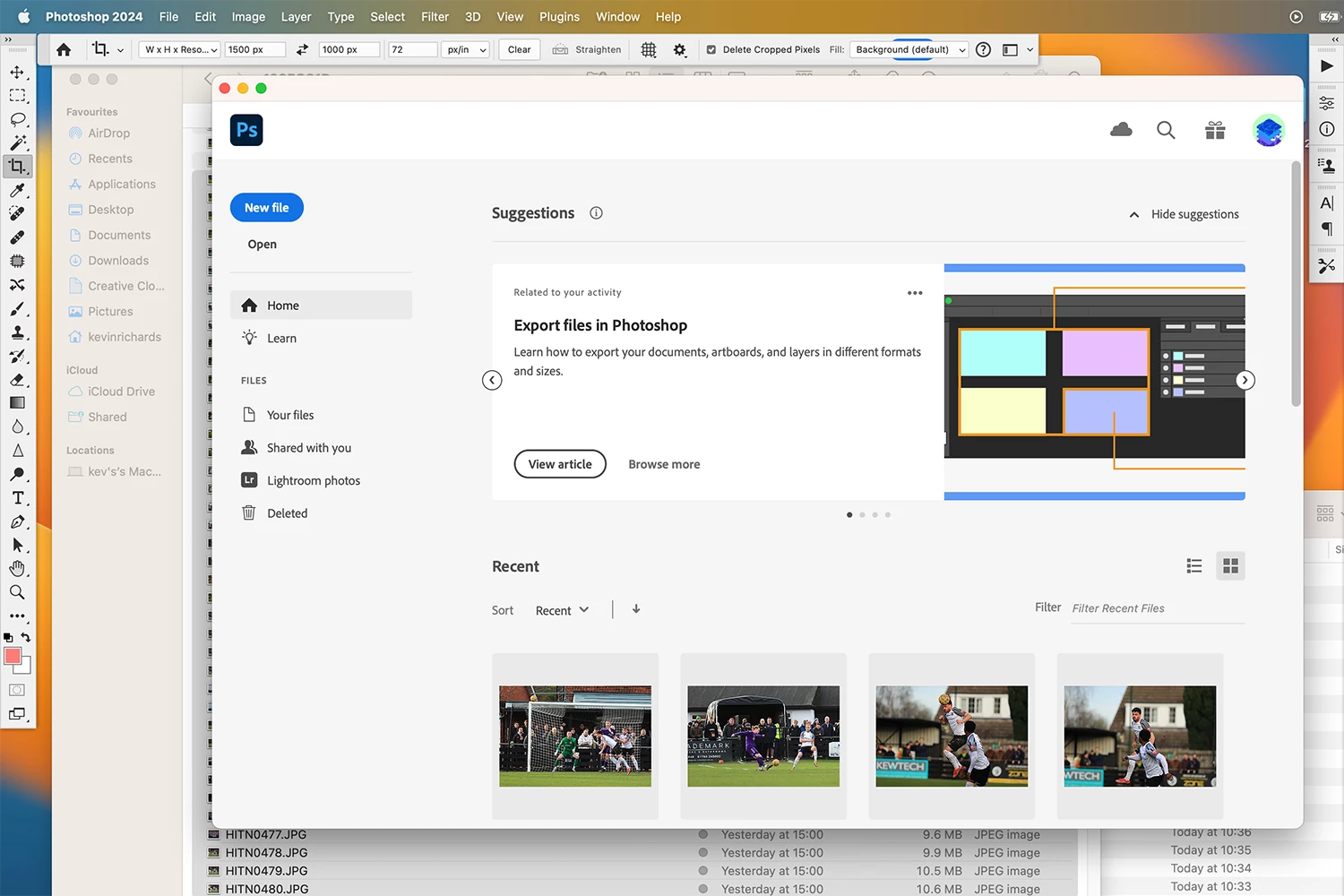

This topic has been closed for replies.
Correct answer c.pfaffenbichler

Please try unchecking 

Photoshop > Preferences > General > Auto show the Home Screen

1 reply

c.pfaffenbichler
Community Expert
c.pfaffenbichlerCommunity ExpertCorrect answer
Community Expert
December 27, 2023

Please try unchecking 

Photoshop > Preferences > General > Auto show the Home Screen

Participating Frequently
December 27, 2023

Any suggestion on how to disable the Creative Cloud All Apps pop-up that appears each time I open Photoshop.

Checking the "Don't show again" again box makes no difference.

Disabling notifications in the Creative Cloud app preferences makes no difference.

Resetting Photoshop preferences makes not differnece.

Participating Frequently
December 28, 2023

@pgmanuel you're not the only one with that issue

https://community.adobe.com/t5/photoshop-ecosystem-bugs/p-creative-cloud-apps-popup-when-opening-latest-photoshop/idc-p/14085033


@Ged_Traynor yes I am aware that I am not the only one with this issue and have added my resquest for help in the thread you linked. In that thread, on 15 September 2023, @CoryShubert said "we have passed this on to the team". That was three and a half months ago and still no fix, so I am adding my voice whenever and wherever I see it mentioned.