Answered
Artboards not showing in files PSD
When I open a photoshop document with several artboards, they all appear black and I can't work on the files.
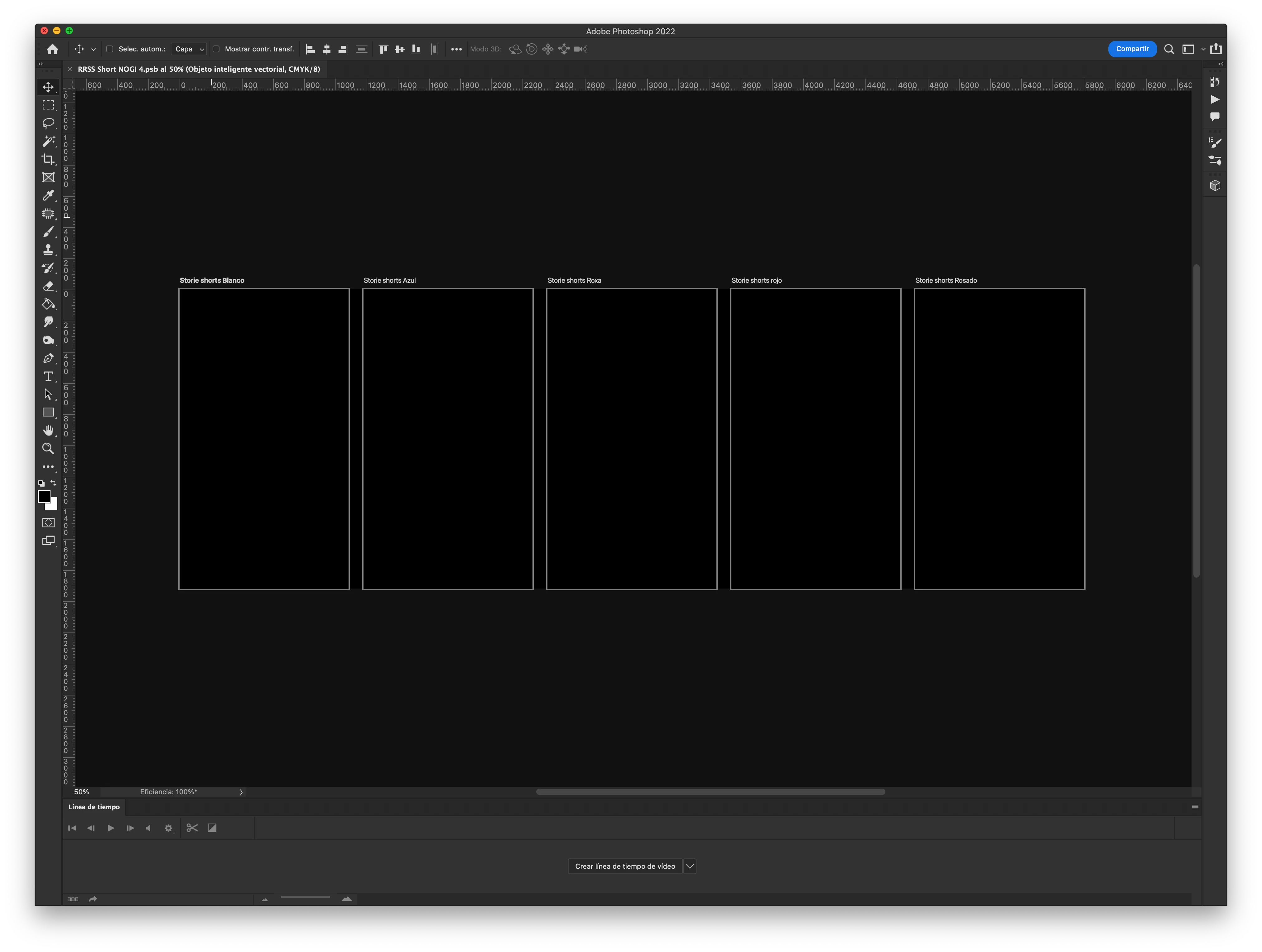

When I open a photoshop document with several artboards, they all appear black and I can't work on the files.
If you restore your preferences using this manual method does it work correctly?
https://helpx.adobe.com/photoshop/using/preferences.html#Manually
If that doesn't solve it, you can quit Photoshop and put the Settings folder back.
Already have an account? Login
Enter your E-mail address. We'll send you an e-mail with instructions to reset your password.
 AdChoices