
equinoxEmpowered
Participant
September 27, 2017
Question

Black Screen issue

  • September 27, 2017
  • 2 replies
  • 288 views

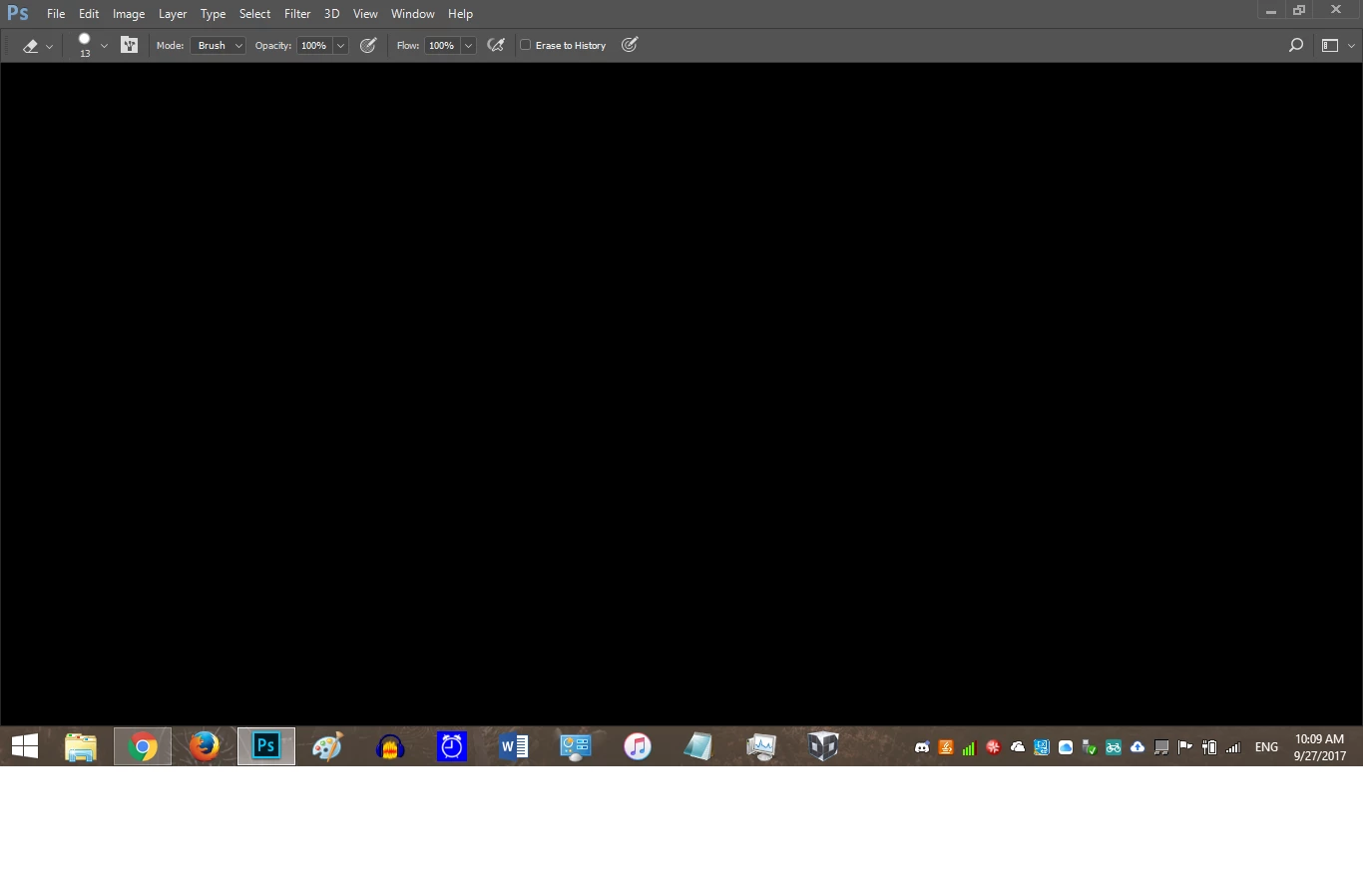
    Yesterday, without a clear reason why, my photoshop opened up to a black screen.  I've searched around and tried several of the fixes; changing my drawing settings to basic, restarting my computer, updating photoshop, and reinstalling photoshop.  None of these have solved the problem.  In the meantime, I can run the program as an administrator, but it still leaves me without the ability to create new documents.
This topic has been closed for replies.

2 replies

Legend
September 27, 2017

I assume you've already done this?

Use the Creative Cloud Cleaner Tool to solve installation problems

How about this;

c.pfaffenbichler
Community Expert
Community Expert
September 27, 2017

Does turning off »Use Graphics Processor« in the Performance Preferences (Photoshop > Preferences > Performance > Graphic Processor Settings) and restarting Photoshop have any bearing on the issue?

Have you Restored Preferences yet (after making sure all customized presets like Actions, Patterns, Brushes etc. have been saved)?

https://helpx.adobe.com/photoshop/kb/basic-trouble-shooting-steps.html