MahaB82A
October 1, 2023
Answered

Brush Tool Issues: crosshair

  • October 1, 2023
  • 3 replies
  • 941 views

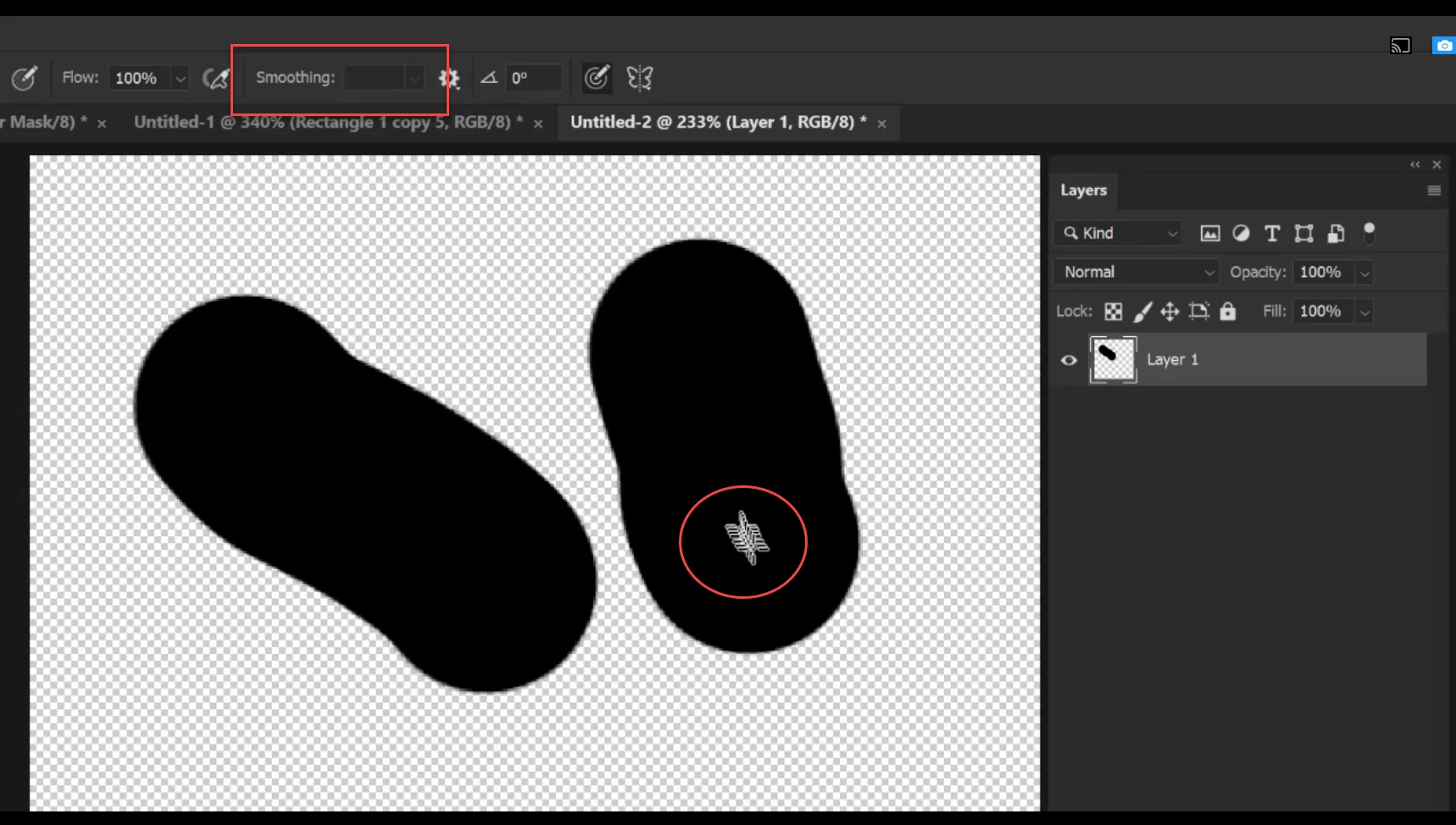
I have two problems. When activate the brush tool, some times curser is not in a round shape but cross shape & how to activate the Smoothing command? video is attached.



This topic has been closed for replies.
Correct answer Myra Ferguson

The brush will show the crosshairs when Caps Lock is enabled.

3 replies

c.pfaffenbichler
Community Expert
Community Expert
October 2, 2023

Could you please post screenshots with the pertinent Panels (Toolbar, Layers, Brush Settings [Is »Smoothing« checked there?], Options Bar, …) visible? 

Myra Ferguson
Community Expert
Community Expert
October 2, 2023

To enable smoothing, adjust the Smoothing slider or enter a value greater than 0% in the Options bar (Window > Options). The gear icon to the right of Smoothing offers additional smoothing options.

MahaB82A
MahaB82AAuthor
October 2, 2023

Smoothing command does not come. Video is attached

MahaB82A
MahaB82AAuthor
October 2, 2023

Okay I got it please ignore this question.

Myra Ferguson
Community Expert
Myra FergusonCommunity ExpertCorrect answer
Community Expert
October 2, 2023

The brush will show the crosshairs when Caps Lock is enabled.

MahaB82A
MahaB82AAuthor
October 2, 2023

Thanks.