Participant
June 13, 2023
해결됨

Bugs in Photophop

  • June 13, 2023
  • 3 답변들
  • 300 조회
Since this last Photoshop update I've been experiencing several issues, 
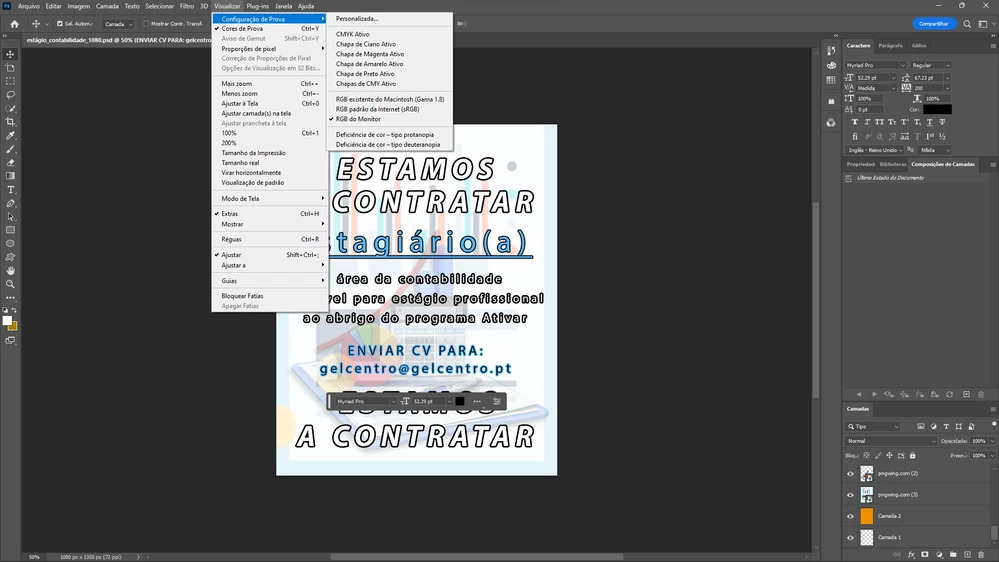
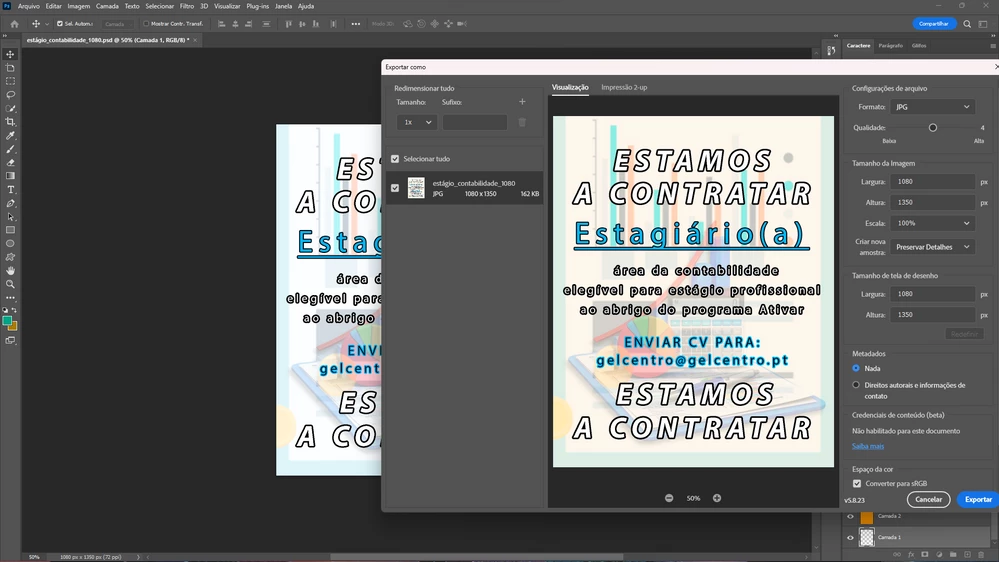
first with the colors, where the projects don't display the correct colors


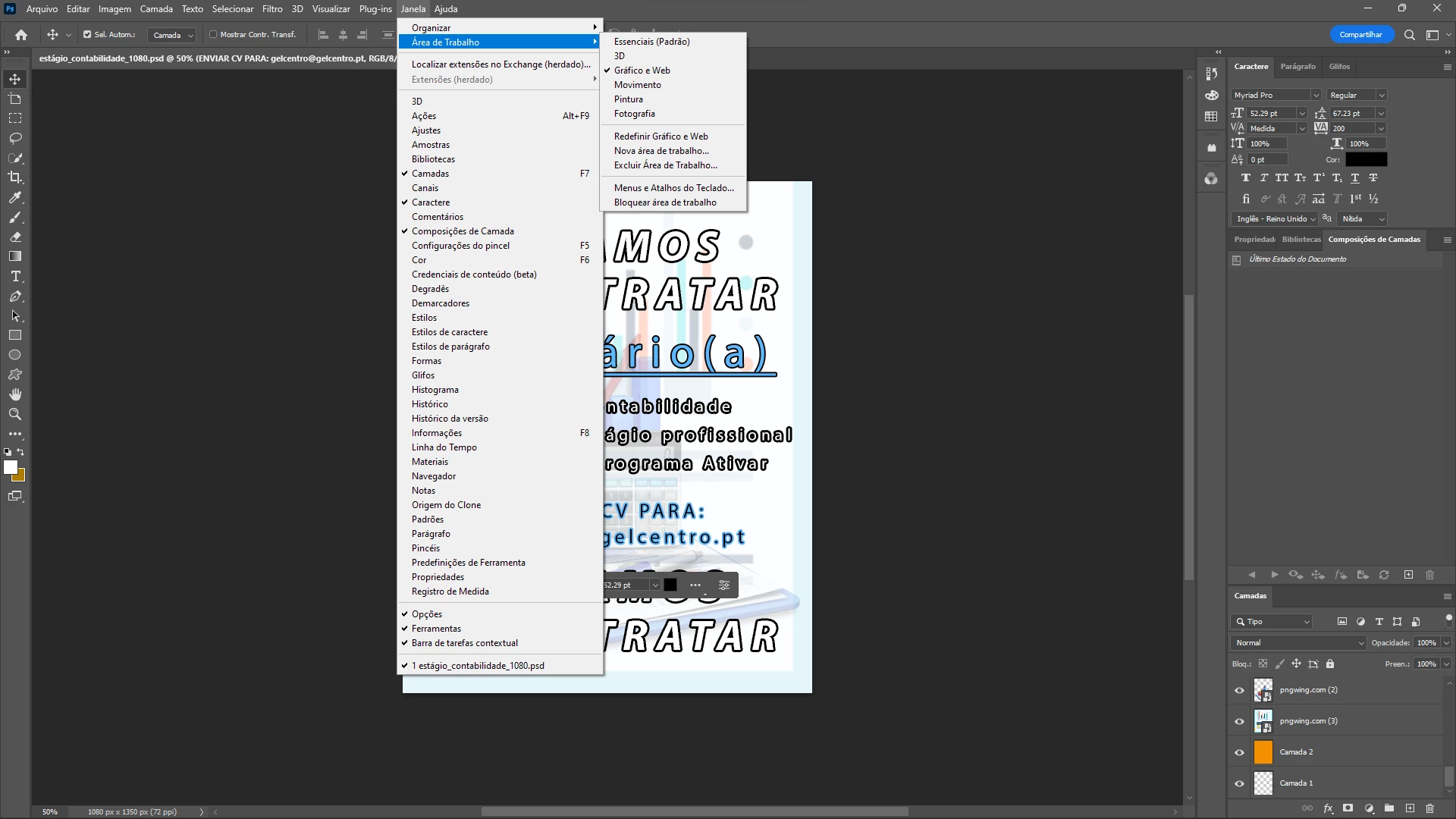
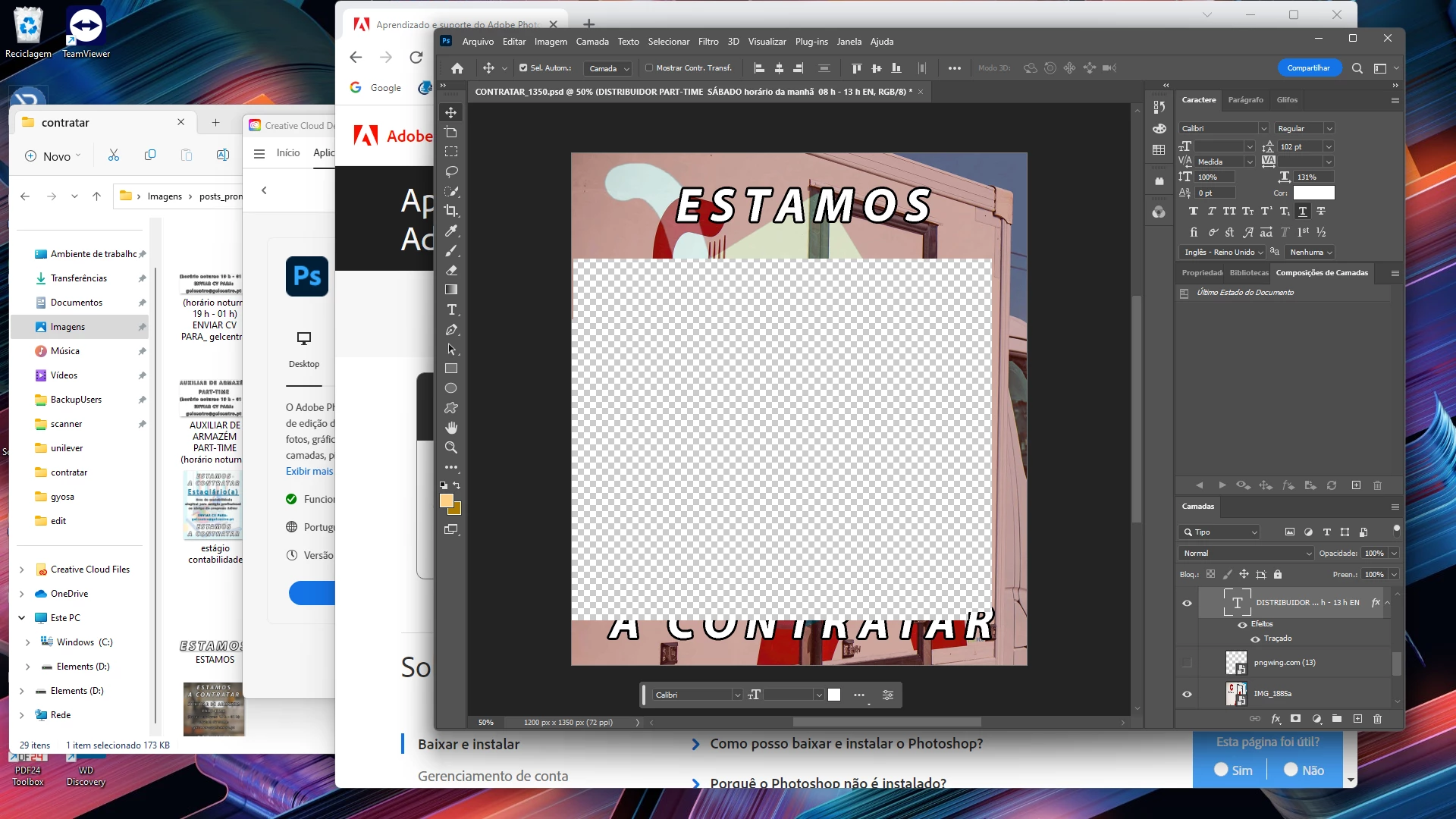
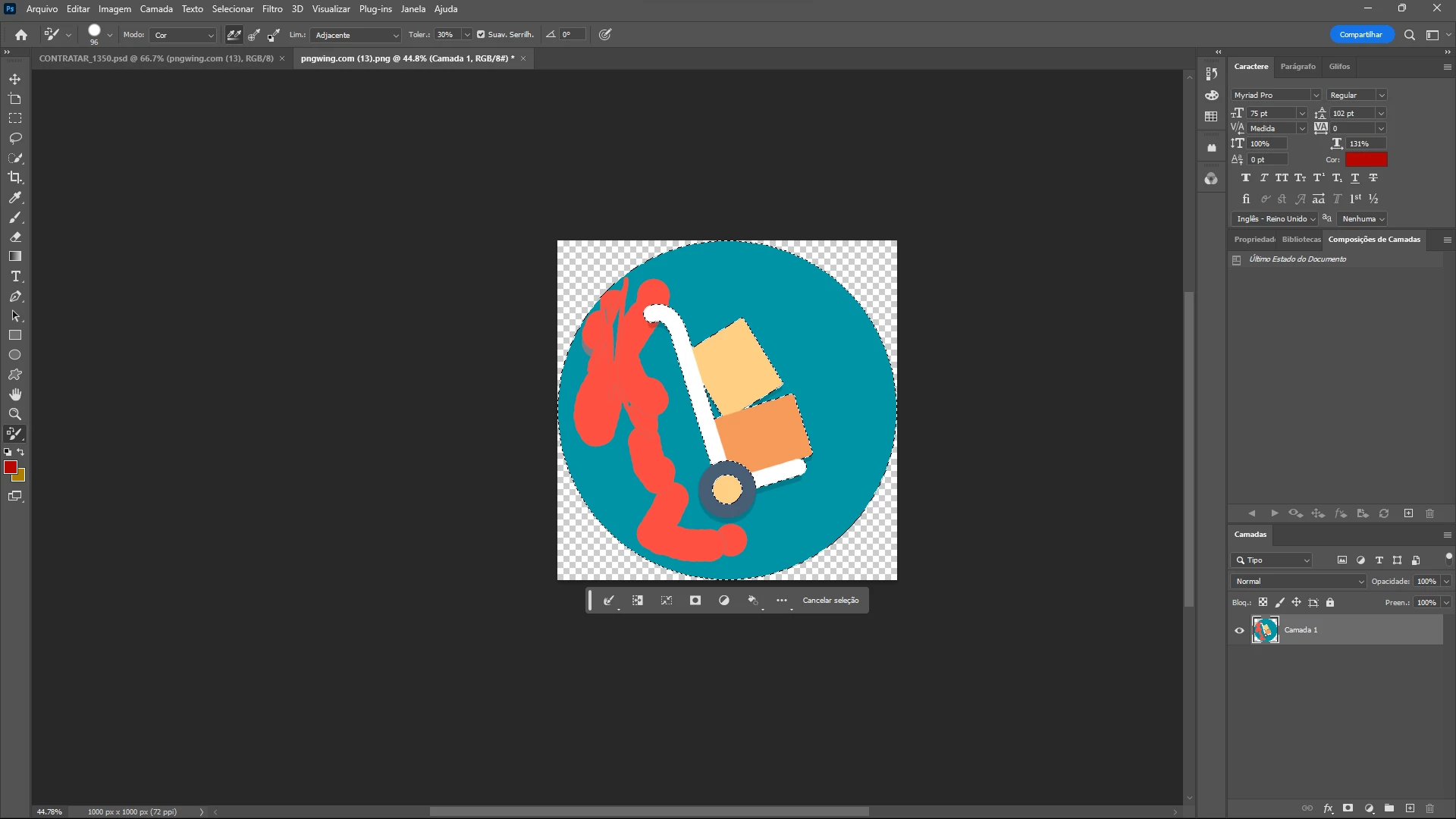
and now with constant distortions of the image
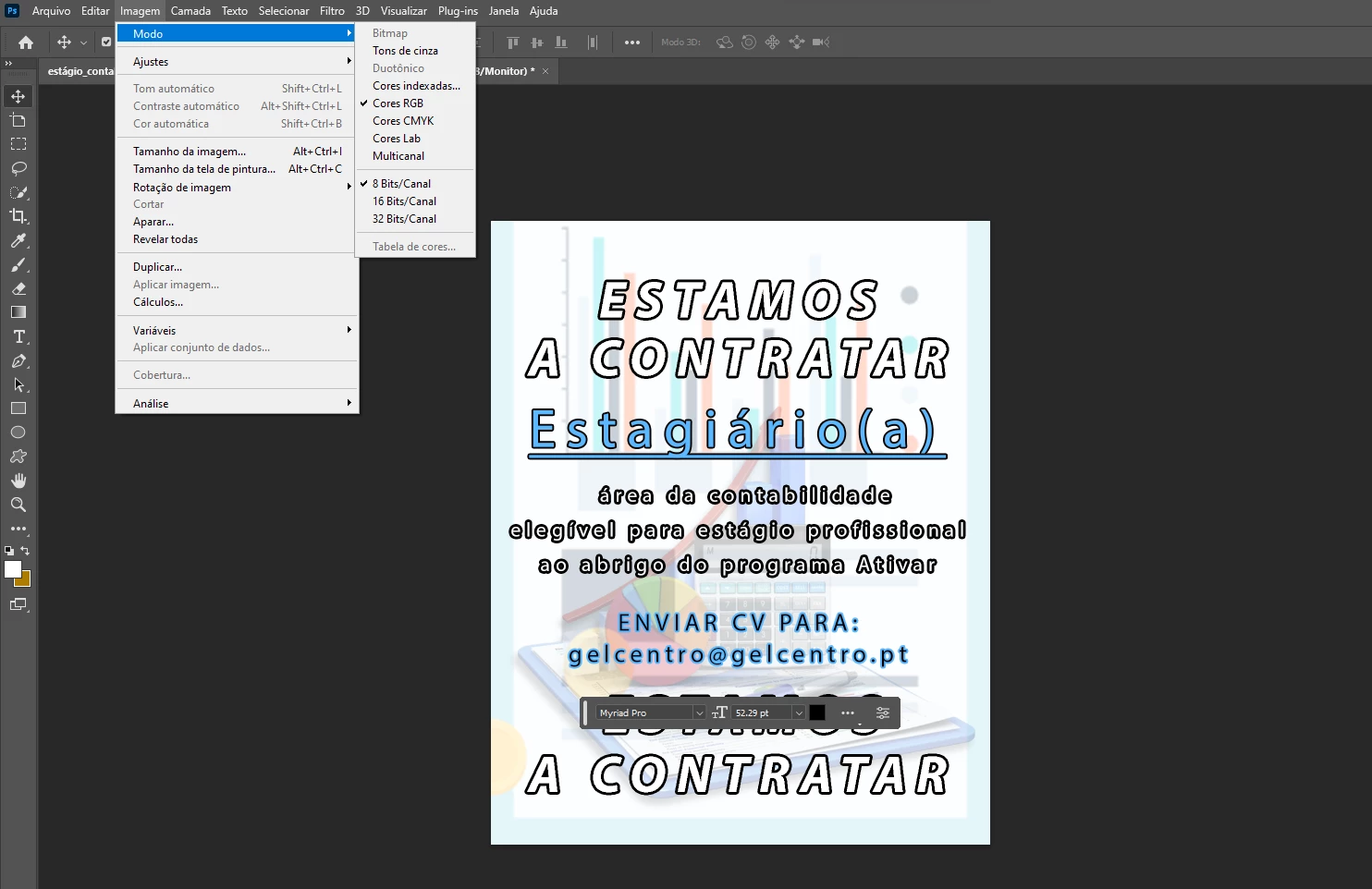

or not showing the pointer/brush.


이 주제는 답변이 닫혔습니다.
최고의 답변: Kevin Stohlmeyer

Hi @Marketing Gelcentro as for the distortion, go to Photoshop Preferences/Technology Preview and check “Disable Native Canvas”. Then check “Use Older GPU Mode (2016)”. Quit and relaunch PS.

As for the color, check your color profiles in Photoshop. When exporting, they default to sRGB profiles.

3 답변

Kevin Stohlmeyer
Community Expert
Community Expert
June 13, 2023

Check your color profile settings under Edit>Color Settings.

https://helpx.adobe.com/photoshop/using/color-settings.html


Participant
June 13, 2023

Hi @Kevin Stohlmeyer "check Disable Native Canvas. Then check Use Older GPU Mode (2016)." - It seems to work!!!


But didn´t understood what to do in relation to the colors...?

Kevin Stohlmeyer
Community Expert
Community Expert
June 13, 2023

Hi @Marketing Gelcentro as for the distortion, go to Photoshop Preferences/Technology Preview and check “Disable Native Canvas”. Then check “Use Older GPU Mode (2016)”. Quit and relaunch PS.

As for the color, check your color profiles in Photoshop. When exporting, they default to sRGB profiles.