



Participant
December 20, 2019
해결됨
Can't see document/window bar, see through to starting menu instead - Photoshop 21.0.2 on Windows 10
- December 20, 2019
- 3 답변들
- 2159 조회
Hello! I have a problem. Whenever I open a document in photoshop I can't see the window/document bar which shows how many documents I have open and which one I'm working on. I also can't see the bar at the top, where you can click for example "Edit" and get a dropdown menu (it might be called something, I'm fairly new to photoshop). I can however still click the different options, but the bar appear invisible. Instead I just see right through to the starting menu in photoshop where you can see your cloud documents and more.
I've tried everything I can think of to solve this problem. I've restarted Photoshop, restarted my computer, reset my preferences, and I've re-installed Photoshop. Nothing works, and I'm desperate for a solution.
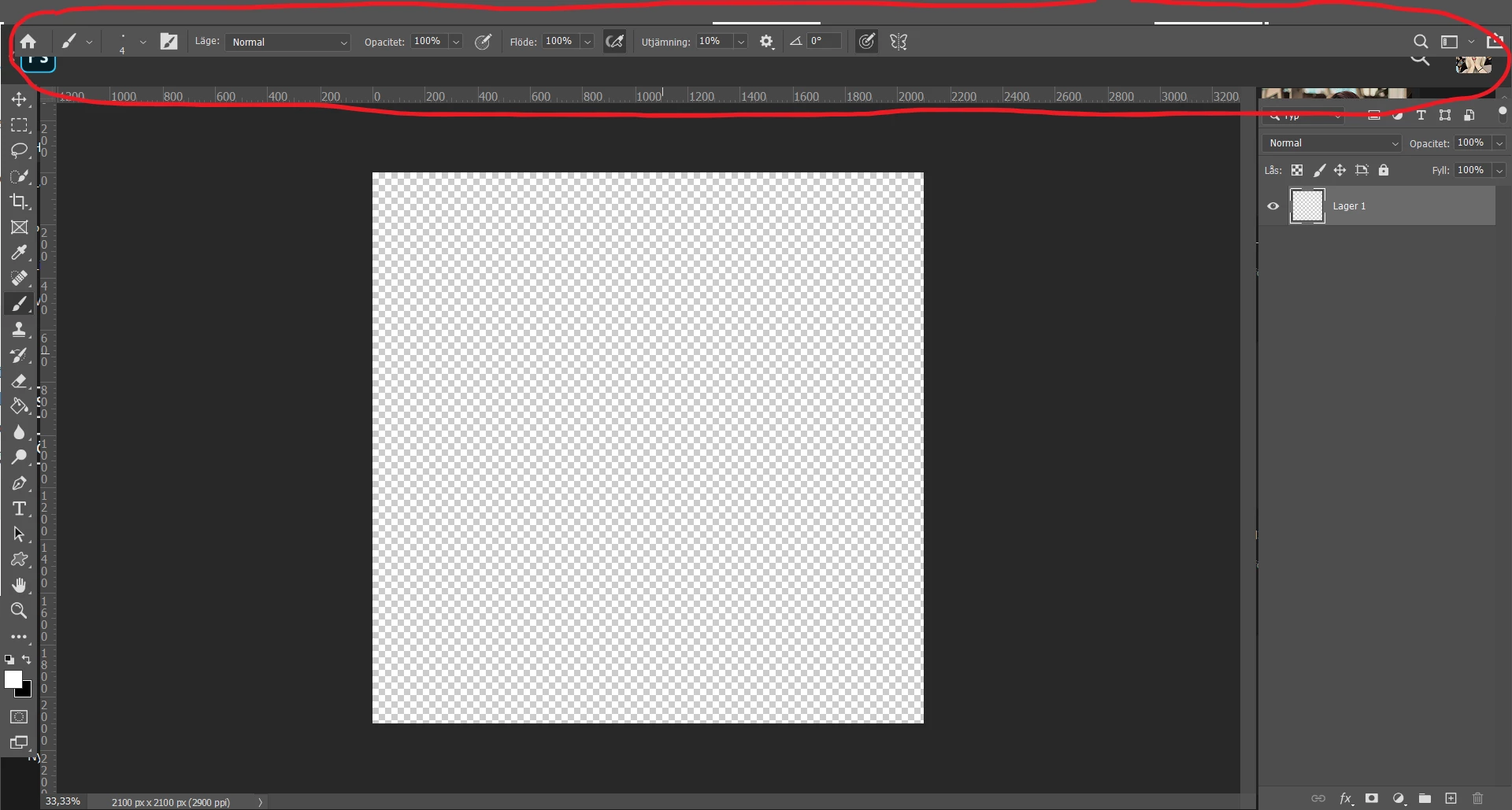
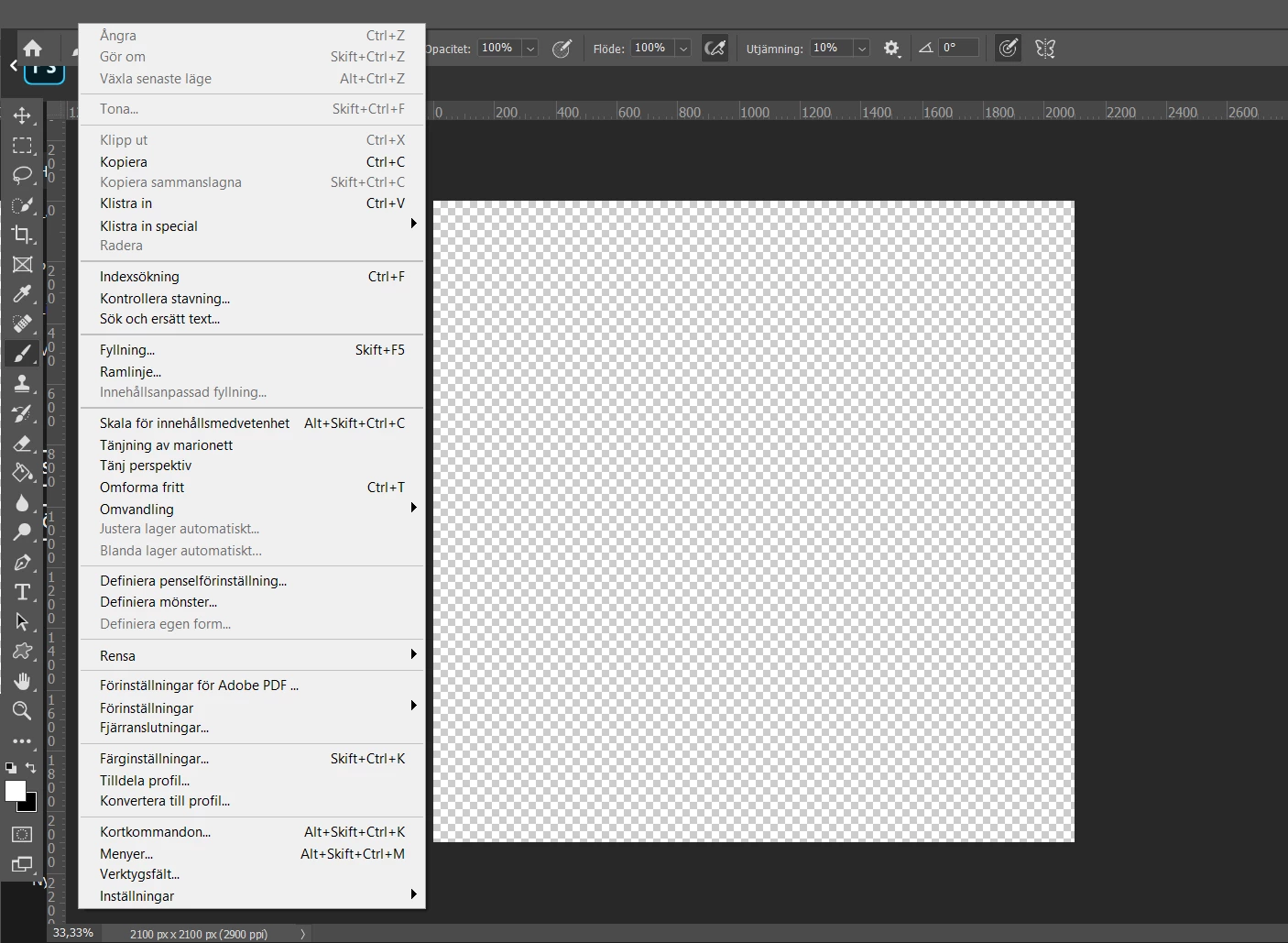
I use Adobe 2020 version 21.0.2 on a Windows 10 HP Pavilion Laptop 15-cd0xx
 AdChoices